GEM5000 Gas Analyzer
Page 67 of 102
10.5 Navigation
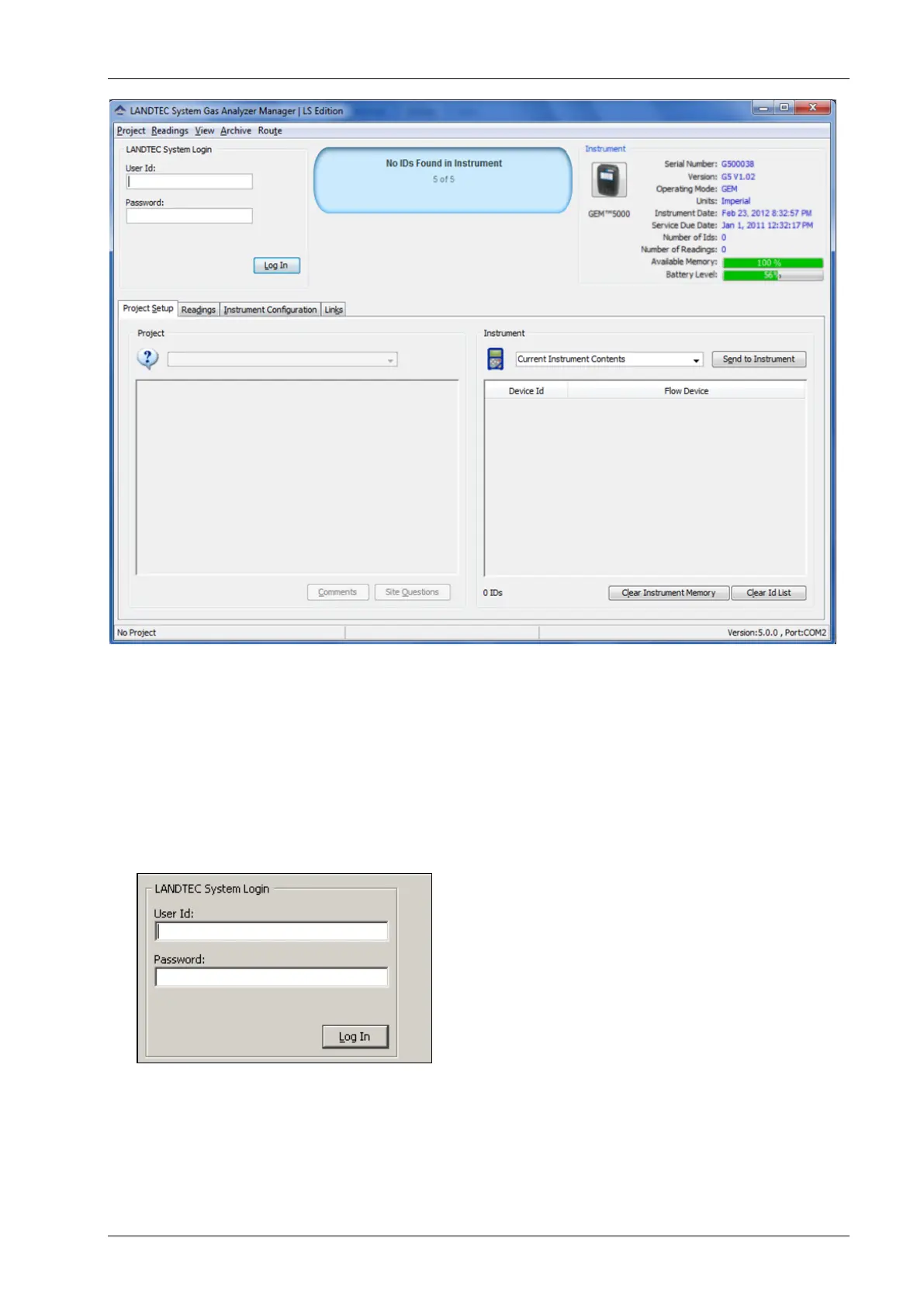
The LANDTEC System Gas Analyzer Manager User Interface allows for easy access and
navigation to various utilities to use the LANDTEC portable instrument on a day to day basis.
The following is a general description of the user interface.
LANDTEC System Login
When LSGAM is used with the LANDTEC System online service, the username and password
will be entered in the screen below, if you are using LSGAM as a desktop application the User
Id and Password fields do not need to be filled in.
The Progress section indicates the status of the current process. For example, when starting
up LSGAM, this will show you the activity of the software.
The Instrument section displays whether or not an instrument is connected. This also
downloads the IDs, readings, and comments. If an instrument is found the following details
are shown about the instrument:



 To Next Page