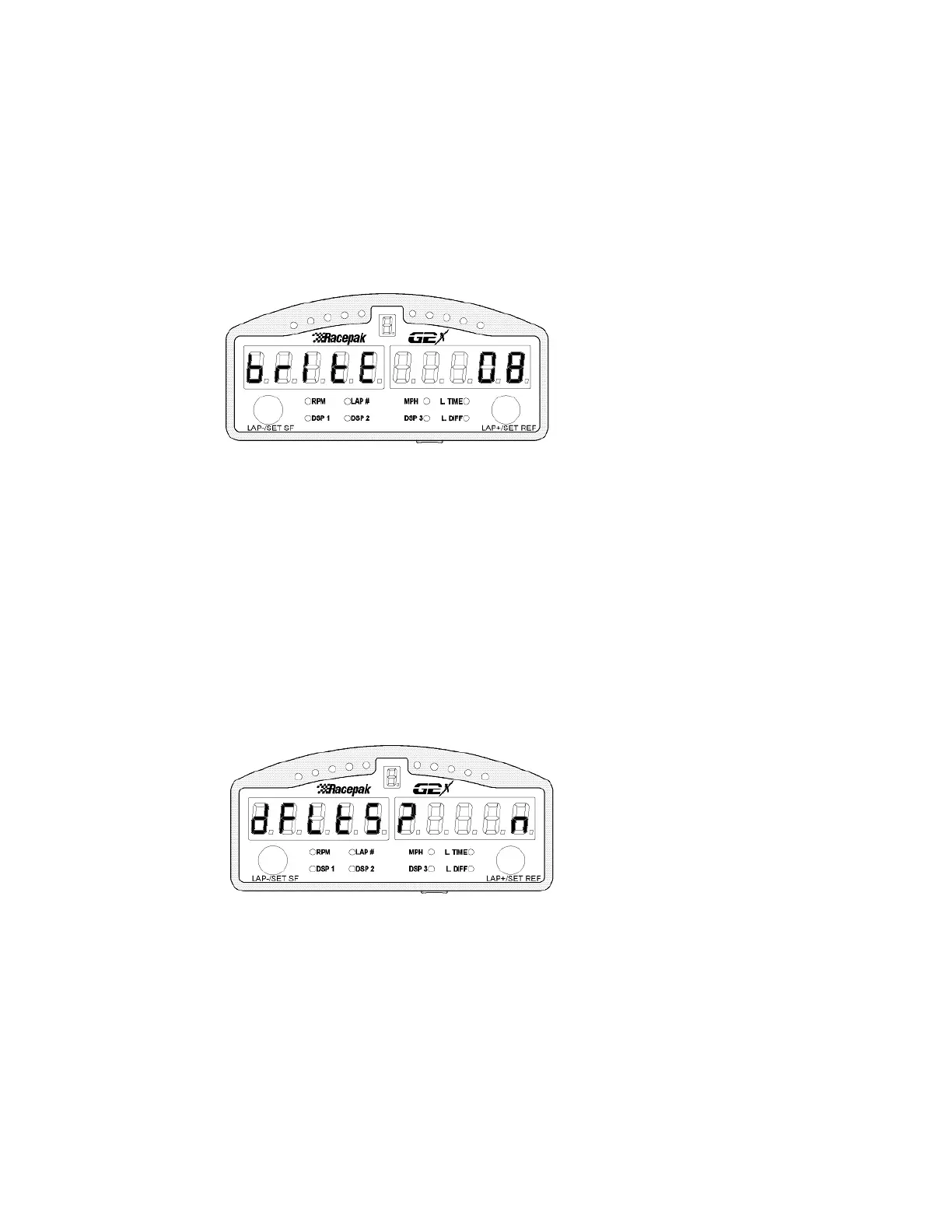
Display Brightness Adjustment
Brightness adjustment ranges from a minimum brightness of 2, to a maximum brightness of 15
Each press increases or decreases by 1.
1) Increase Brightness: Short right press - At 15 returns to 2.
1) Decrease Brightness: Medium right press - At 2 returns to 15
Short left press: Accept selection and go to next setup parameter
Long left press: Save programming and Exit Setup:
Reset Dash to Factory Default Settings
This screen is used to reset the dash to factory configuration. To reset, select Y as shown below. When
the screen is exited the dash will be reset to factory defaults.
2) Y or n: Short right press or Medium Right Press - Toggles between Y and n
Short left press: Accept selection and go to next setup parameter
Long left press: Save programming and Exit Setup
The Default Factory Dash Settings Are As Follows:
V-8 Engine RPM Tach Signal Input with 8 pulses per two revolutions
8000 RPM Shift Point
100 RPM Spread Between Sequential Shift Lights
Speed obtain from GPS
Engine RPM Source - Tach
15



 To Next Page