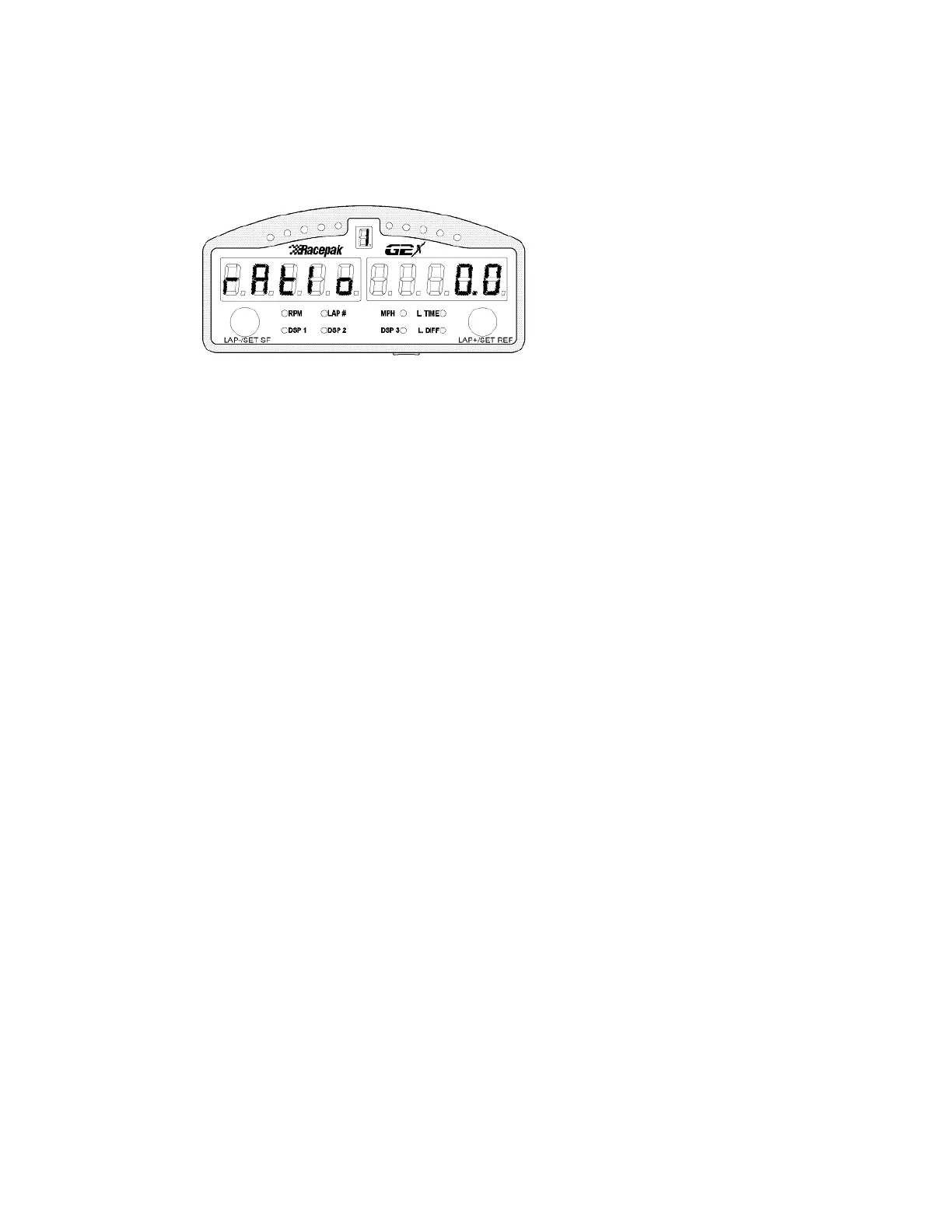
Auto Calibrate Gear Indicator
This step is used to calibrate the gear ratios for up to 6 gears in the vehicle. The gear ratio (and thus gear
number) is automatically calculated for you by the G2X.
1) Ensure that you have properly setup the tachometer signal source (R1 or EFI) and the MPH
source (R2 or GPS) used for the calculations in Setup mode 1.
2) The gear ratio currently being programmed is shown in the gear indicator at the top of the dash.
3) The car should be driven at a safe constant speed in the gear indicated in the gear display in the
center of the dash.
4) When the speed and rpm are constant press and hold the right key for three flashes. The ratio
will be programmed and saved and the programming will step to the next gear.
5) Repeat the process until all gears are programmed. You may skip the programming of any
unused gears by entering a short key press on the left key.
Short left press: Skip Auto Calibrate Gear Indicator, Save Programming and Exit Setup
Long left press: Skip Auto Calibrate Gear Indicator, Save Programming and Exit Setup
Accelerometer Orientation
If the user was unable to install the G2X in the correct direction, this step allows for the reorientation of
the lateral and longitudinal accelerometer. This step will only work if the G2X is installed in any 90
degree direction from recommended. The G2X can not be installed angular to the direction of travel.
This does not zero calibrate the accelerometers, but only selects the longitudinal and lateral
accelerometer.
1) Drive the vehicle in a straight line at approximately 50 to 60 MPH.
2) Apply the brakes so that the vehicle decelerates at a minimum of 0.25g. While decelerating,
press the right key for three flashes.
Short left press: Skip Accelerometer Setup, Save Programming and Exit Setup
Long left press: Skip Accelerometer Setup, Save Programming and Exit Setup
24



 To Next Page