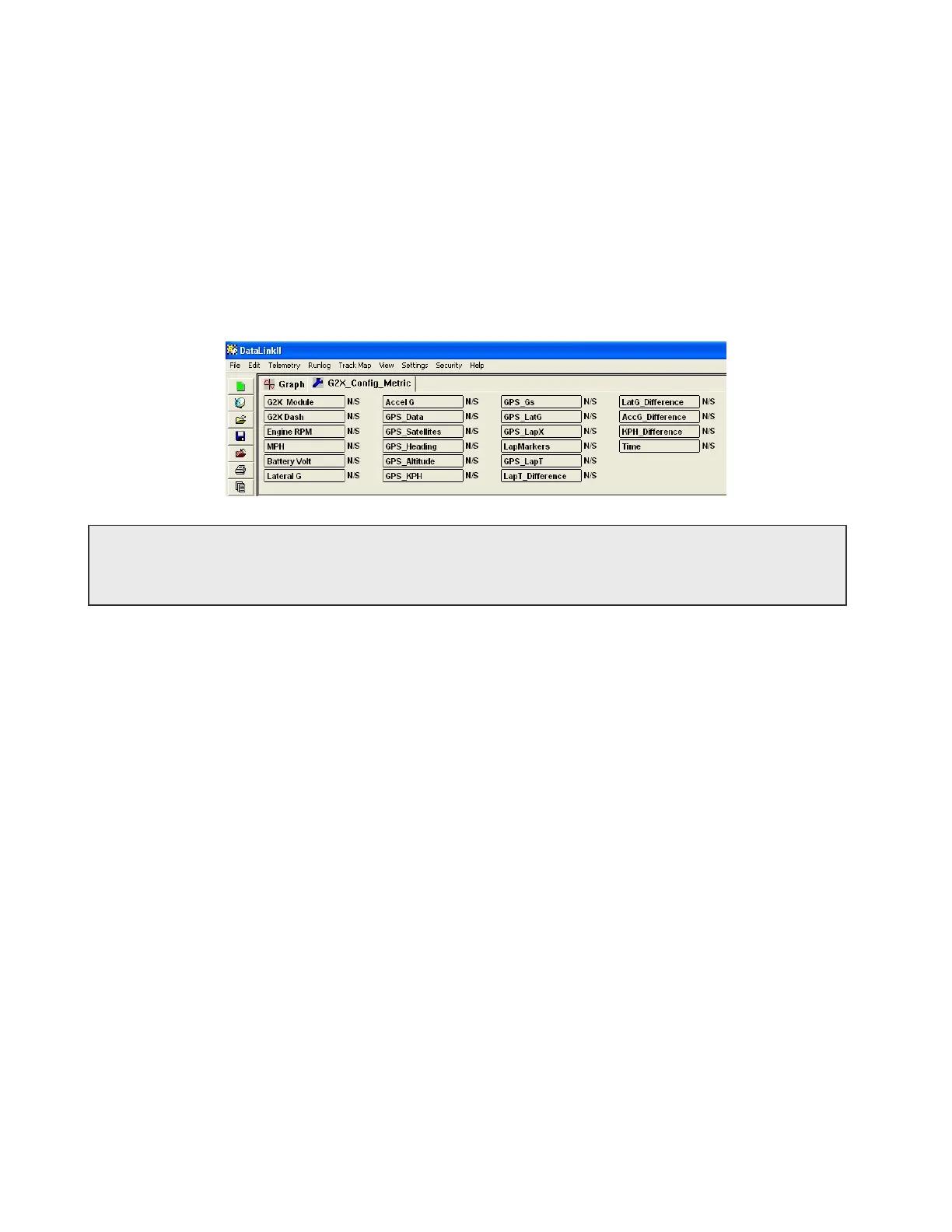
3) Select the folder G2X and then the configuration file G2X_Config_Metric and then select the
OK button to open the configuration file.
4) Select File from the Menu bar.
5) Click on the Default Configuration menu item from the drop down menu. A check mark
should appear before the Default Configuration menu item showing the selected configuration
file is the default configuration.
The DataLink software should now be open, with the G2X_Config_Metric configuration file in view, as
shown in the example below. The blue wrench icon identifies the file as a Configuration File.
For the remainder of this manual, we will refer only to the G2X_Config configuration file. If you
are using the metric configuration, please substitute all references to G2X_Config with
G2X_Config_Metric.
Working with the G2X_Config Configuration File
As was discussed above, the G2X_Config configuration file contains the setup of your data logger, dash
display and data analysis screens as well as information entered by the user concerning track, weather
and car setup data. Each time new data is uploaded from your data logger the information contained in
the configuration file is copied into the newly created run data file along with the data recorded. The run
data file then becomes a permanent record as to the setup of your data logger, vehicle, and weather
conditions at the time of the run as well as containing the actual run data.
To get the most of your new system, you will want to keep the configuration file up to date by editing
and saving the setup information in the configuration file prior to loading new data from the data logger.
If you forget the information can also be edited directly in the run data file. You will also need to edit
the information in the configuration file if you wish it to be copied into the next new run data file.
Modifying the Data Logger Setup
In most cases the factory default setup of the G2X data logger system will meet your testing needs or
can be modified by using the dash setup modes as discussed in previous portions of this manual. In
certain applications for special testing you may need to modify setup features of the G2X data logger not
accessible through the dash commands. In these cases the DataLink software and the G2X_Config
configuration file is used to perform the modifications.
40



 To Next Page