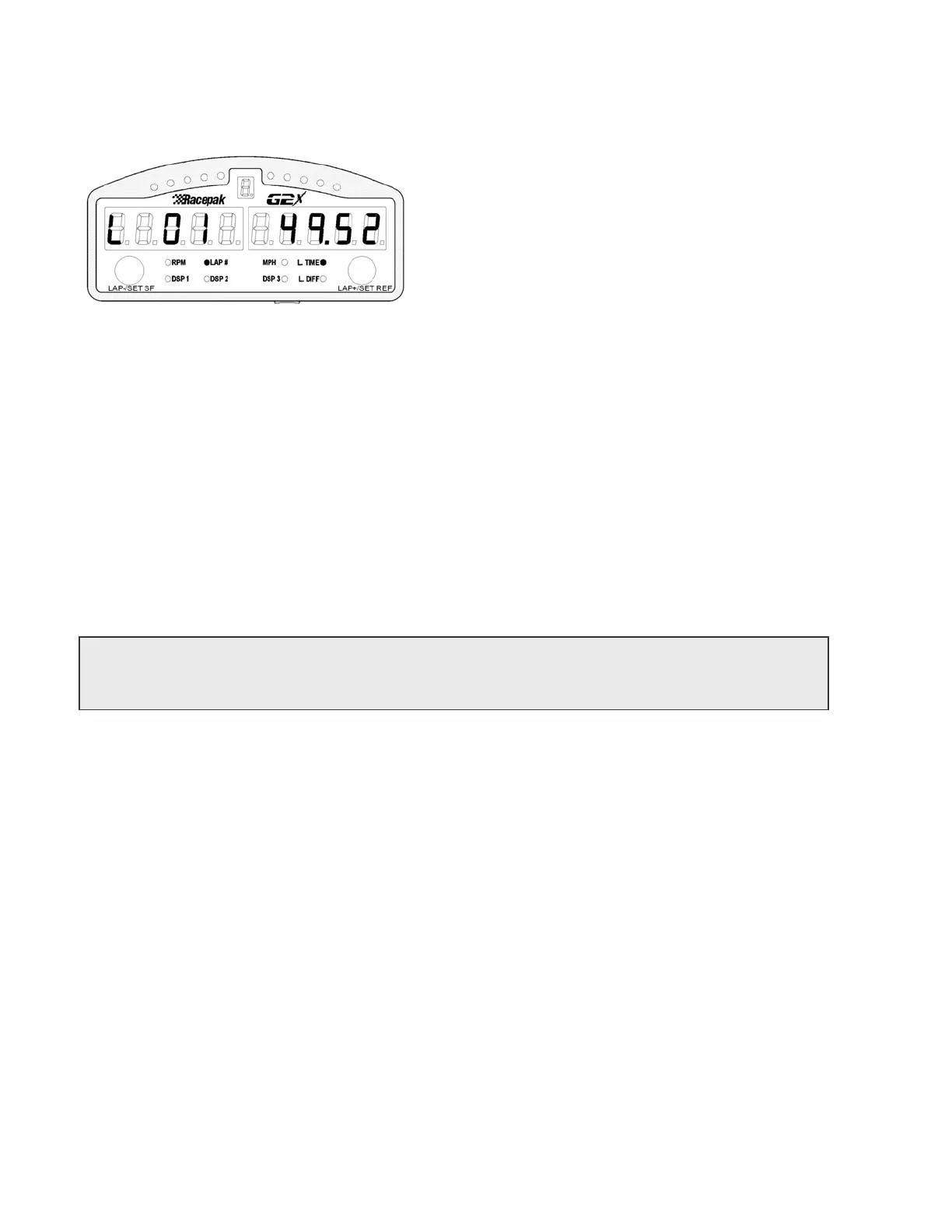
Replay Lap Display Mode
La
Number and La
Time
Any time the vehicle is stopped, with the engine shut off (when RPM input is available) the Lap Number
and Lap Time screen is in view. This enables the user to review lap data at the most convenient time,
when the vehicle is stopped. While the Display Dash is in Replay Lap Mode the button keys perform
the following functions.
1) Short right key press
→ Increment lap number and time
2) Short left key press
← Decrement lap number and time
3) Long right key press →| Jump to last lap number and time
4) Long left key press
|← Jump to first lap number and time
Tip: Any time the Display Dash is in Replay Lap Mode, the Gear Indicator displays the number
of satellites currently in view and locked.
Setup Mode
In addition, the Display Dash can also function as a programming device, allowing access to the G2X,
thus eliminating the need to connect the user’s PC to the G2X, in order to program to most commonly
changed functions. Some of the more advanced functions must still be programmed using the serial
cable and a PC. When functioning as a programming device, the following two modes are enabled:
SETUP Mode 1: Stationary Setup
Settings that do not require the vehicle to be moving. An example of this type of setting would be
Display Brightness.
SETUP Mode 2: Moving Setup
Settings that require the engine running and the vehicle in motion. An example of this type of
setting would be Gear Indicator ratios.
33



 To Next Page