Adjusting On-Screen Font Size
The on-screen font size of the Channel Button and Runlog areas may be enlarged or reduced, to suit the
users needs. To adjust the size:
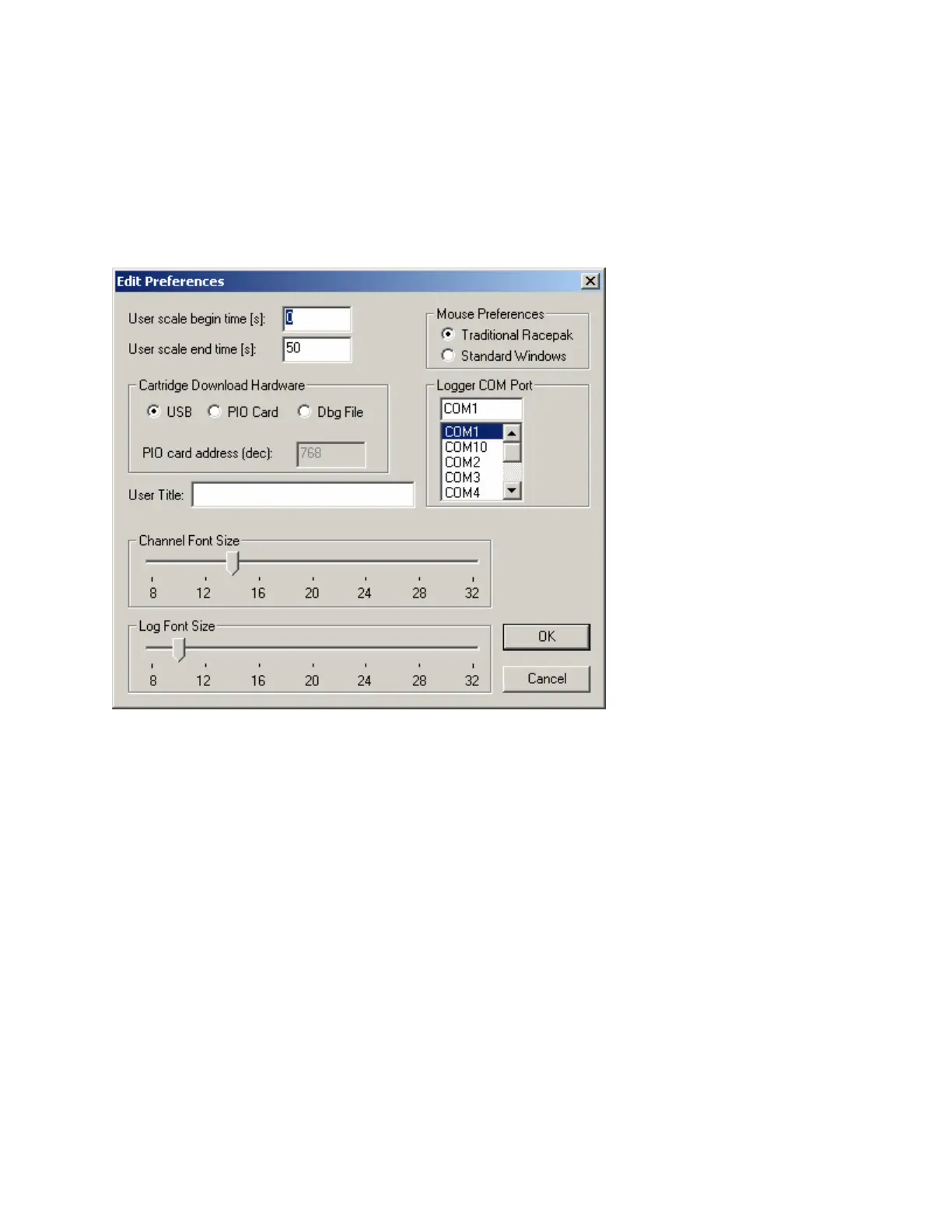
Select Preferences, then Settings from the Main Menu. The following dialog box will be displayed.
Adjust the Channel Button font and Runlog font through use of the slider bar located below each
heading, according to the user’s preference.
Now that the initial on screen appearance changes are complete, we can now proceed to opening and
reviewing data.
94



 To Next Page