Trackmap Creation (Closed Course - Oval & Road Race)
Upon download of the initial run, it is advisable to quickly check two channels, to verify system
operation. Two suggested channels are the GPS_MPH and GPS_Satellites. Typically, if those two
channels are correct, all the remaining GPS functions will be correct.
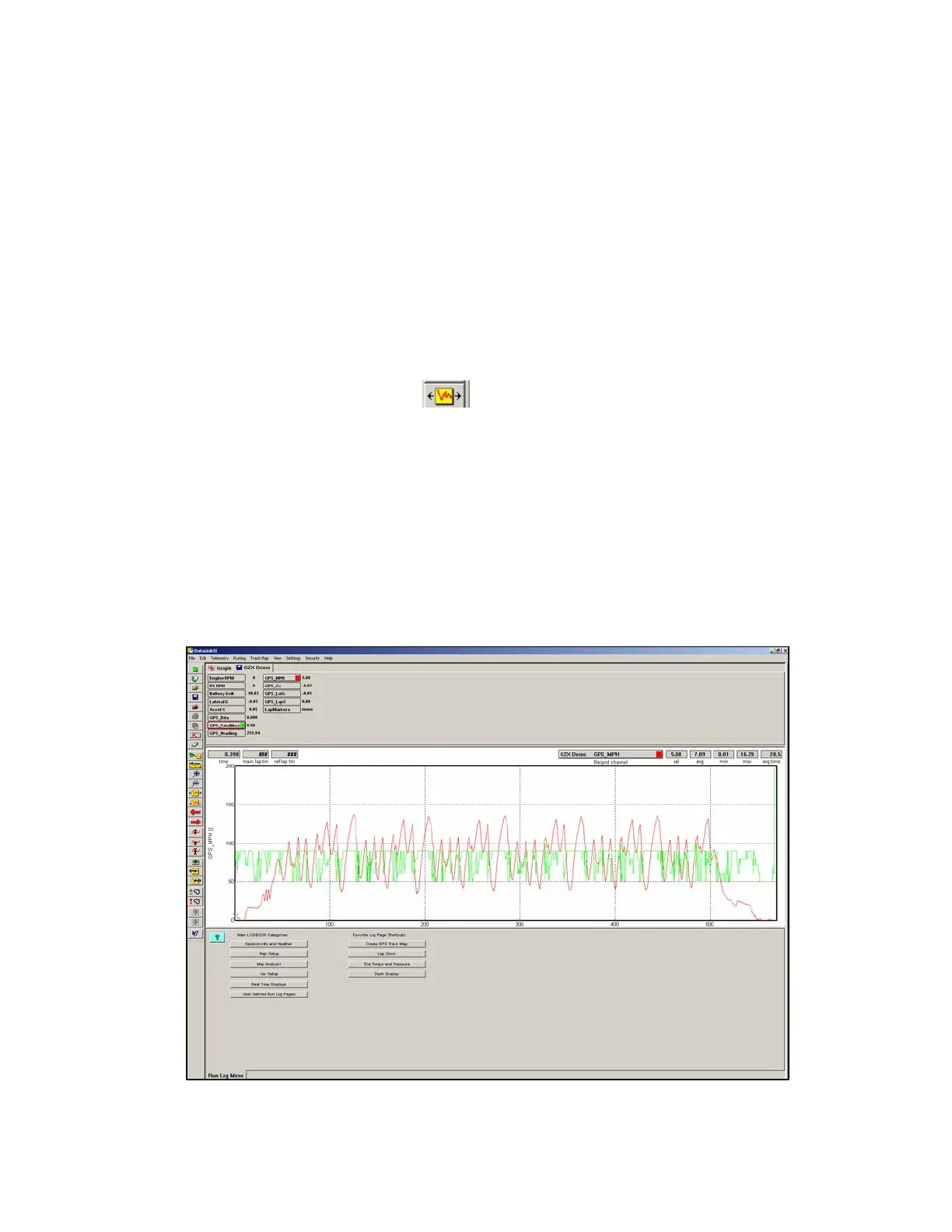
At this time, the initial run should be in view, in the DataLink software. To graph the GPS_MPH
channel:
1. Place the mouse cursor over the GPS_MPH Channel Button and left click.
2. The GPS_MPH data should now be in view, in the Main Graph area.
3. Locate and left click the Autoscale icon,
located in the vertical icon list on the left side of the
screen. All graphed data, from the start of logging until the end of logging, will be displayed.
4. Next, graph the GPS_Satellites channel by placing the mouse cursor over the GPS_Satellites
Channel Button and left clicking. This action will display the number of satellites utilized by the
G2X, during this particular run.
5. A minimum of three satellites are required at any given time in a run, in order to produce
valid data. Typically, the G2X will utilize between three and seven satellites.
Your screen should appear as shown below:
52



 To Next Page