For a run at a new location that does not detect any previously saved track maps within that five mile
radius, the above Create New message will appear in the Map Select Dialog Window. Since these
instructions assume this is the first download for a new G2X system, select Next
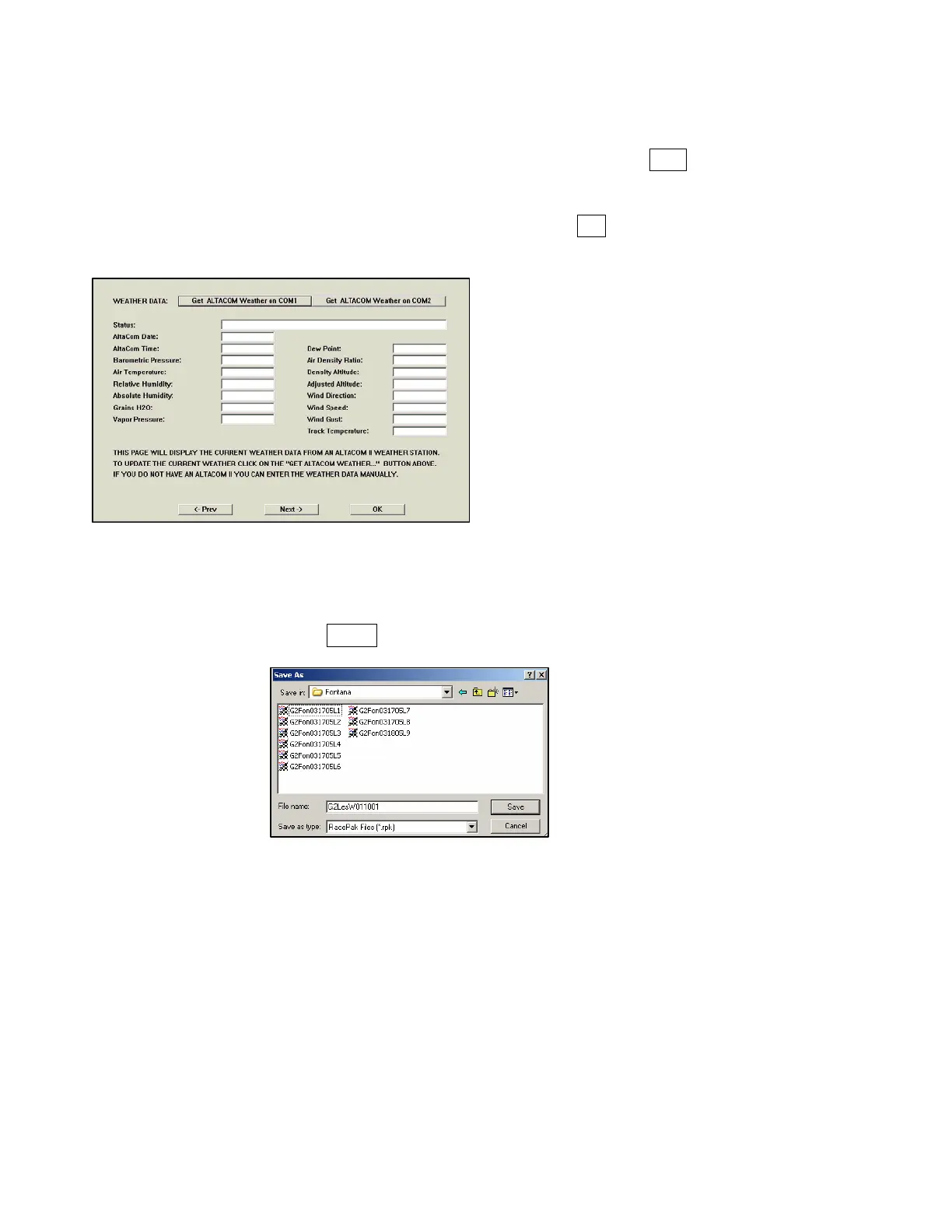
The Weather dialog box will be presented. If desired, enter the current weather conditions. If not
desired, this information can be entered at a later date, then select OK.
The final dialog window to be presented to the user is the Save window. This allows the user to review
the save location and Runfile number. If any changes are desired, they made be performed at this time.
If no changes are desired, select SAVE.
At this time, the Runfile is now open the DataLink software. The next step is to create a GPS track map.
51



 To Next Page