G2X Demo
PC Screen Resolution Settings
Before reviewing the demo data, it is helpful to verify the PC screen resolution is set to the highest
possible level. Doing so insures that all icons are visible. In addition, the greater the resolution, the
better the graphed data will appear. For some users, higher screen resolution can create smaller Desktop
Icons. This can also be adjusted, following the screen resolution change.
1. Close the Datalink program.
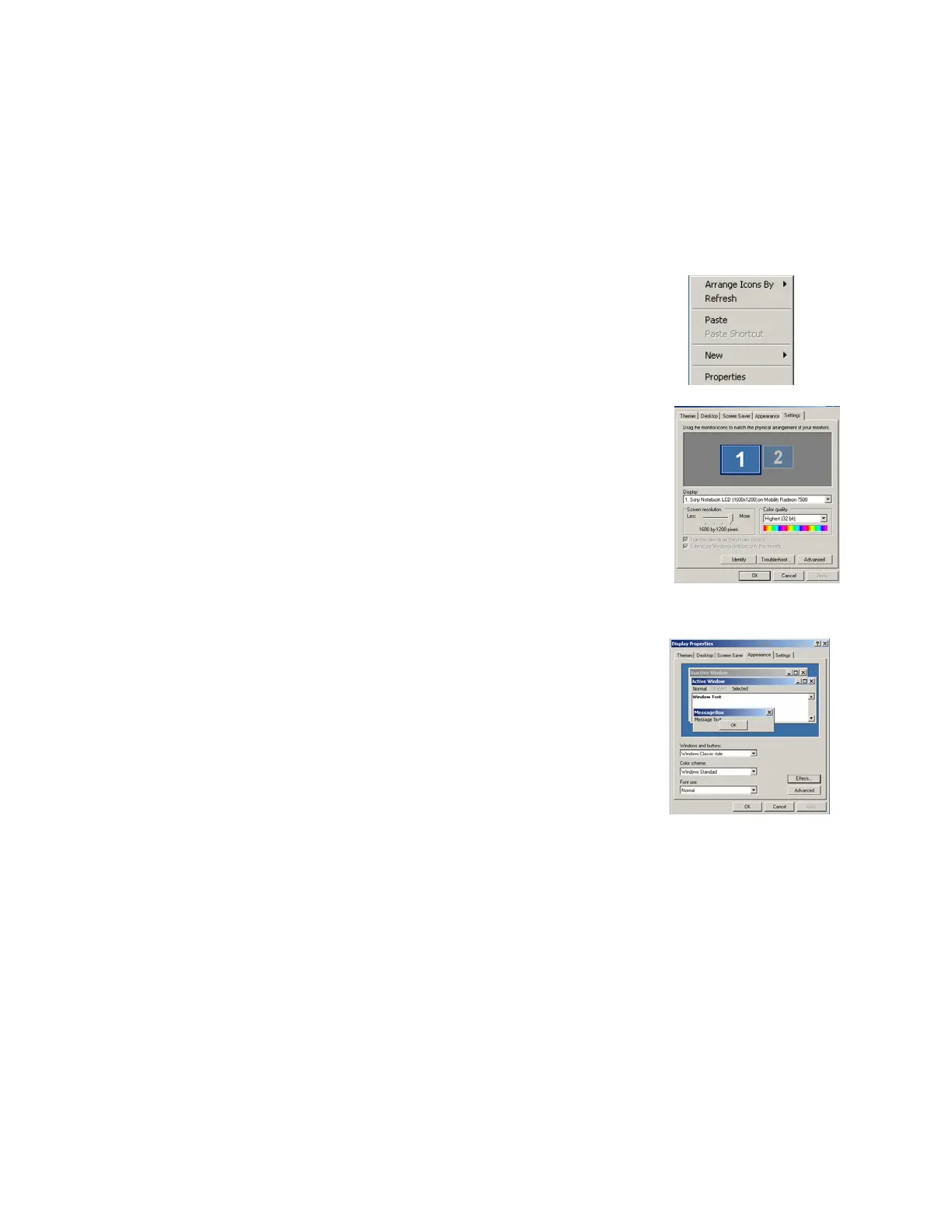
2. Place the mouse anywhere in the desktop area and right click.
3. Select Properties in the dialog window. This action will open the
Display Properties dialog window.
4. Select the Settings tab.
5. Place the mouse cursor over the Screen Resolution slider and move
until a setting of 1024 x 768 or higher appears.
6. Select Apply.
7. Select OK.
If the above settings create small desktop icons, it is possible to adjust the size of the icons. To do so:
a) Utilizing the above dialog window, select the Appearance tab.
b) The Font Size may now be adjusted to user preference, from within
this area.
91



 To Next Page