Opening a Lap
At this time, the G2X_Demo Runfile should be open. The Datalink software saves individual lap data,
with corresponding laptimes (called a Lapfile) within the Runfile. Simply worded, a Runfile is a folder
with all the laps placed inside.
To open a lap:
Place the mouse cursor over the G2X_Demo tab
and Right click.
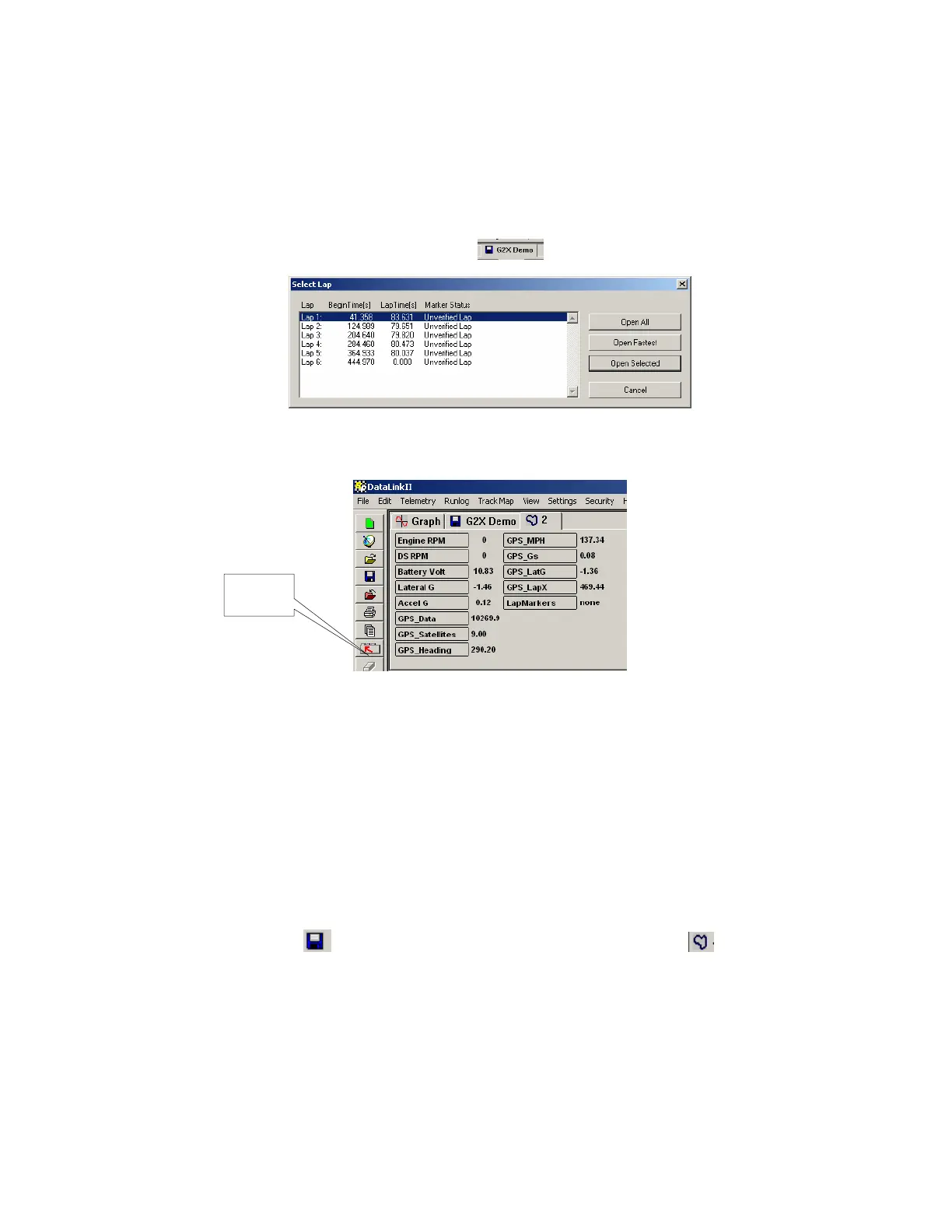
Left click the Open Fastest button. The fastest lap (2) will now be displayed, as shown below.
Channel
Buttons
All of the data channels that were active during this test run are now in view in the Channel Button area.
However, no graphed data will appear, until the user selects any of the Channel Buttons, as discussed in
the next section.
Referring back to the above Select Lap dialog window, laps can be opened by three different methods:
Open All: This will automatically open all laps contained within the Runfile
Open Fastest: This will open only the fastest lap.
Open Selected: This will open one lap, as selected by placing the mouse cursor over the desired lap
and left clicking.
A Runfile is indicated by the
blue disk icon and a Lapfile is indicated by the blue track map
icon, along with the corresponding lap number.
95



 To Next Page