Step 2: Updating the G2X_Config Configuration file.
After you have added the new hardware modules to your G2X system you will need to update the
G2X_Config configuration file before you will be able to record and view data from your new sensor
modules. To update your configuration file connect the G2X serial cable from your PC to the G2X data
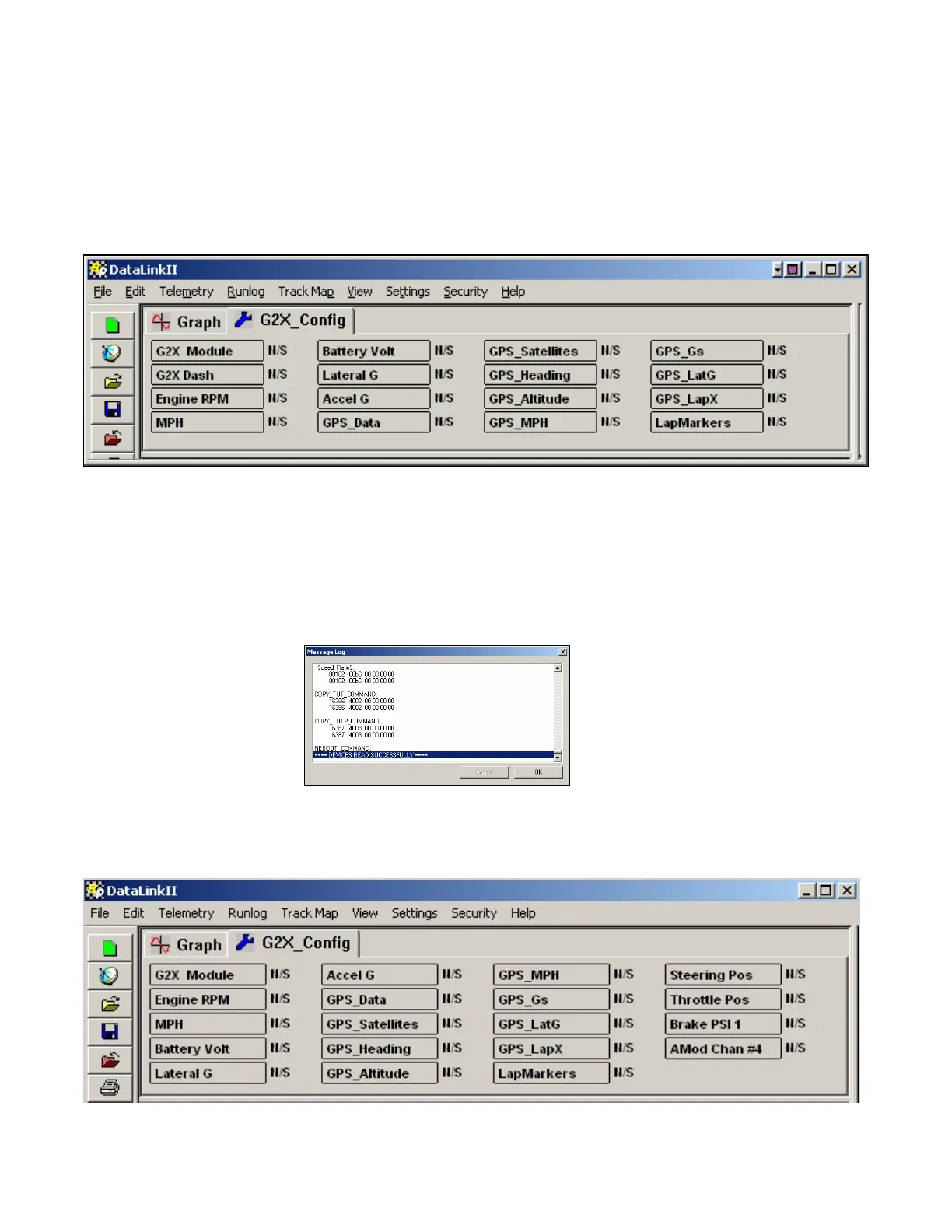
logger. Next, turn on power to your G2X data logger and run the DataLink program. Your screen will
appear as shown below.
Insure that all files, other than the G2X_Config file are closed, at this time.
Next select the Read VNet Config menu option located in the Edit main menu selection. When
selected, a Message Log dialog box will be displayed and the read configuration process will begin. As
the information is read, a log of the status will be displayed on the Message Log dialog box. When
completed the following Message Log dialog box will be appear as shown below.
The message Devices Read Successfully should appear at the bottom of the dialog box indicating the
read was successful. Click OK to continue. A new channel button will be added for each new sensor
added to your G2X system and the G2X_Config configuration file will be updated as shown below.
46



 To Next Page