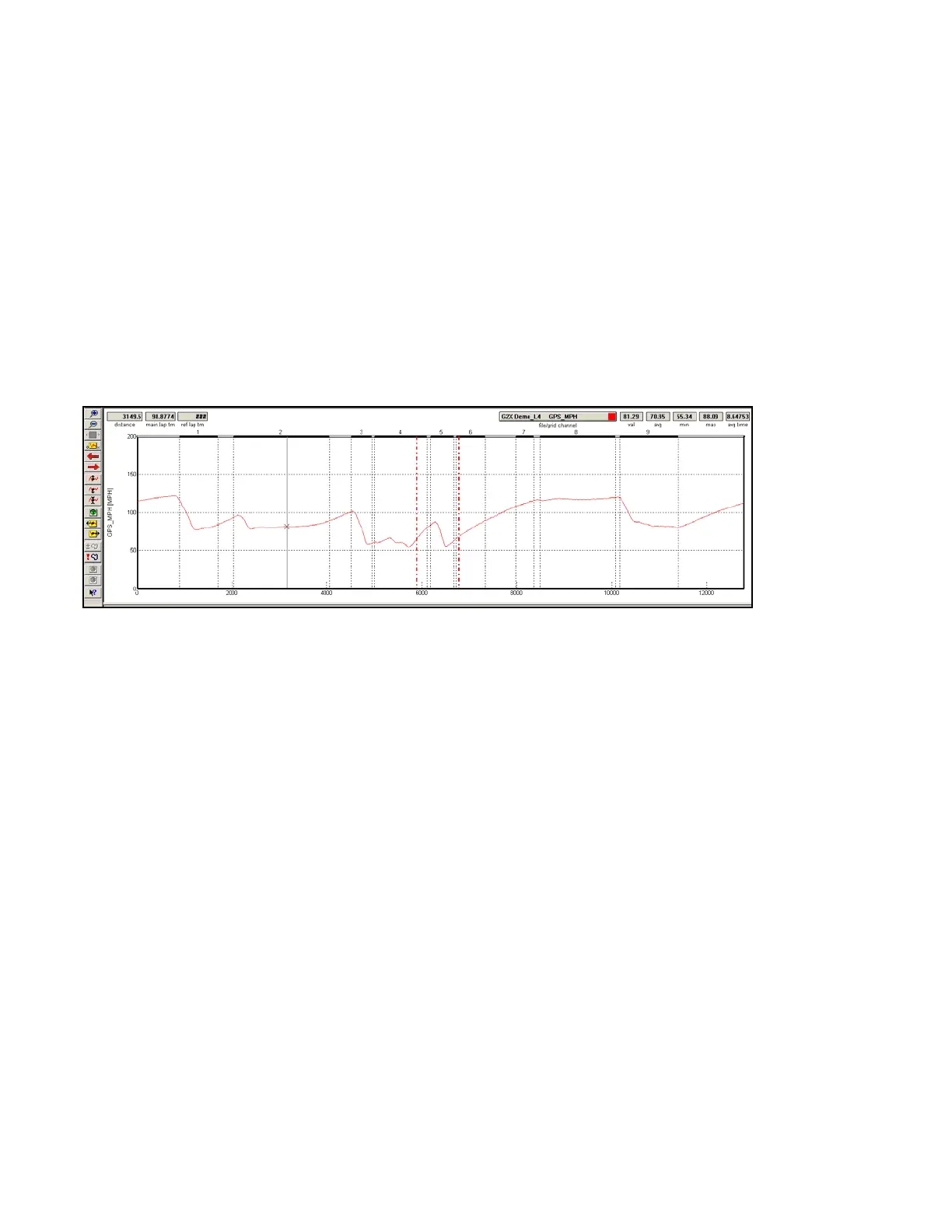
Move the graph cursor to the desired starting point and press the [ key on the keyboard. A vertical bar
will be displayed on the graph.
Move the graph cursor to the desired ending point and press the ] key on the keyboard. A second
vertical bar will be displayed on the graph.
The Channel Grid Display will now be updated to show the current, average, minimum and maximum
values between the two Averaging cursors. To view the average values of other graphed channels
simply press the Tab key or move the mouse cursor over the Channel Grid Button and click the left
mouse button as described above.
To remove the averaging cursors from the display simply press the [ key and then the] key without
moving the graph cursor. The Averaging Cursors will be removed.
71



 To Next Page