1
st
Edition 4-5
Embedded Software Setup
Having configured and installed your
PowerPact6 processor; installed, set up and
started host system software – terminal
emulator, FTP server etc.; and determined
relevant TCP/IP network settings, you are
now ready to start your processor for the
first time.
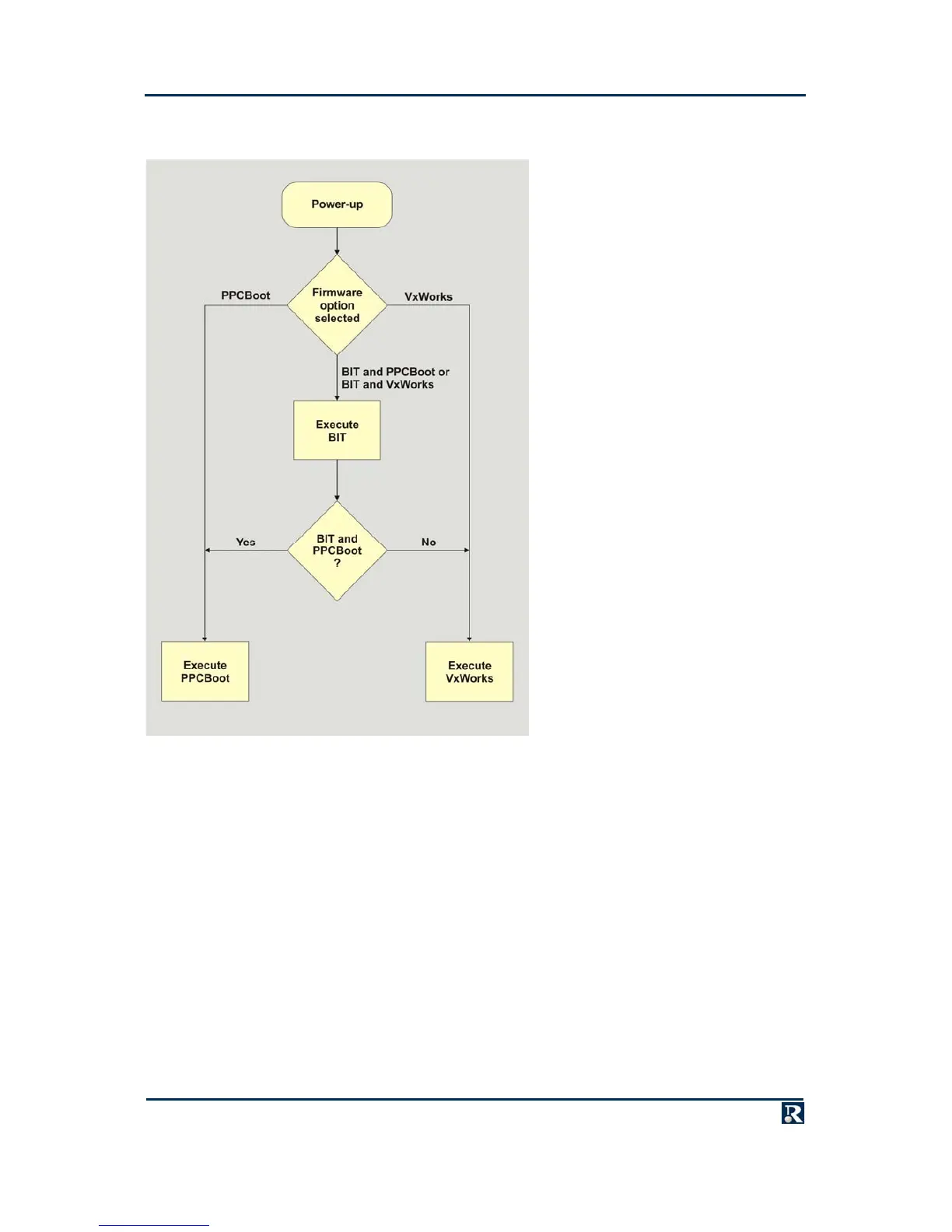
On power-up, assuming no chassis
problems, the processor should auto-boot its
embedded software package. Boot sequence
details are displayed in the terminal emulator
window (terminal screen or monitor). If the
boot sequence appears not to initiate, power
down the system and check all RS232 and
monitor connections. Also check that the
PowerPact6 processor is inserted into the
appropriate slot correctly. PowerPact6 LED
illumination does not necessarily indicate
that the board is correctly installed.
As previously described, PowerPact6
processors may be supplied with different
types/combinations of pre-installed
embedded software. To identify the software
shipped with your PowerPact6, see the
Product Code Breakdown section. Initial
startup conditions and default setup
information for each embedded software
type are given in subsequent sub-sections.



 To Next Page