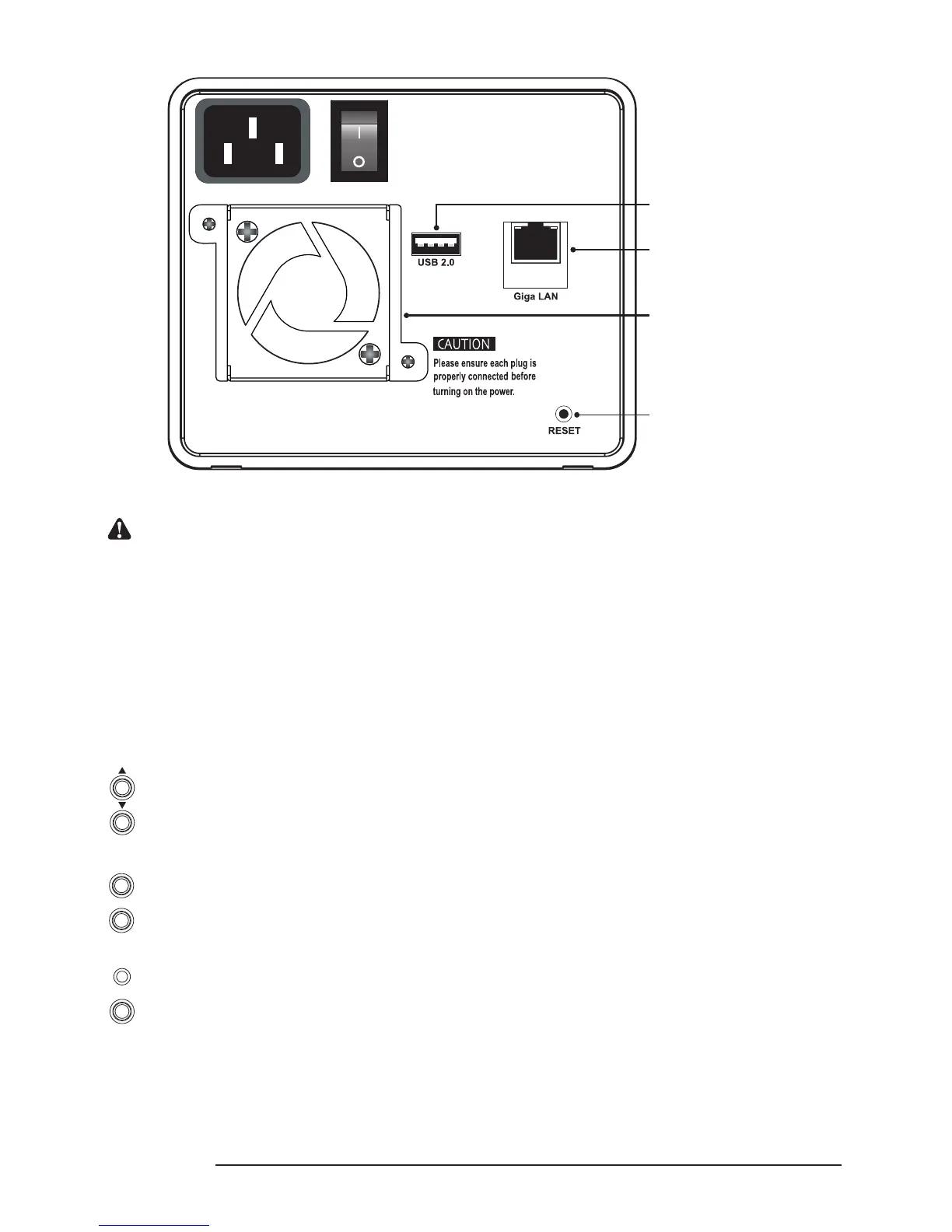
SL3620-2S-LB2
Notice : 1. The indicator on the left will light on green when Gigabit LAN Port is connected to Gigabit LAN and the
indicator on the right will light on orange when Host Access is enabled.
2. With startup completed, press and hold the “Reset” key for 5 seconds and the system will be reset to
default settings. (SL3620 Only)
3. SL3610 and 3620 use 6cm and 4cm Smart Fan separately, which will adjust the rotation speed by the
temperature control system.
2.2 Messages Shown on LCD & LED Instruction
1. SL3610 LCD Buttons & Messages Shown on LCD
● LCD Button
Up & Down
Back
Enter & Conrm
Blue Light: Normal
Purple Light: Overheat, Fan Failed, HDD Failed
Mute Button: Buzz off / Buzz on



 To Next Page