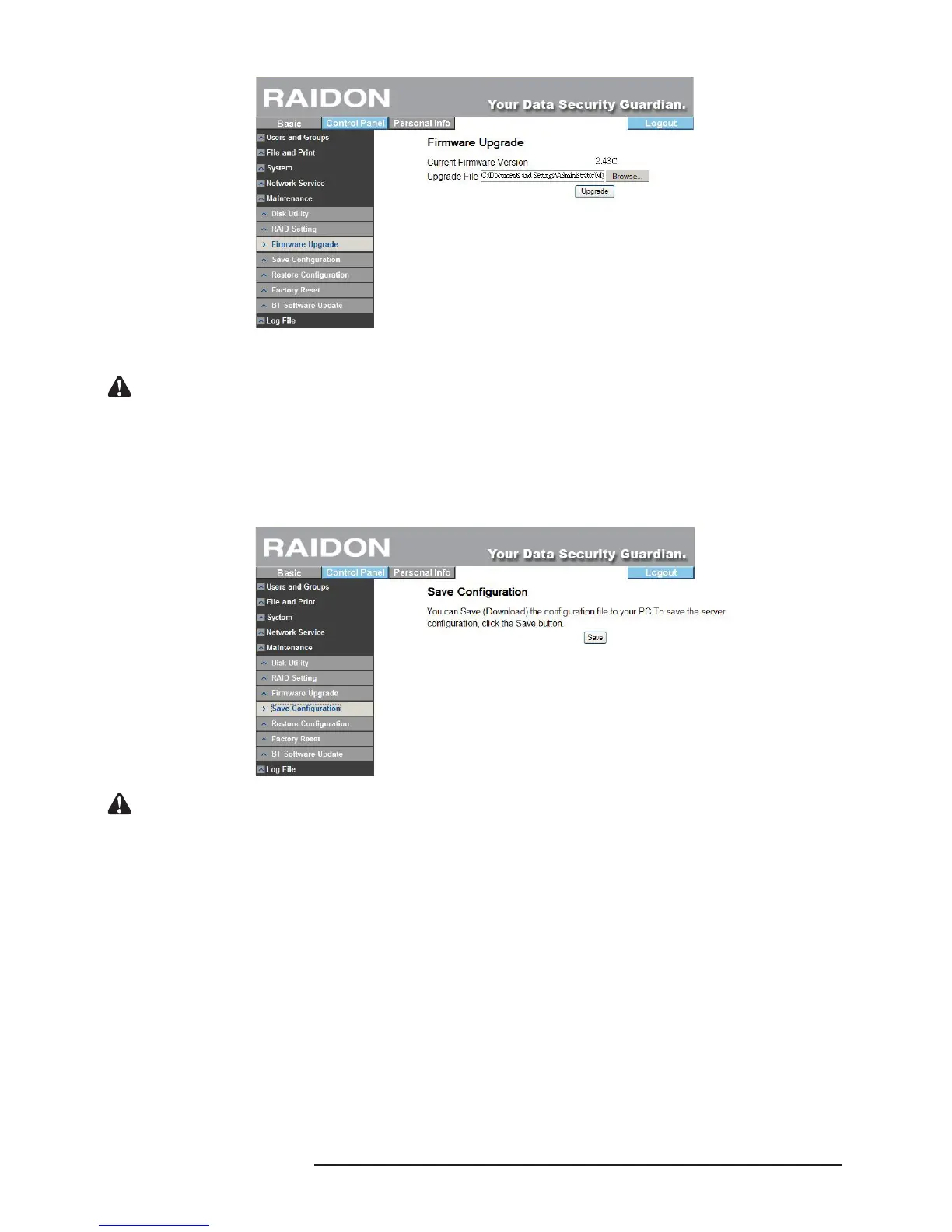
Once the rmware is upgraded, the system will restart automatically.
Notice : Random rmware upgrade may cause your system unable to operate normally. If your system operates
normally, it is recommended that you not upgrade the rmware. If you have any question about rmware
upgrade, contact the technical service personnel of Raidon or write to supporting@raidon.com.tw.
3.5.5.4 Save Conguration
This function can save the present system conguration le and save it in the hard disk. The le
name is “cong.tar” by default.
Notice : If there is a window pop-up to interrupt the saving process, please click “agree” to continue the download
process. The system will ask the user to save the le again.
3.5.5.5 Restore Conguration
When the system’s conguration le is destroyed, lost or changed incorrectly, you can use this
function to restore the conguration le you saved previously. You need to designate the le
location of the conguration le and click the “Restore” key only.



 To Next Page