3. Once formatting is complete, the system will restart automatically. It can be ready for use once
startup is complete.
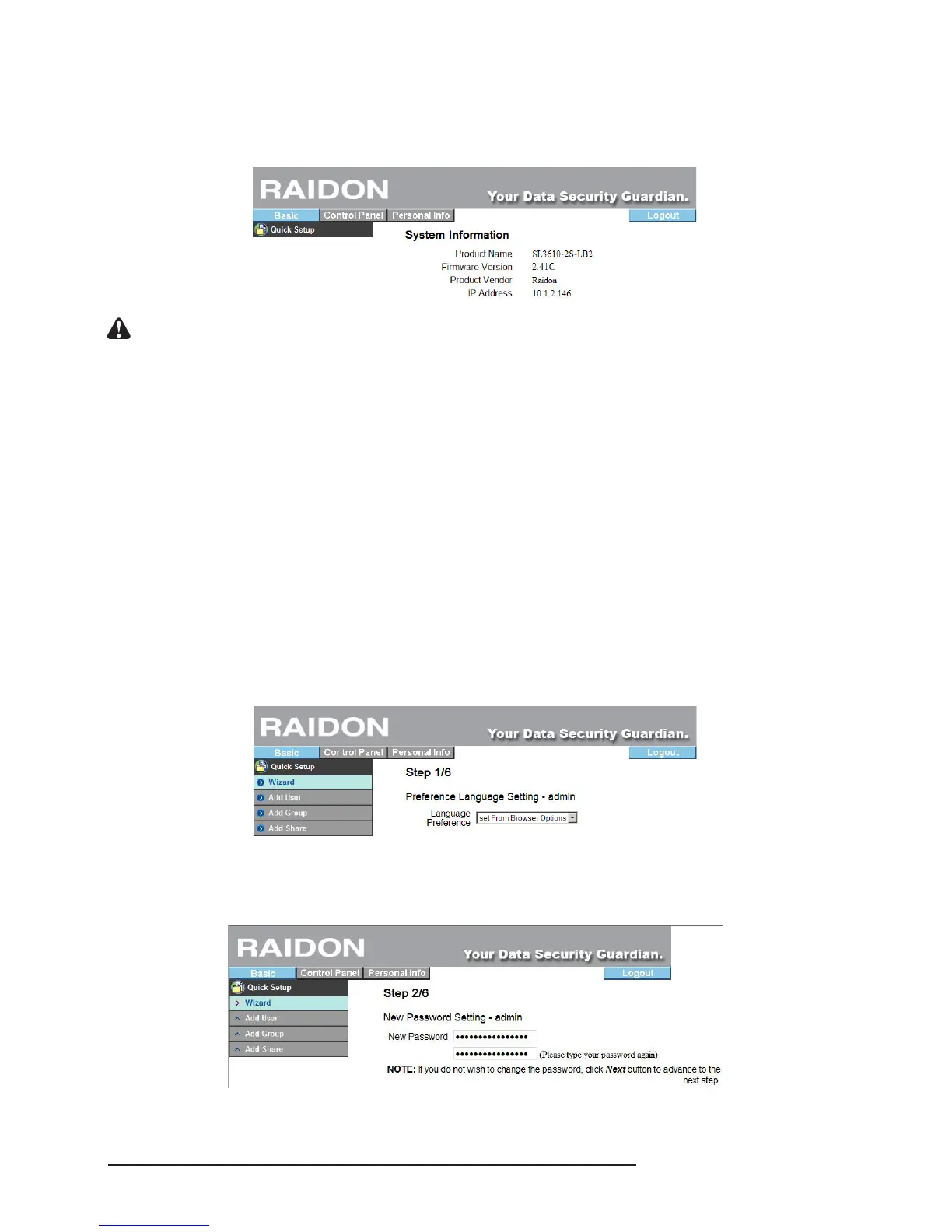
If the hard disk installed needs not be formatted again, the system will display the present system
information and you can make related setting changes immediately.
Notice : 1. Since SL3610/3620-2S-LB2 will store the system settings in the hard disk, you must format the hard
disks prior to setting so that the new settings can be stored in the hard disk.
2. Once the setting is complete, if you change the format of the hard disk or format the hard disk again,
the system will be reset to the default values automatically and you must perform the system setting
again.
3.4 Basic
Enter basic setting and you can see the “Quick Setting” function group which have 4 functions:
“Wizard”, “Add User”, “Add Group” and “Add Share”.
3.4.1 Wizard
The installation wizard may guide you to complete the basic function setting of the system within 6
steps which are described in turn as follows:
1. Select Language
SL3610/3620-2S-LB2 can display a language in accordance with the language used by the browser
or you can select any of the 3 default languages: “English”, “Simplied Chinese” and “Traditional
Chinese”.
2. New Password Setting (for admin)
A new password can be set for the “admin” account If you do not want to change the password, click
“Next” directly.



 To Next Page