SL3620-2S-LB2
Front Panel LED
LED Status
Power on Blue / Blinks
Booting Completely Blue / Lights On
RAID Fail Purple / Lights On
Rebuilding Purple / Lights On
Fan Fail Blue & Purple / Blinks
Overheat Purple / Lights On
Tray LED
LED Status
Access Blue / Blinks
RAID Fail Red / Blinks (HDD Failed)
Rebuilding
Target HDD: Red / Blinks Slowly & Blue / Blinks Fast
Source HDD: Blue / Blinks
2.3 Hardware Installation
Please follow the procedure below to complete the hardware installation of SL3610/3620-2S-LB2:
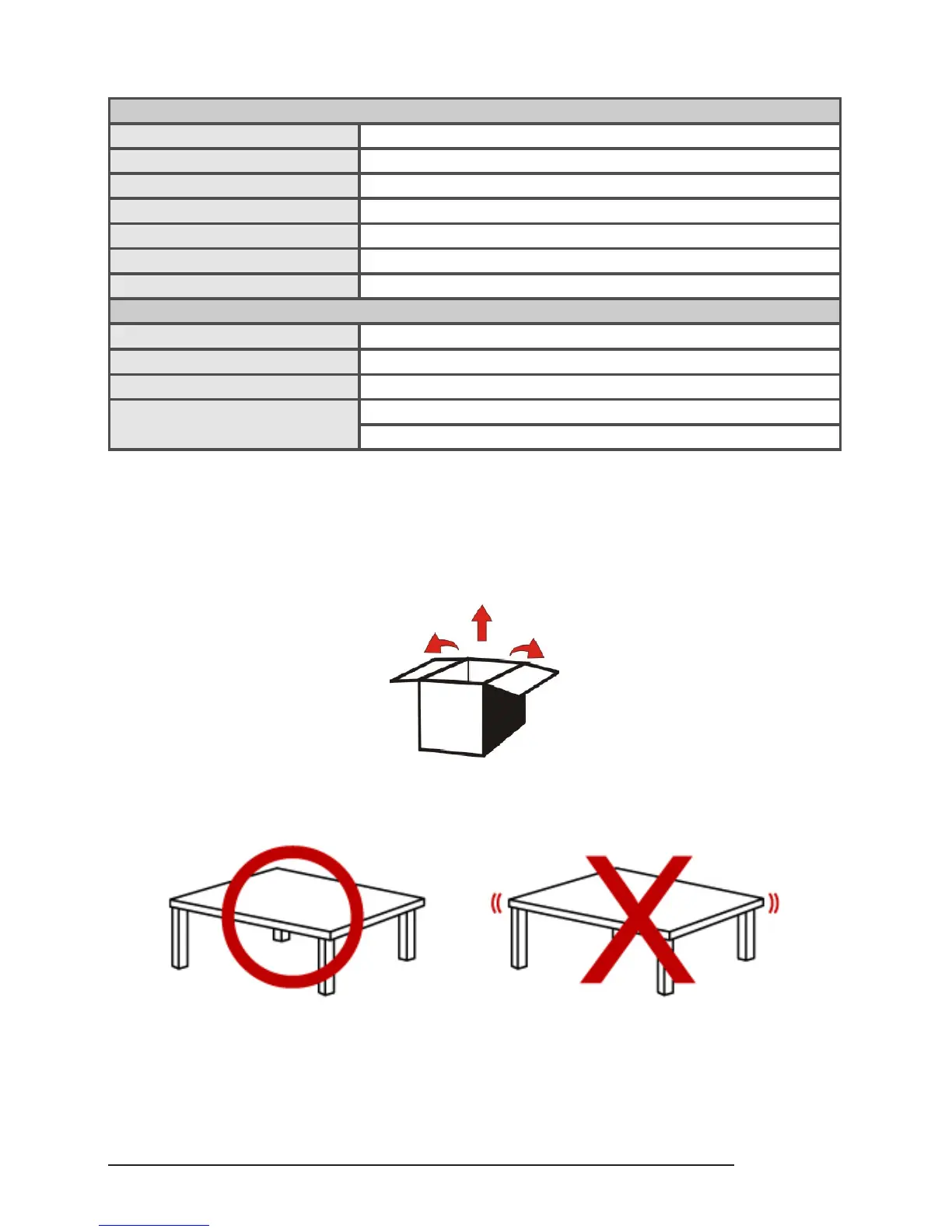
1. Open the outer package and take out the product body. (Make sure the related accessories and the
product body are not damaged or missing. If you have any questions, contact the distributor or sales)
2. Mount the product to a stable surface. Make sure that the fan is not blocked and there is appropriate
space around for heat dissipation. (Do not place the product nearby water area or any environment
that may cause damage to the product)
3. Take out the tray and install your hard disk in it. Make sure to fasten the hard disk securing screws to
prevent damages caused by unnecessary movement.



 To Next Page