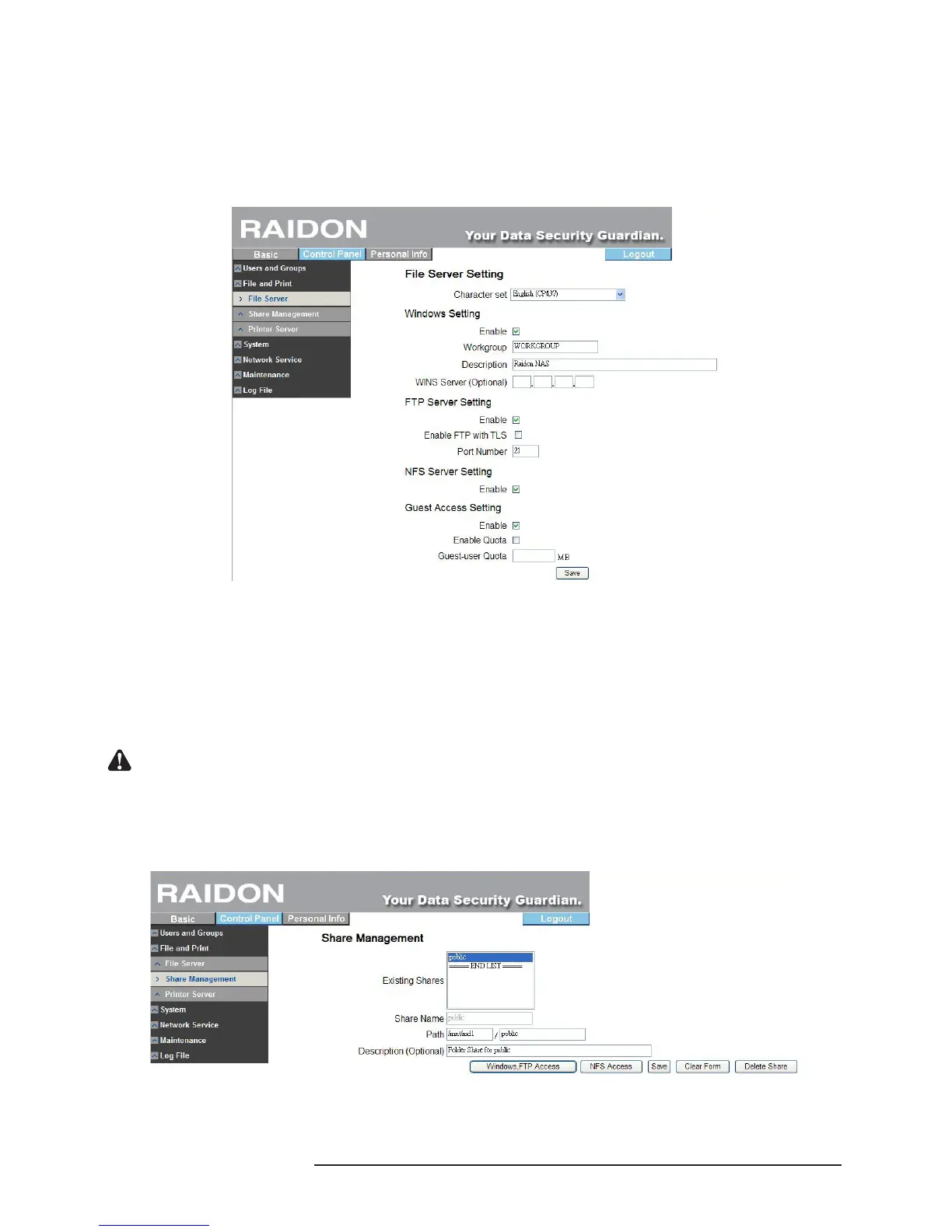
‧NFS Server Setting
※ Check “Enable” to initiate the NFS server function.
‧Guest Access Setting
※ Click “Enable” to permit guest access.
※ Check “Enable Disk Quota” to set the upper limit of data (Mega Bytes) uploaded by the
guest.
3.5.2.2 Share Management
The share management screen will display all existing share names. “public” is the factory
default.
‧Add Share
※ Fill in the “Share Name” with the new share folder’s name, move the mouse to a blank area,
click the left mouse key and the system will ll in the “Path” automatically and then click
“Save” to add a new share name.
Notice : The share name is 20 characters in length at maximum which must be English letters in lower case,
numeric numbers, “-”, “_” or “.” and its rst character must be an English letter.
‧Property Change
※ Click a share name in the “Existing Shares” and click the “windows, FTP access” or “NFS
access” button to change the property of the share folder.
‧Windows and FTP Access
※ Check “Allow access by all users” to permit all users to access the share space in the server
or select a user or group name from the list and set the “Read Only” or “Write-in” authority.



 To Next Page