3.2 Login
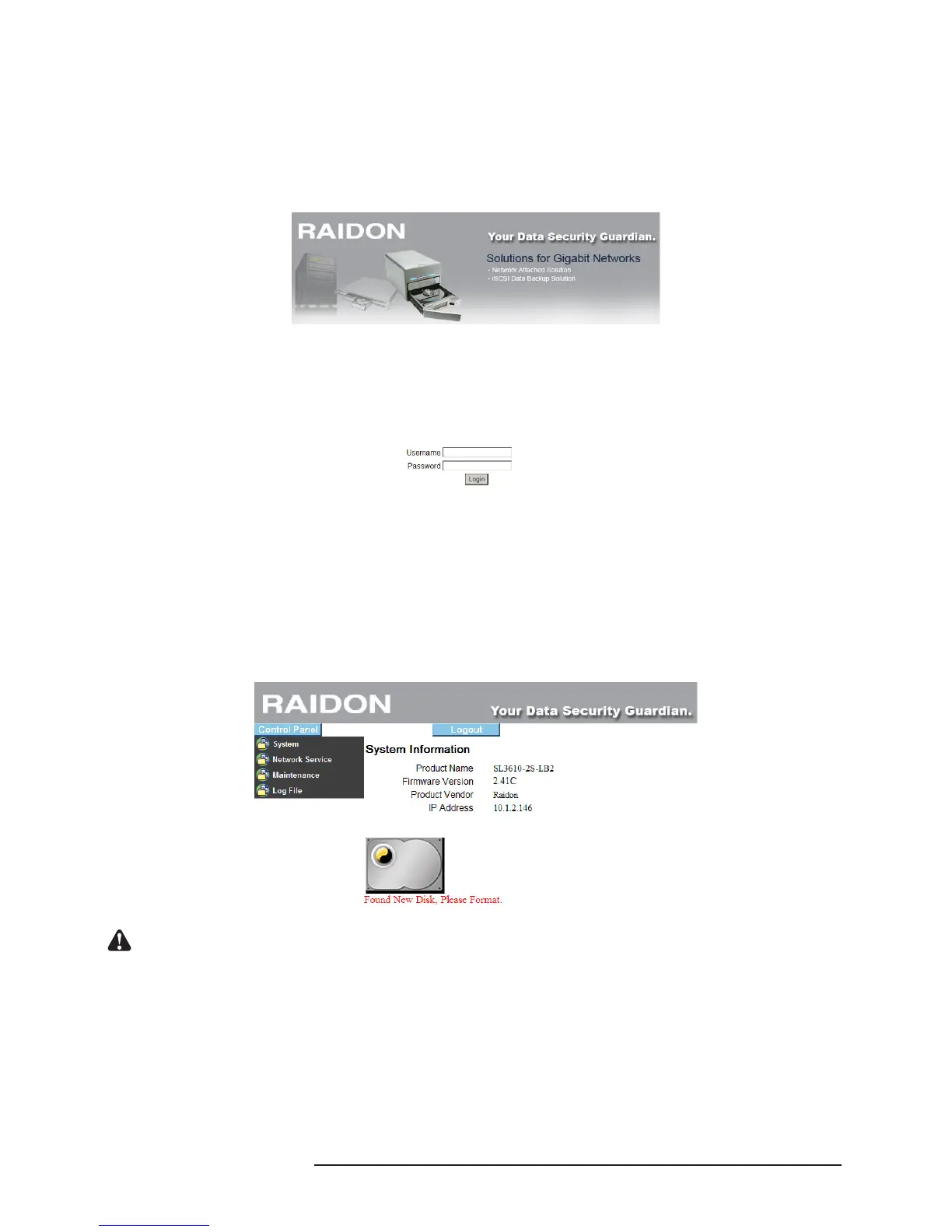
SL3610/3620-2S-LB2 supports graphic user interface (GUI) to manage the system. Make sure that
the network wire is connected and the setting program is installed rst. Refer to Chapter 2.3 for related
settings. For the example below, IP address is: 10.1.2.200 (your own host IP address) Open the
browser and input: http://10.1.2.XXX
The default account and password are as follows:
Login account: admin
Default Password: admin
After login, you can choose a function from the list to the left side of the window for related congures.
NOTE: After login, the system will detect the hard disk automatically. If the hard disk installed is a new
one, the system will bring up a dialog window that recommends formatting of the hard disk. Please
format the hard disk before performing other related settings.
Notice : You can choose to format the hard disk separately or create the disk array system directly.



 To Next Page