3.5.6.3 DHCP Server Log File
Can display all DHCP related log les. If you do not initiated the DHCP function, no information
will be displayed.
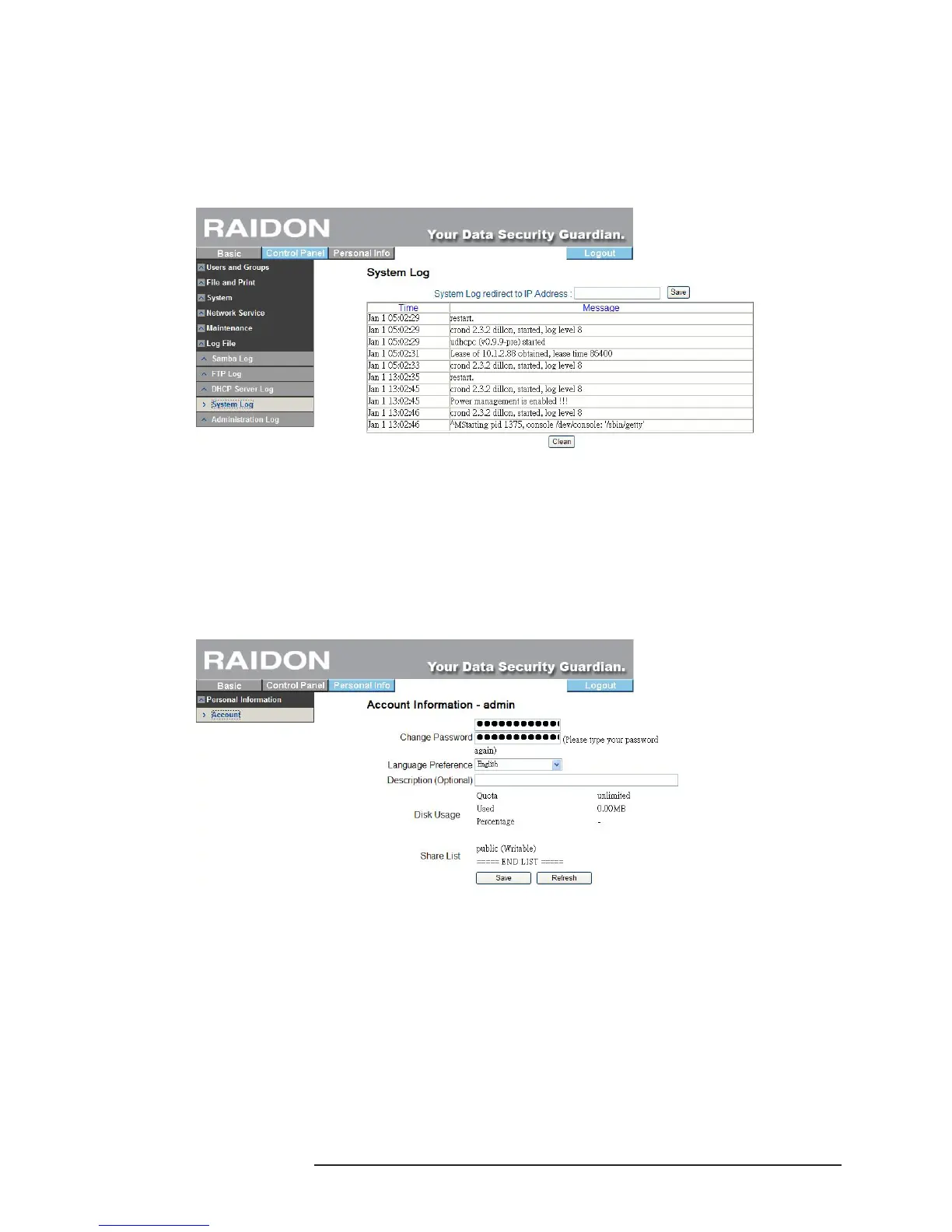
3.5.6.4 System Log File
Can display all system related records.
3.5.6.5 Administrator Log File
Can display all records relating to the “Administrator”.
3.6 Personal Information
“User Account” is the only option in this item. In the user account page, you can change the password
of “admin” and displayed language. In addition, “Share List”, “System Disk Quota” and “Percentage of
Used Disk Capacity” will also be displayed.
3.7 Software Update&TorrentFlux (SL3620-2S-LB2)
1. To use the BT option on SL3620-2S-LB2, you must perform the procedures of Updating BT Software
rst. Click the control panel, maintenance and software update to bring up the screen below and
then select the source of the le for updating (you can download the latest version of BT download
software onto your PC and designate a correct le path to update the software).



 To Next Page