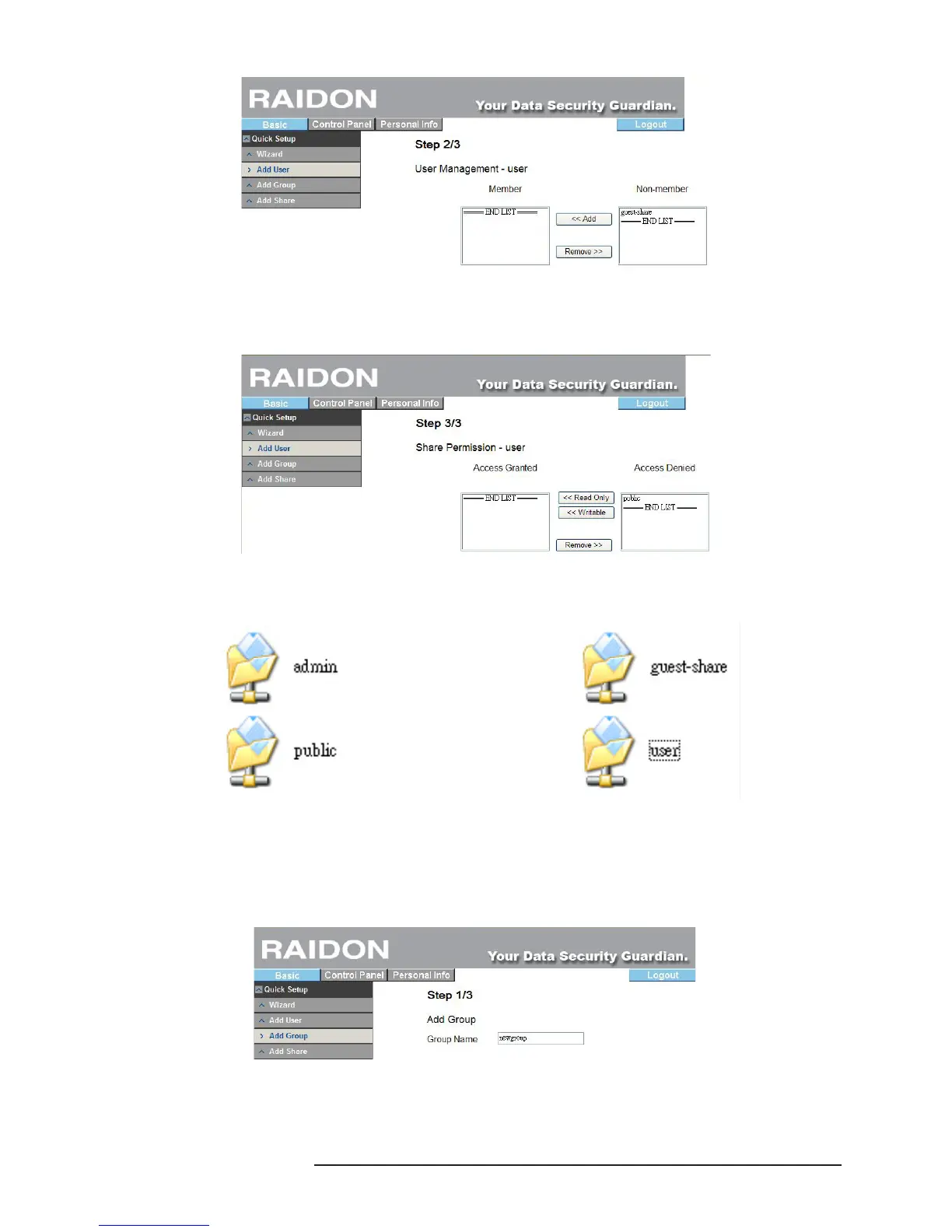
3. Access Authority Setting
Set the user’s access authority. (If you are setting for the rst time, only the default “Public” folder is
available.)
Once the shared folder is set, you can nd the exclusive folder of the newly added user on Net
Neighbors.
3.4.3 Add Group
Add a user group rapidly through 3 steps.
1. Group Name Setting
Set the name of a newly added group.
2. Group Members Selection
All users displayed on the right can be set as group members.



 To Next Page