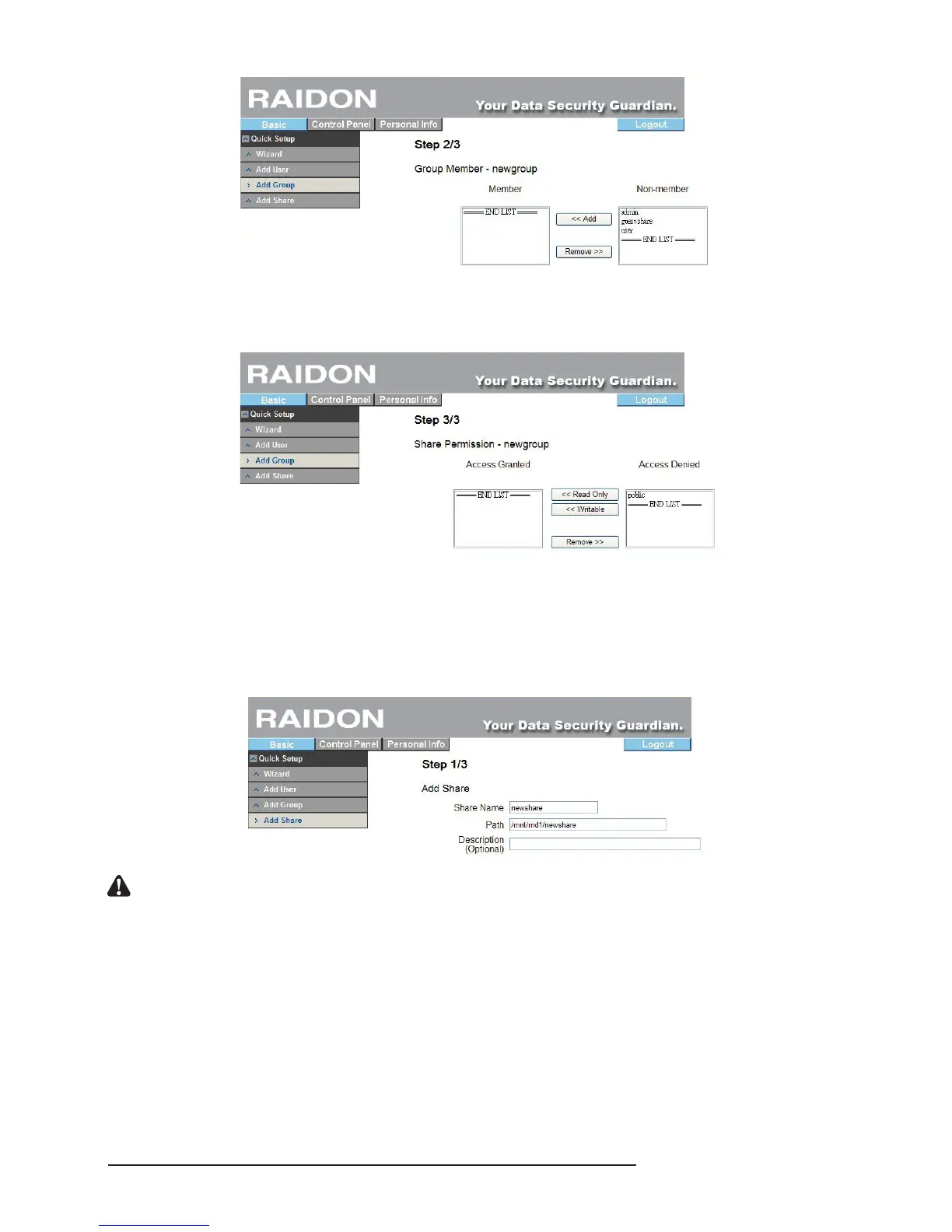
3. Access Authority Setting
Set the authority to access folders of the group. (If you are setting for the rst time, only the default
“Public” folder is available.)
3.4.4 Add Share
Add a share folder rapidly through 3 steps
1. Setting of the Share Folder’s Name
Input the name of the folder, move the mouse to a blank area on the screen, click the left mouse key
and the system will set the folder path automatically.
Notice : The share name is 20 characters in length at maximum which must be English letters in lower case,
numeric numbers, “-”, “_” or “.” and its rst character must be an English letter.
2. Setting of Windows and FTP Access Authority
To set the authority to access the folder, check the “allow access by all users” on the upper left to
allow all users to access or set via the list at the bottom.



 To Next Page