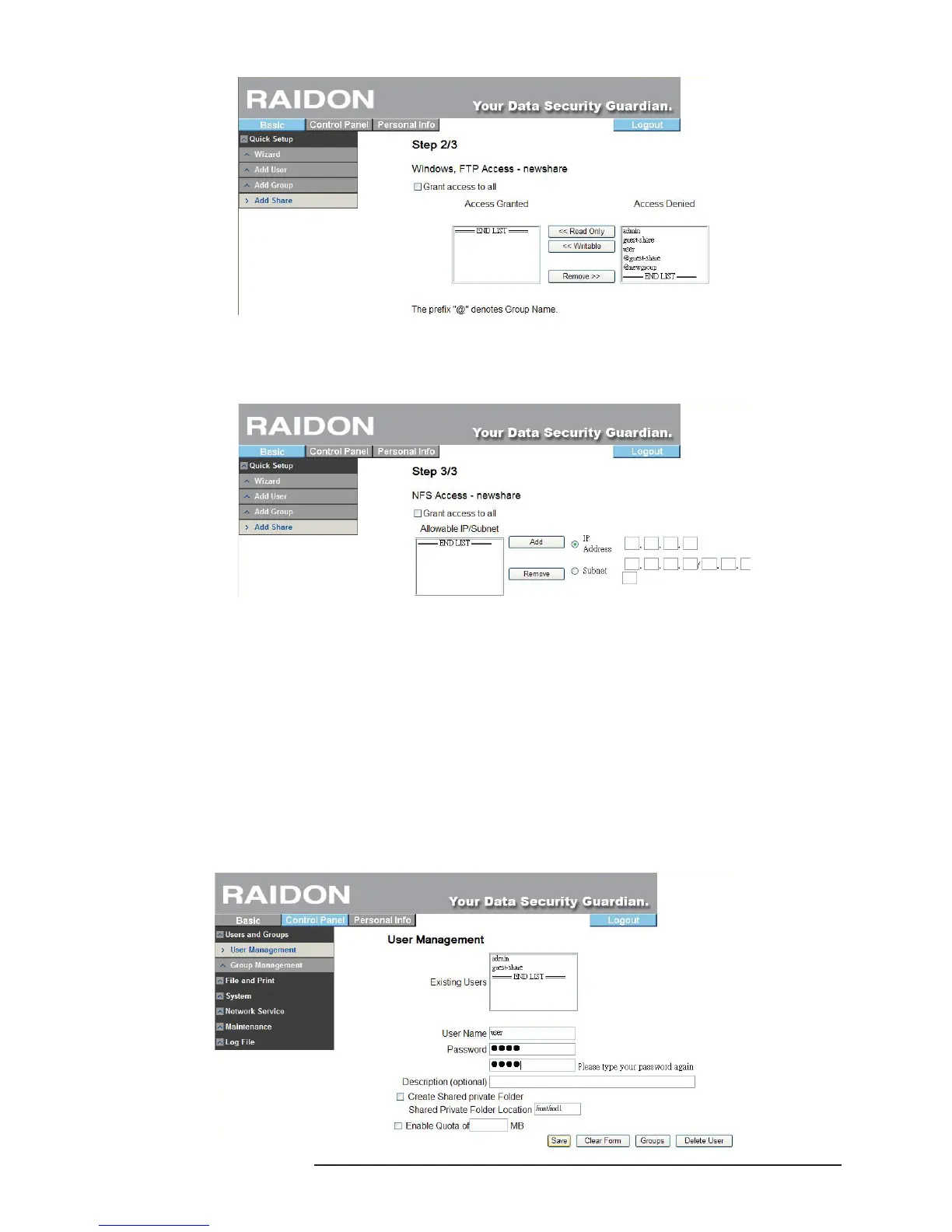
3. Setting of NFS Access Authority
To set the access authority of NFS, check “allow access by all users” to allow all access or ll in the
IP address of the access device allowed directly.
3.5 Control Panel
3.5.1 Users and Groups
In Users and Groups, you can set and manage two items: users and groups.
3.5.1.1 User Management
The user management menu will display all users in the present system. You can add or delete
a user via the “Save” or “Delete User” button. Click “Add to Group” to add it to a group. “admin”
is the factory default value.
Add User
※ Fill out the table with related contents and then click “Save”.



 To Next Page