41
b
a c D
BACK ENTER UP DOWN
APP MENU
MIX ANALYZER
GAS BLENDER
gas blenDer
MIX
PRESSURE
TAnK VoL:
BLEnDIng:
START
15/50
50
EnD
17/55
200 BAR
15.00 L
hE/02/AIR
EVALUATE
To set the Gas Blender App with the starting Mix and with the one you want to
obtain:
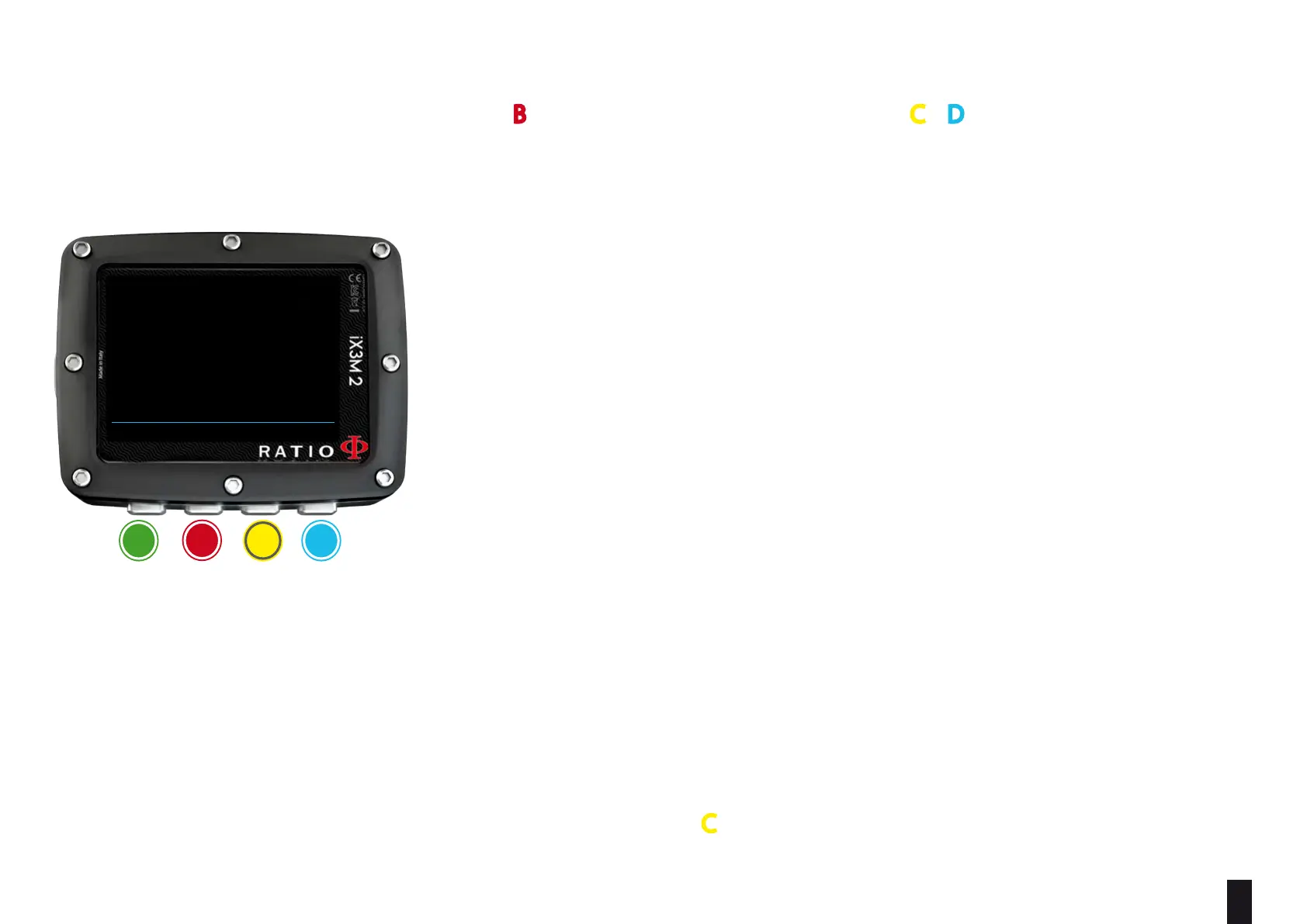
Use the B button to browse the data, then press C e D buttons to increase or
decrease the values as indicated in the picture.
Do you know what?: You can keep either C or D buttons pressed to modify the iX3M 2 values more quickly.
START MIX (O
2
/He): The Mix of Oxygen and Helium (in percentage) inside the
tank at the moment.
START P (Bar): The pressure, expressed in Bar, inside the tank at the moment.
END MIX (O
2
/He): The Mix of Oxygen and Helium (in percentage) that you
wish to obtain after the blending.
END P (Bar): The final pressure that you wish to obtain inside the tank after
the blending, expressed in Bar.
TANK VOL (L): The tank volume expressed in litres
BLENDING: The order in which you desire to to add the Gases
He/02/Air or 02/He/Air
Select EVALUATE and press C to start the Blending calculation.



 To Next Page