4.4.8 Important tips and tricks for the test with the RAH Module 10 Page 48
5. Storing the necessary RAH-programmes on a RAH ‘Green Card’
During the RAH testing, all necessary RAH-programmes and their
harmonisation times can be stored on an RAH ‘Green Card’ at any time –
most reasonably at the end of the testing.
Therefore, you have to insert an RAH ‘Green Card’ and press the
key
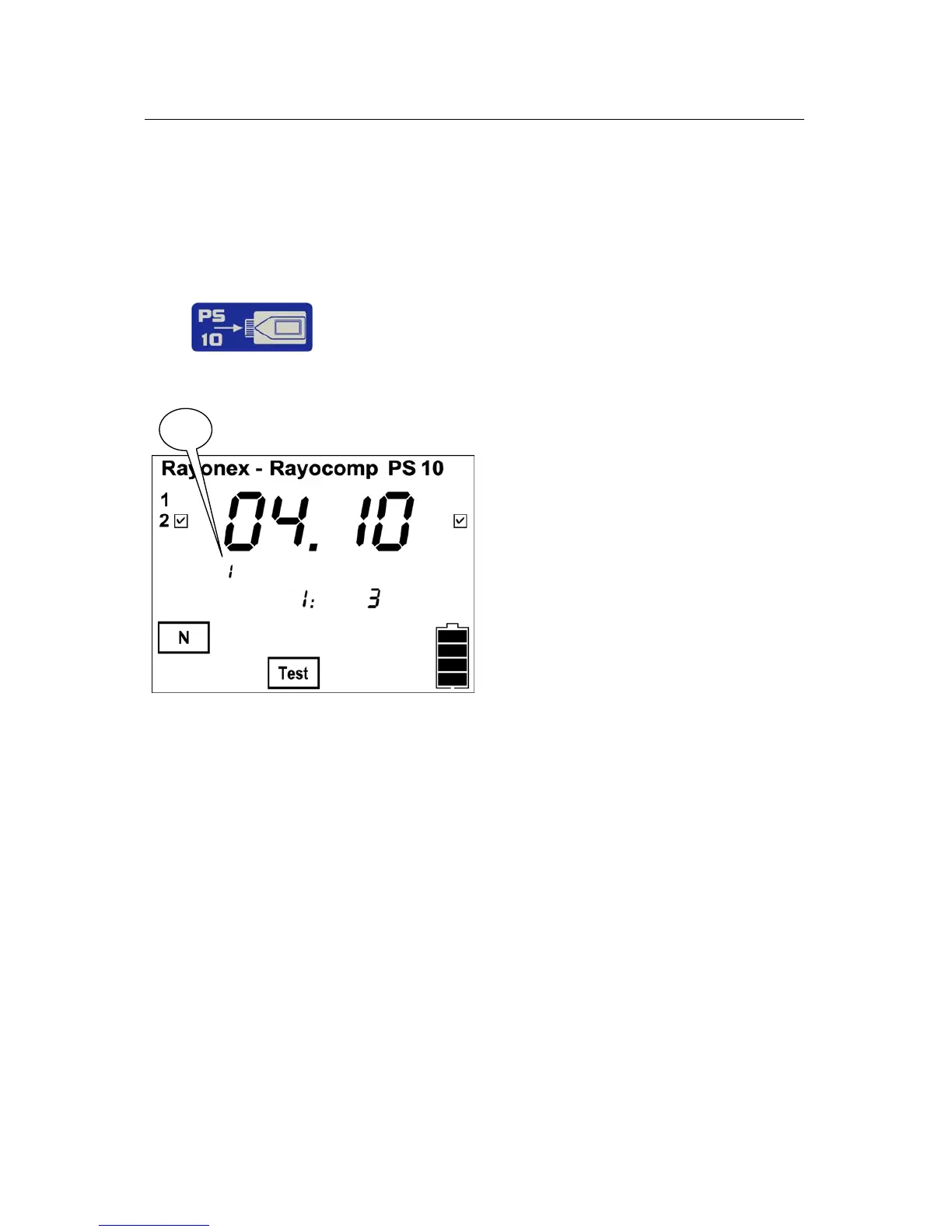
After pressing the key, the number of RAH-programmes and their
harmonisation times indicated on the display (fig. 1) will be stored.
1
Storing the RAH-programme numbers can also be performed under the menu
item F1. This programme item is best-suited for entering the individual RAH-
programme numbers and individual harmonisation times.
Please keep in mind: Whenever RAH-programmes are stored, the RAH
‘Green Card’ gets deleted and will then be loaded with the new RAH-
programme numbers. Thus, all RAH-programm numbers stored on the
RAH ‘Green Card’ up to then, will be deleted!
Furthermore, RAH-programmes can only be read in and stored on the
RAH ‘Green Card’, when Module M9 or Module M10 is avtivated.


 To Next Page