Instruction Manual TR-Mark III 250V Version 1.10 Preliminary Page 19 of 57
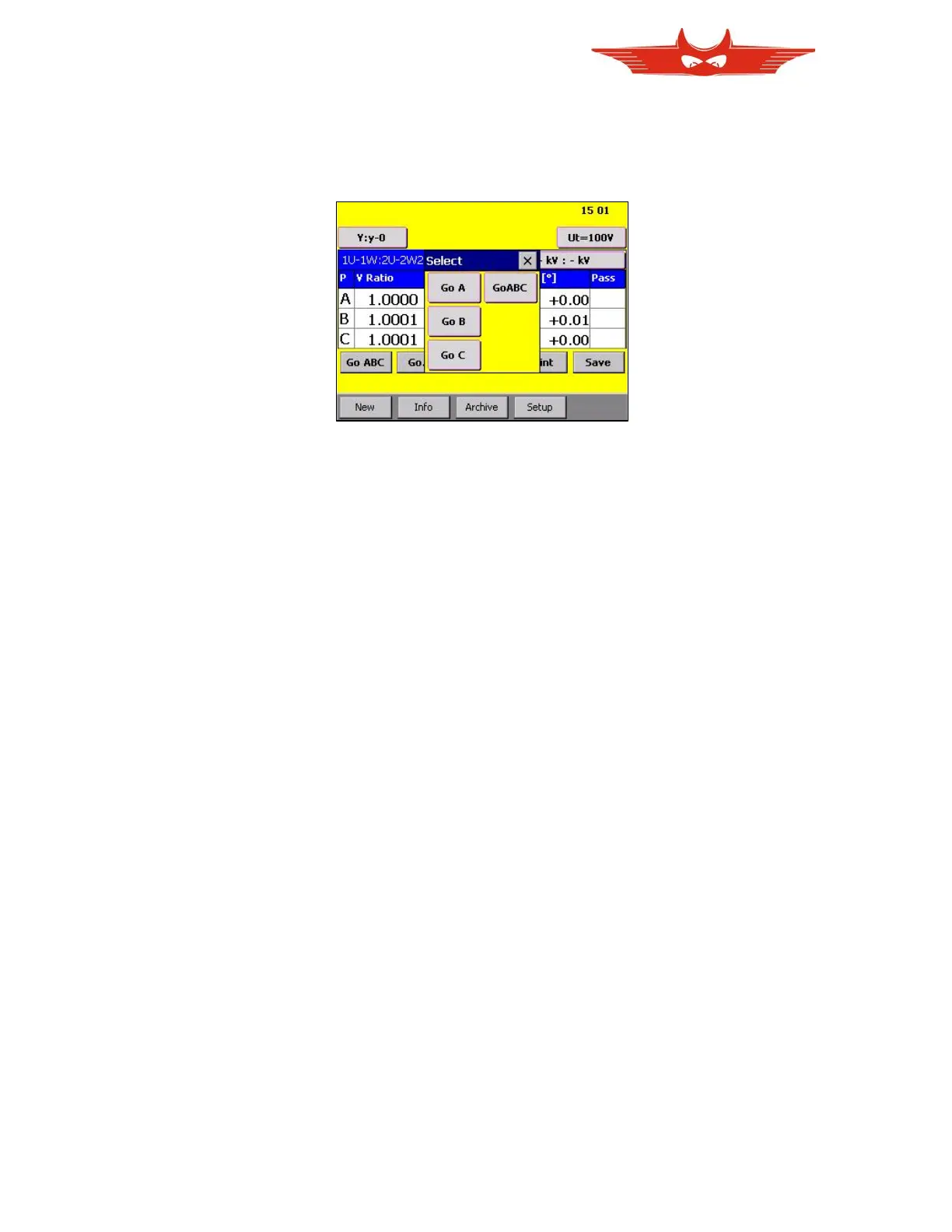
If you are not up to measure all three phases at once, you can also touch ‘Go…’ to choose a
phase to be measured in the appearing window. In this case no other phase than the chosen
one will be measured.
This Option is also used to do a ‘GO Tab’ if you have tabs. Please see chapter ‘6.3.4’ about
how to define a transformer with taps.



 To Next Page