Instruction Manual TR-Mark III 250V Version 1.10 Preliminary Page 18 of 57
8.1 Main Screen
8.1.1 Operating on a simple screen, no Transformer Data entered
When a new Transformer configuration is entered into TR-Mark III 250V in the Setup screen
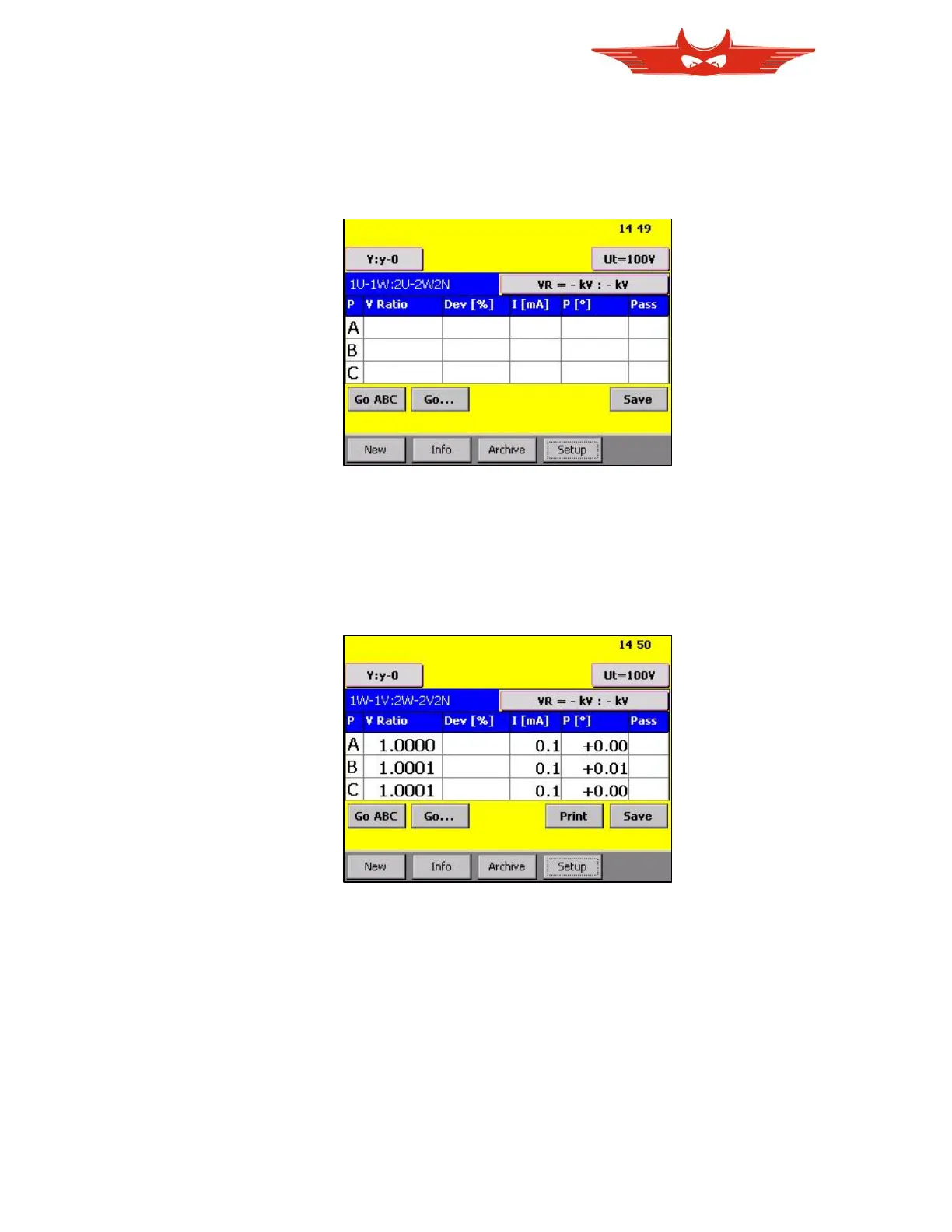
and “GO” is pressed, the main test screen appears as followed:
This Main Test Screen is the basic platform of the TR-Mark III 250V operation. On this
screen, you will find buttons, indications and results.
Now let’s start with the Go buttons. After connection to a transformer, Press “Go ABC” to
measure all three phases A, B, and C in one cycle. The TR-Mark III 250V will automatically
display any complete result per phase. After the test cycle, the main test screen will appear
as followed:
This is also the display you will find after switching on the instrument, if a measurement was
finished before it was switched off.



 To Next Page