Instruction Manual TR-Mark III 250V Version 1.10 Preliminary Page 27 of 57
8.1.6 Tertiary Winding System
A really unusual transformer may have a primary, a secondary and a tertiary winding, and
several taps on each winding. That’s not a problem when you are using a TR-Mark III 250V.
A few buttons will give you control and overview over the complete measurement of such a
transformer.
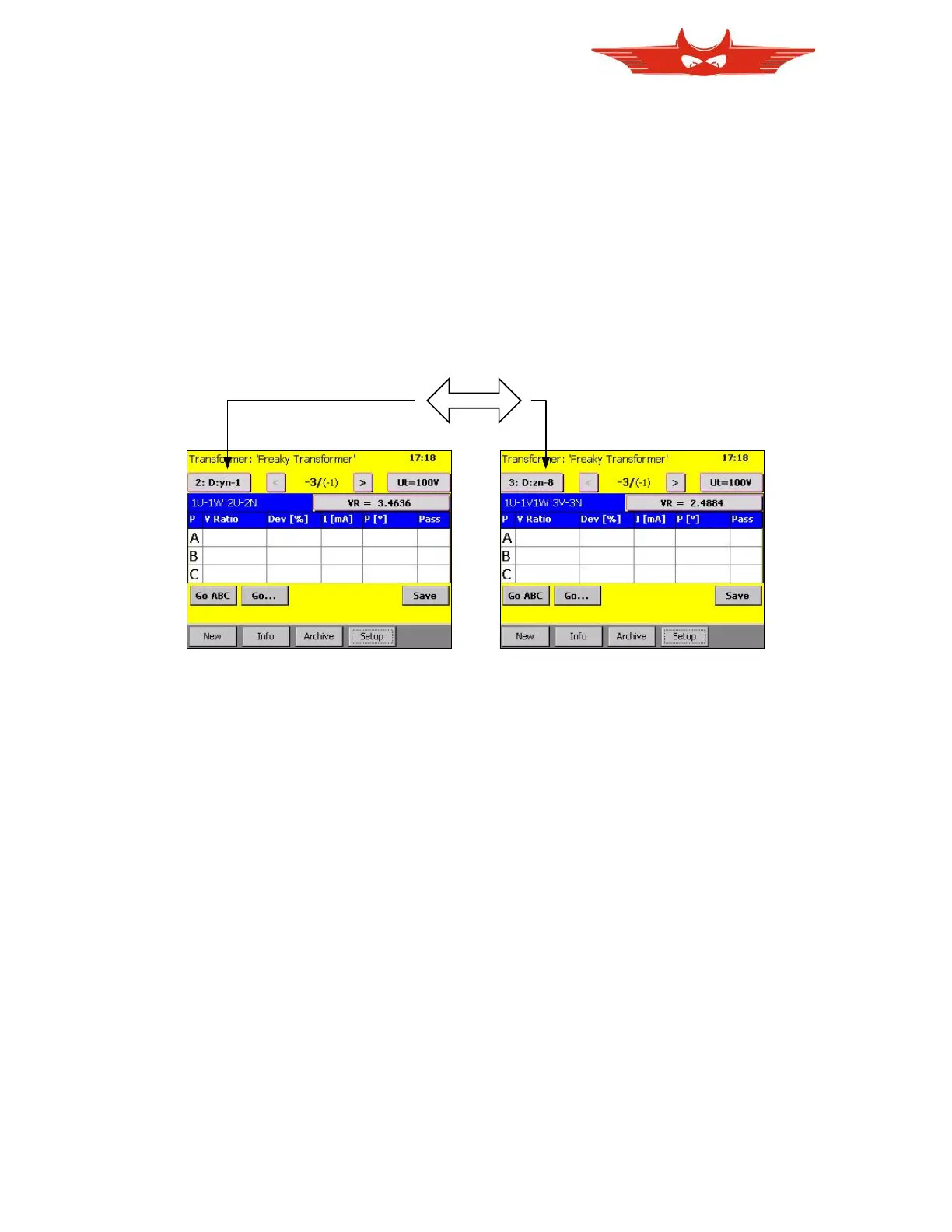
You may have asked yourself before, what the button on the upper left on main screen is
used for. And why it is a button and not just a Text. The answer is in case of a tertiary
winding system, it is used to switch between the ratio primary to secondary and primary to
tertiary.
Also take notice of what happens with the tap changer display. As explained in chapter
‘7.1.5 More Taps’, the fixed tap is displayed smaller and in braces, while the free taps appear
bigger and bold. As you switch the X-Side from secondary to tertiary, the fixed tap changes
also.



 To Next Page