Instruction Manual TR-Mark III 250V Version 1.10 Preliminary Page 23 of 57
8.1.3.1 Turn Ratio and Voltage Ratio
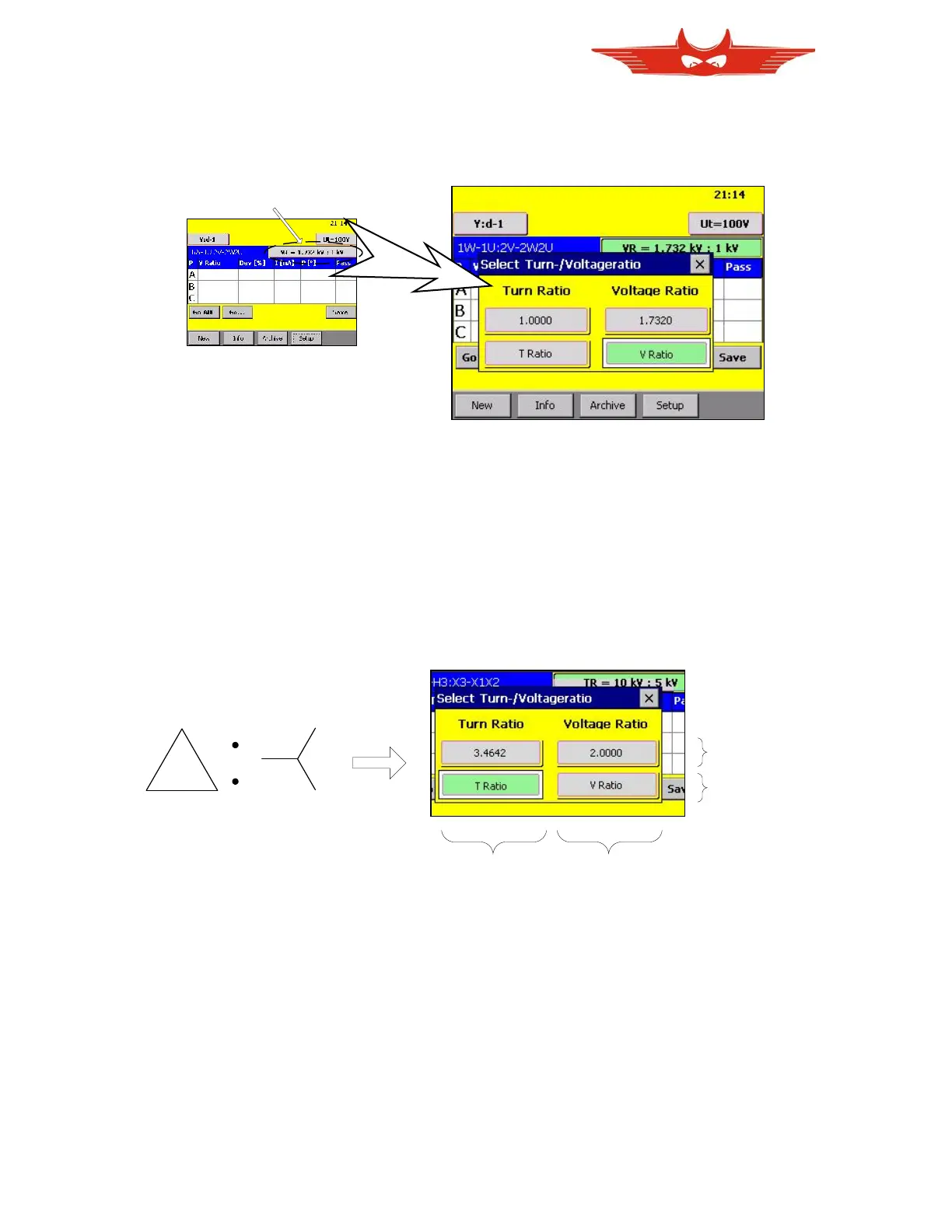
To simplify your work, we provide up to four display options for the entered transformer data.
The buttons ‘T Ratio’ and ‘V Ratio’ will lead to a non-calculated view. That means that you
will get for instance nominal voltages instead of a calculated ratio displayed.
The buttons with a number will directly display the calculated nominal ratio, based on data in
the info field.
The following example shows a D:y Transformer and what display options TR-Mark III 250V
provides:



 To Next Page