Sound Settings: Speakers :
Follow the steps below to turn the speakers on or off in your TV. The chart below explains your options.
This TV incorporates special circuits which enhance stereo imaging and effect when used with the TV's own
speakers. If external speakers are used, the enhanced stereo effect may decrease.
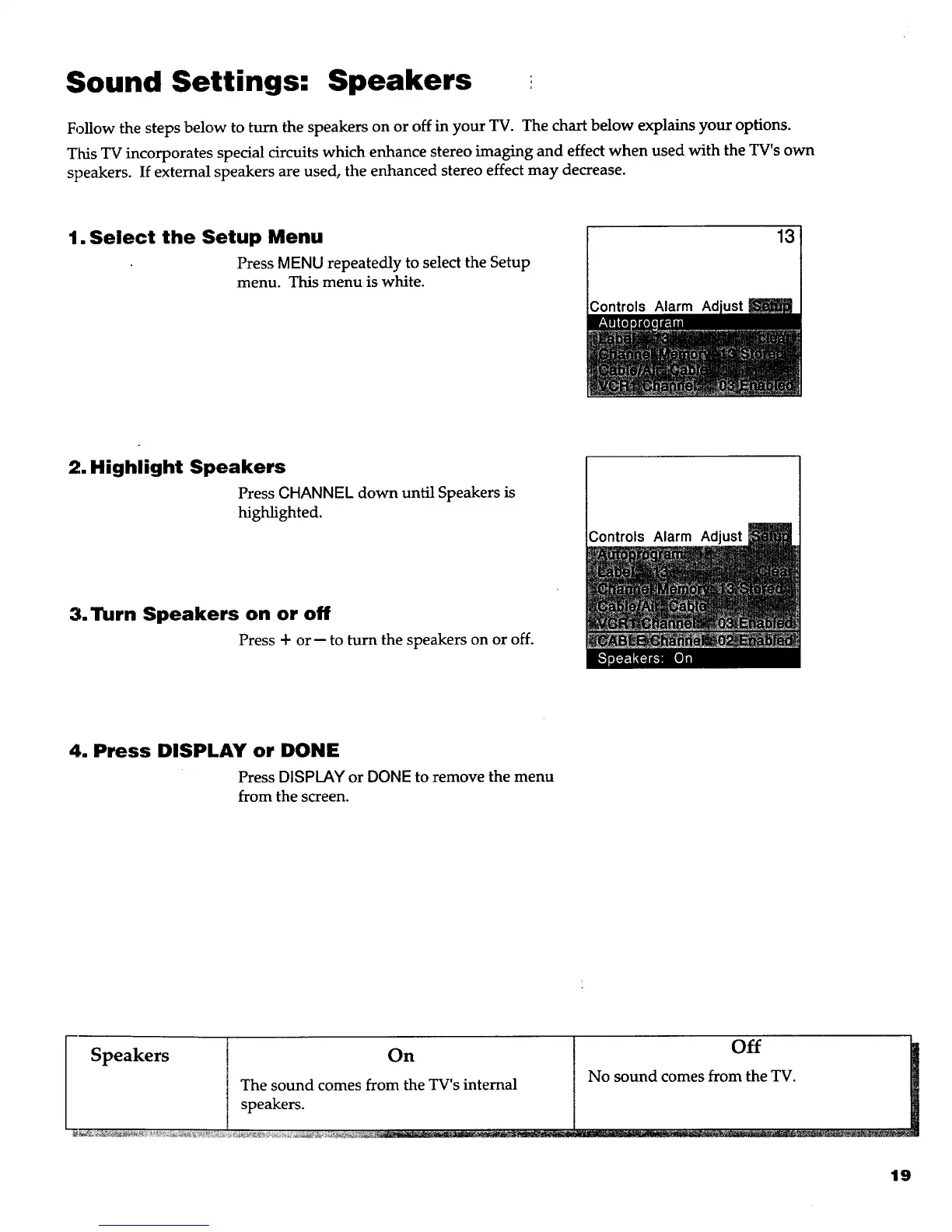
1. Select the Setup Menu
Press MENU repeatedly to select the Setup
menu. This menu is white.
Controls Alarm Ad
13
2. Highlight Speakers
Press CHANNEL down until Speakers is
highlighted.
3. Turn Speakers on or off
Press + or -- to turn the speakers on or off.
Controls Alarm Adjust
4. Press DISPLAY or DONE
Press DISPLAY or DONE to remove the menu
from the screen.
Speakers [ On
The sound comes from the TV's internal
1 speakers--
Off
No sound comes from the TV.
19



 To Next Page