The electronic image stabilizer (EIS) corrects slight shaking of images
during some recording modes.
• While zooming in on a distant object.
• When recording an approaching small object.
• When recording while walking or riding in a vehicle.
• When recording through a vehicle's window.
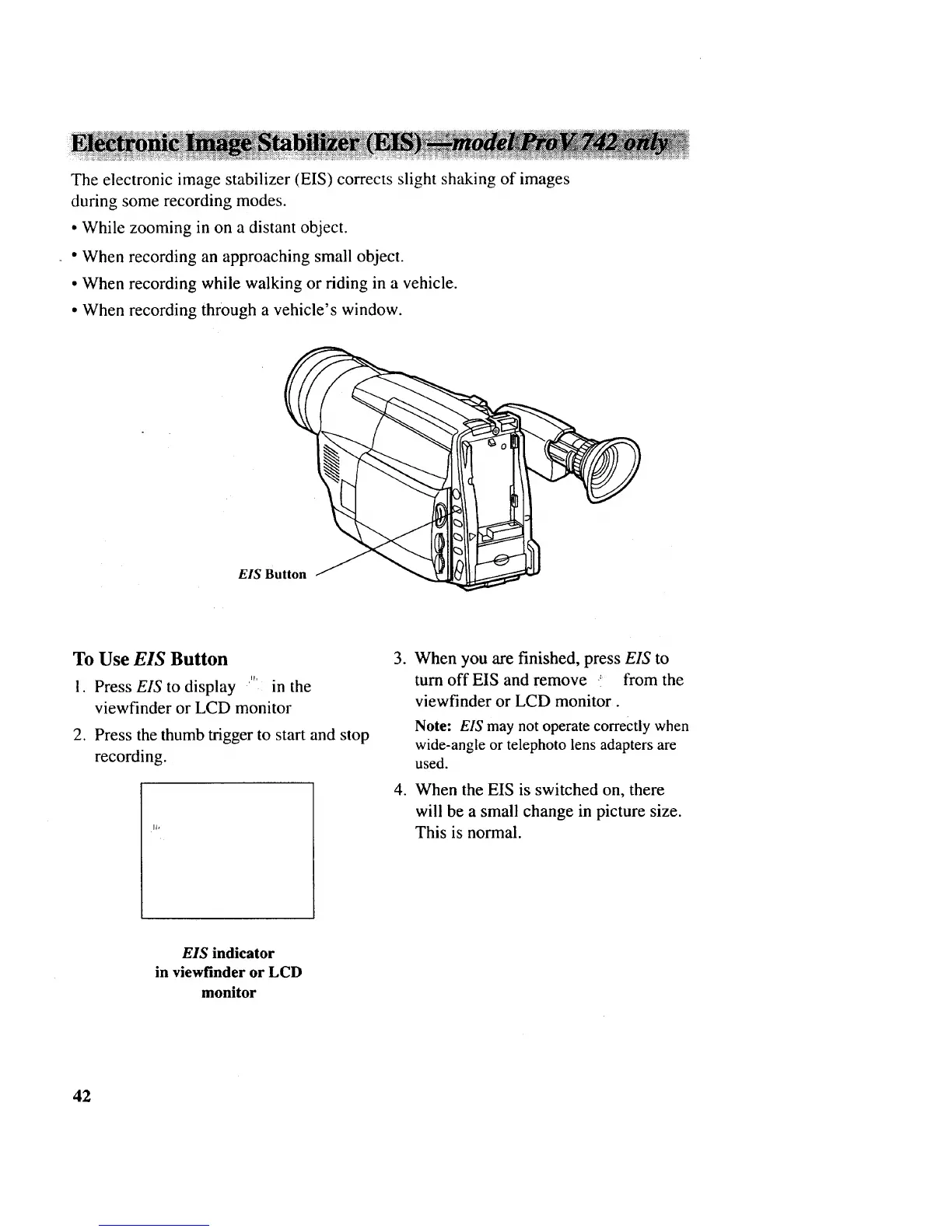
EIS Button
To Use EIS Button
I. Press EIS to display '''' in the
viewfinder or LCD monitor
2. Press the thumb trigger to start and stop
recording.
o
When you are finished, press EIS to
turn off EIS and remove .' from the
viewfinder or LCD monitor.
Note: EIS may not operate correctly when
wide-angle or telephoto lens adapters are
used.
4. When the EIS is switched on, there
will be a small change in picture size.
This is normal.
EIS indicator
in viewfinder or LCD
monitor
42



 To Next Page