MEDIA MENU
The Media Menu allows you to format and eject an SSD and to view and load clips on the SSD.
For more information about using media, see the DSMC Media Operation Guide , available at
www.red.com/downloads.
DEVICE
Format and eject (unmount) the SSD.
To see information about the SSD in the camera, select More Info....
CLIPS
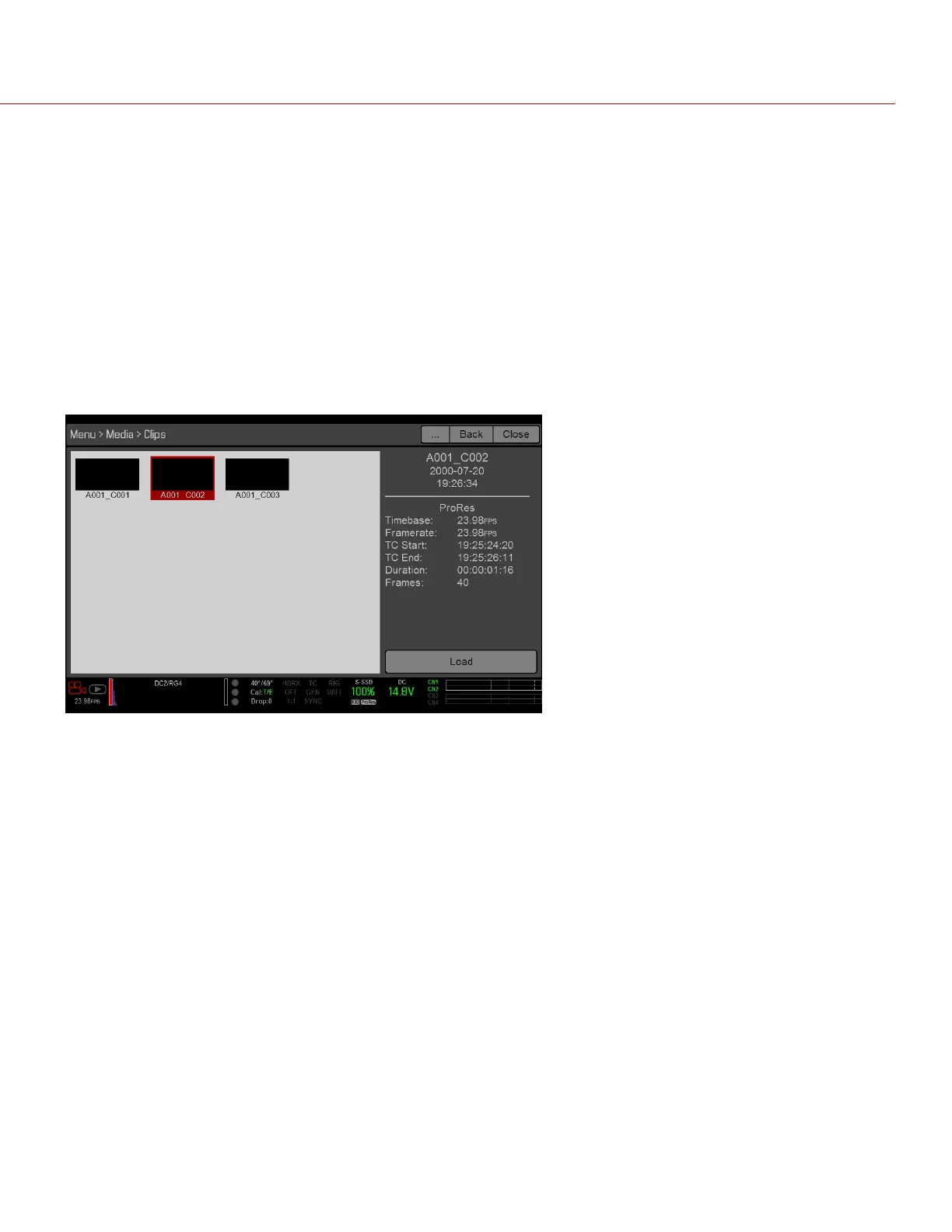
View and load clips on the SSD in thumbnail view.
Figure: Clips Menu
C OPYRI GHT © 2017 R ED.C O M , I NC 955- 01 38 _V6.3, REV-D | 138
WEAPON/EPIC-W OPERATION GUIDE



 To Next Page