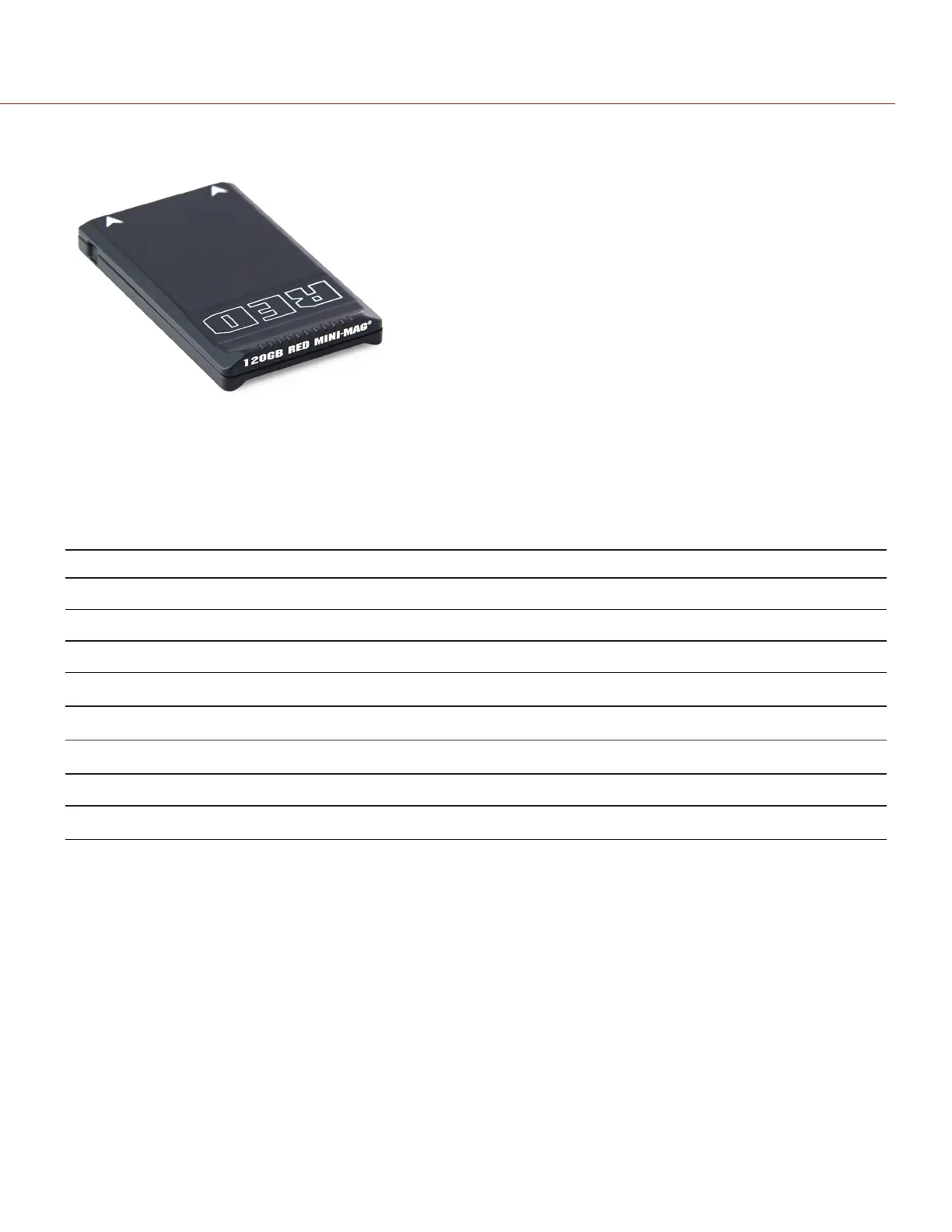
REDMINI-MAG SYSTEM
Figure: RED MINI-MAG (120GB)
NOTE: For more information, see the DSMC Media Operation Guide, available at www.red.com/downloads.
RED MINI-MAG
®
SSDs deliver fast and reliable recording options for your camera. A RED STATION
®
enables you to
connect media to your computer for offloading and editing.
RED offers the following RED MINI-MAG SSDs:
Item Part Number Required Firmware
RED MINI-MAG (120GB) 750-0075 v6.1.35 or later
RED MINI-MAG (240GB) 725-0082 v5.1.47 or later
RED MINI-MAG (480GB) 750-0090 v6.3.75 or later
RED MINI-MAG (512GB) V4
1
725-0078 v5.1.34 or later
RED MINI-MAG (512GB) V5
1
725-0078 v6.2.60 or later; or v6.3.17 or later
RED MINI-MAG (512GB) V6
1
725-0078 v6.2.63 or later; or v6.3.27 or later
RED MINI-MAG (960GB) 750-0087 v6.3.75 or later
RED MINI-MAG (1TB)
2
725-0081 v5.3.34 or later
1. To see the Model number, go to Menu > Media > Device.
2. The RED MINI-MAG 1TB can take up to 20 seconds to mount to a computer or a camera.
C OPYRI GHT © 2017 R ED.C O M , I NC 955- 01 38 _V6.3, REV-D | 18
WEAPON/EPIC-W OPERATION GUIDE



 To Next Page