CONTROL
To adjust the input, pre-amplifier, and headphone settings, select Control.
CHANNEL 1/2 AND CHANNEL 3/4
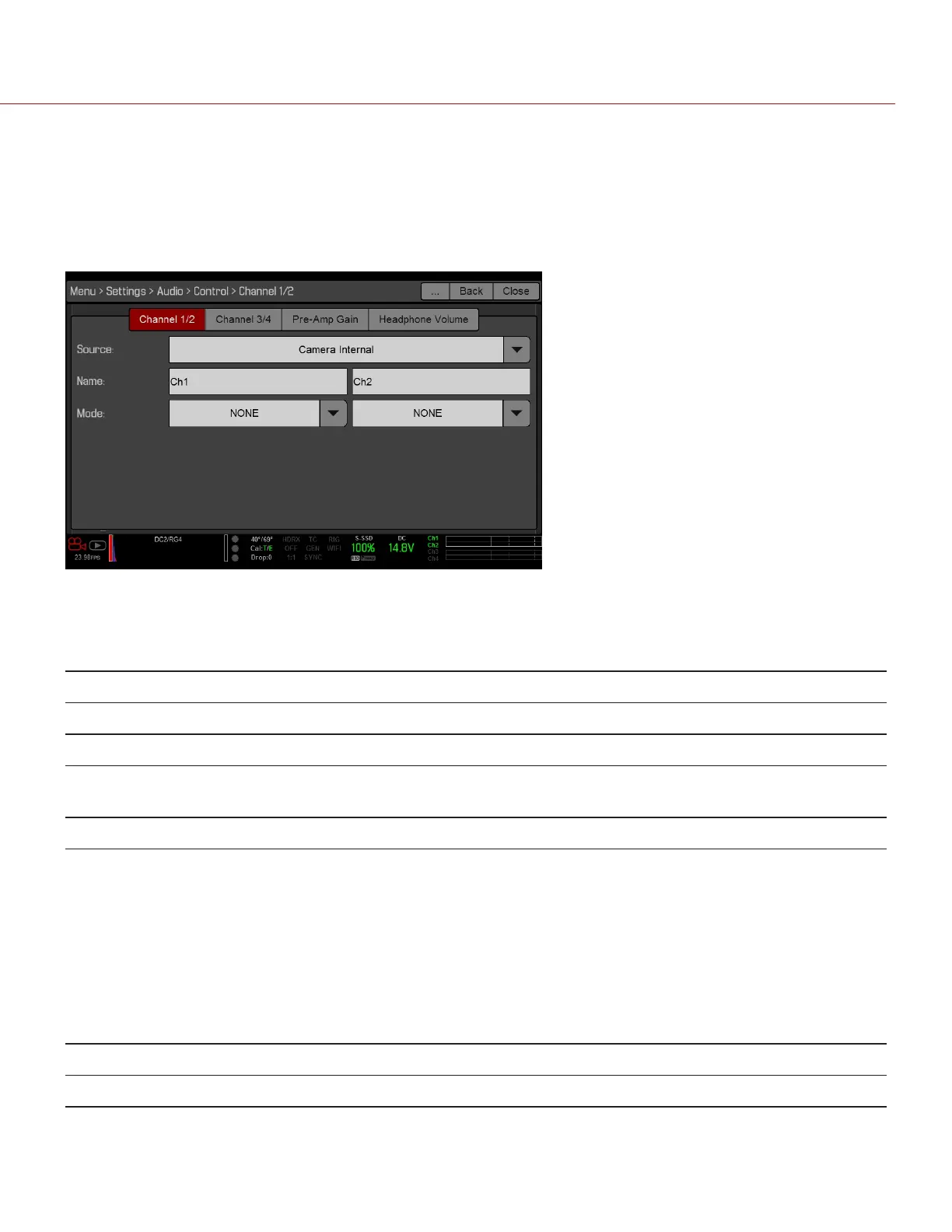
To set up Channel 1/2 and 3/4, go to Menu > Settings > Audio > Control.
Figure: Channel Setup
SOURCE
The audio source options only display when the expanders are attached.
SOURCE NAME CHANNEL PAIRS EXPANDER CONNECTORS
None N/A N/A N/A
CAM Internal Ch1/Ch2, Ch3/Ch4 DSMC BRAIN MIC-1, MIC-2
Rear Analog Ch1/Ch2, Ch3/Ch4 DSMC2™ Base Expander
DSMC2 V-Lock I/O Expander
Stereo Microphone
Rear Analog Ch1/Ch2, Ch3/Ch4 DSMC2 REDVOLT Expander AUDIO 1 and AUDIO 2 (full-size XLR)
NAME
You can rename each audio channel. The default names are Ch1, Ch2, Ch3, and Ch4. The channel names display in
the Audio Meter, but are not included in the clip metadata. For more information, go to "Headphone Volume" on
page160.
MODE
Match the channel mode to the incoming audio signal.
MODE SOURCE DESCRIPTION
NONE NONE Audio recording disabled.
C OPYRI GHT © 2017 R ED.C O M , I NC 955- 01 38 _V6.3, REV-D | 158
WEAPON/EPIC-W OPERATION GUIDE



 To Next Page