map
settings.................................................
(up to the end of the DU)
system
update ..................................................
(up to the end of the DU)
5.11
ENG_UD68538_6
Mise à jour carte et système (XNX - Renault)
Updating the system and maps
UPDATING THE CARD AND SYSTEM (1/7)
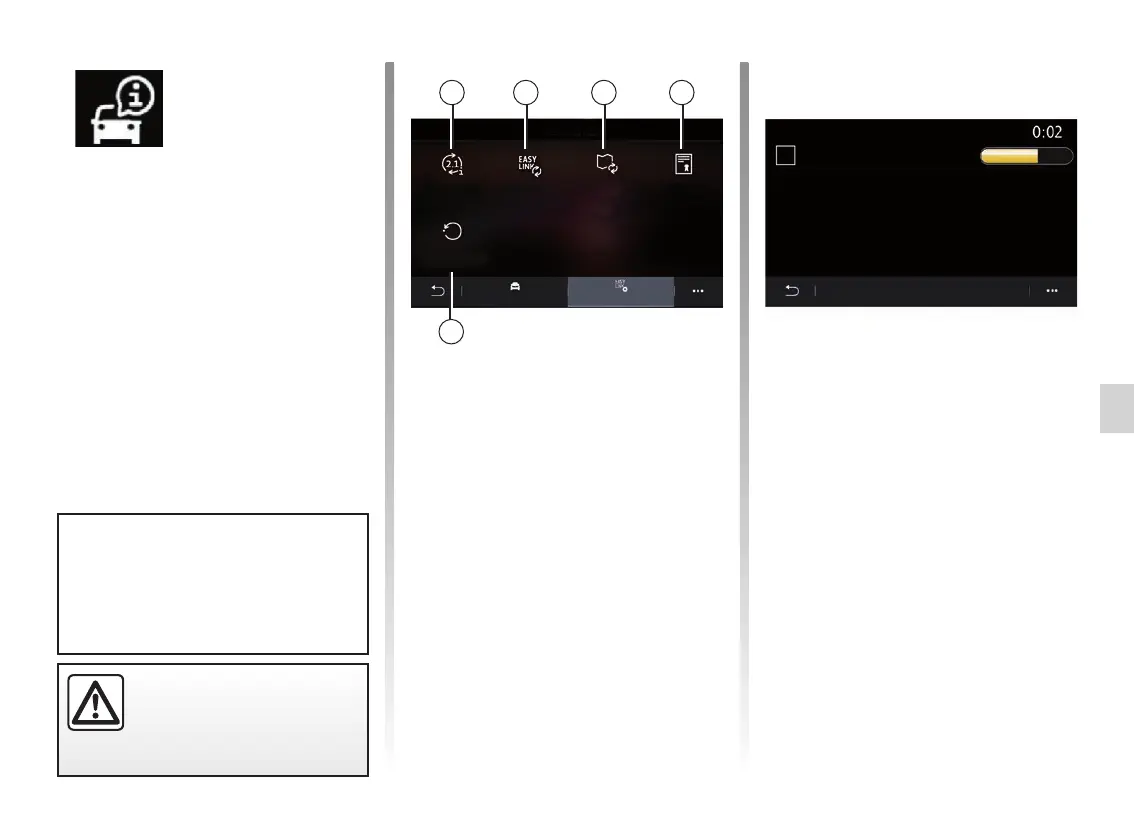
“System information” screen
1 “Update status”;
2 “Software update”;
3 “Map update”;
4 “Licence”;
5 “Factory reset”.
1
4
5
“Car info” menu
From the “Car info” menu, select the
“System” tab.
Use this menu to display various items
of information and to update the multi-
media system and navigation maps.
Updates may be offered by the system
automatically. You can also check for
an update manually, depending on your
vehicle’s connectivity and the app to be
updated.
“Update status” 1
This menu provides information on the
progress of updates to the multimedia
system and navigation maps:
– Name of the update;
– Status of updates.
Note: the “Update status” menu 1 is
available while an update is in progress.
MapUpdate 2.874xxx
Downloading ...
Vehicle System
Update status
Factory reset
Map update
Software update Licence
Update in progress
Car info
42 3
For safety reasons, carry
out these operations when
the vehicle is stationary.
Some update installations may
render your vehicle temporarily un-
available for use. If so, please refer
to the indications displayed on the
screen.



 To Next Page