2D/2D mode
2D North mode.....................................
(current page)
3D/2D mode
relief .....................................................
(current page)
2.6
ENG_UD68946_6
Carte (XNX - Renault)
MAP (5/7)
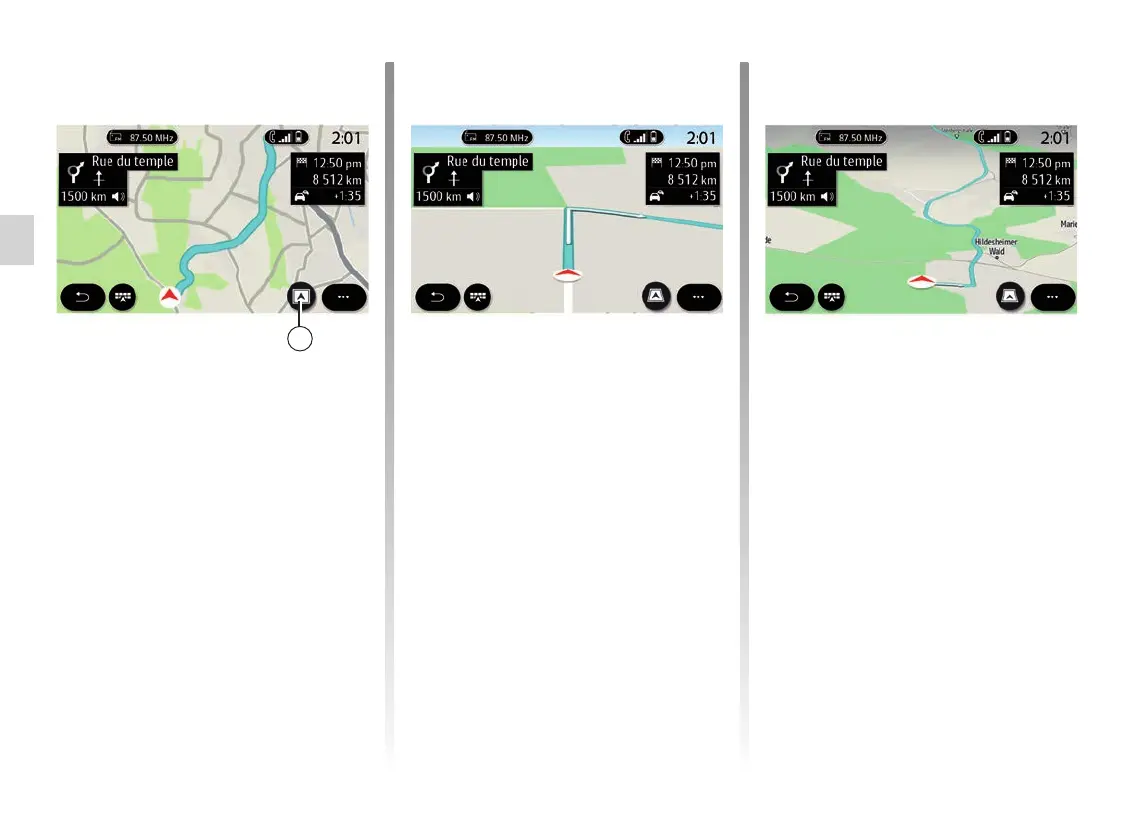
Display mode
You can select between several dis-
play modes by pressing the View/Zoom
button D.
Route view
The map displays your complete route.
2D view
The map displays your current location
and faces the direction you are travel-
ling in.
2D/North view
The map displays your current position
facing North.
3D view
The map displays your current position
on a 3D map surface. It automatically
faces the direction of travel.
3D Inception view
(depending on equipment)
The map is angled slightly upwards to
provide a longer distance of visibility.
It automatically faces the direction of
travel.
D



 To Next Page