2.24
ENG_UD68534_6
Entrer une destination (XNX - Renault)
ENTERING A DESTINATION (16/18)
“Route”
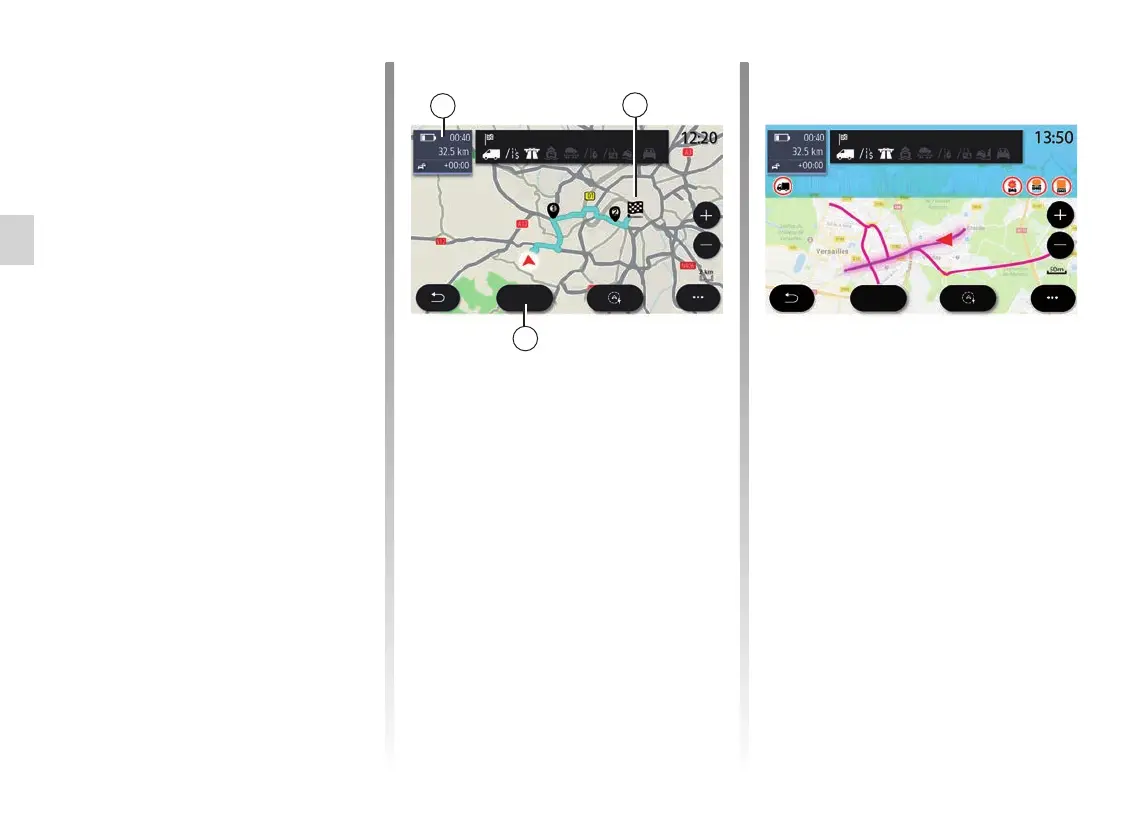
From the “Navigation” menu, press
“Menu”, “Route”, then “Overview” to
view your full route.
Press the “Go” button 61. The multime-
dia system informs you if your destina-
tion 60 is in range (black) or not (red),
depending on the vehicle’s charge.
The information field 59 displays the
charge level remaining once you arrive
at the destination.
59
60
Tour Montparnasse
Depending on the equipment, the
“Charge” 58 button displays the list of
the available charging points within
range.
Use the pop-up menu 56 to display or
hide Points of Interest (POI).
Last Charging Stations
The multimedia system informs you
when the number of charging sock-
ets around your location is less than
3. To deactivate the function, from the
“Navigationˮ menu, select “Settingsˮ
then the Z.E. tab.
Go
61
Commercial vehicle
Road restrictions
This function enables you to view the
route restrictions in relation to the guid-
ing lines and your vehicle’s current con-
figuration. Refer to the “Navigation set-
tings” section to set the route restriction
parameters.
Go
Height: 2.50 m
Lorry restriction
Château de Versailles



 To Next Page