settings
navigation.............................................
(up to the end of the DU)
overspeed warning ....................................
(current page)
2.29
ENG_UD64186_5
Réglages de navigation (XNX - Renault)
Navigation settings
NAVIGATION SETTINGS (1/8)
“Settings” menu
From the home screen, press the
map or, from the main menu, press
Navigation.
Press the Navigation Menu, then
Settings.
For safety reasons, carry
out these operations when
the vehicle is stationary.
“Route”
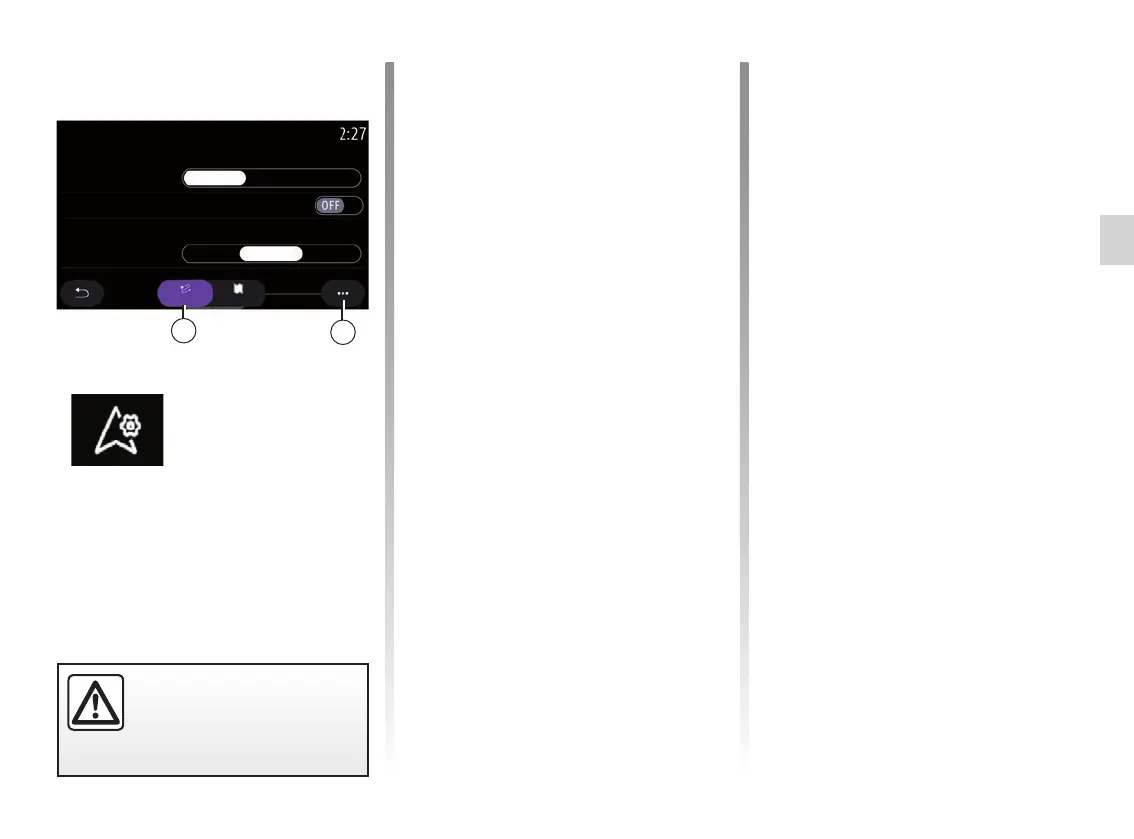
From the “ Route” tab 1, you can
access the settings below:
– “Route type”;
– “Enable alternative route”;
– “Use a detour in the event of traffic”;
– “Allow toll roads”;
– “Allow motorways”;
– “Allow ferries”;
– “Allow car train”;
– “Navigation learning”;
– “Downloadable destinations” (from
your phone);
– “Allow time-restricted roads”;
– “Allow toll roads”;
– “Avoidance areas”;
– “Allow unpaved road”;
– ...
Route type
This setting gives you the option of a
Fast, Eco or a Short route.
“Enable alternative route”
You can allow/block an alternative route
by pressing ON or OFF.
“Enable a detour in the event of traf-
fic”
You can enable detours and configure
to “Always”, “Ask” or “Never”.
“Allow toll roads”
This setting enables the use of toll roads
and you can configure to “Alwaysˮ,
“Askˮ or “Neverˮ.
2
1
Route
Navigation settings
Use traffic detour
Always
Eco
Ask
Never
Route type
Enable alternative route
Map
Fast Short



 To Next Page