Home
RepRap
3D Printers
X500
Page 14
RepRap X500 - Page 14
45 pages
Manual
Save Page as PDF
To Next Page
To Next Page
To Previous Page
To Previous Page
Loading...
X500
3D
printer manual
German
RepRap
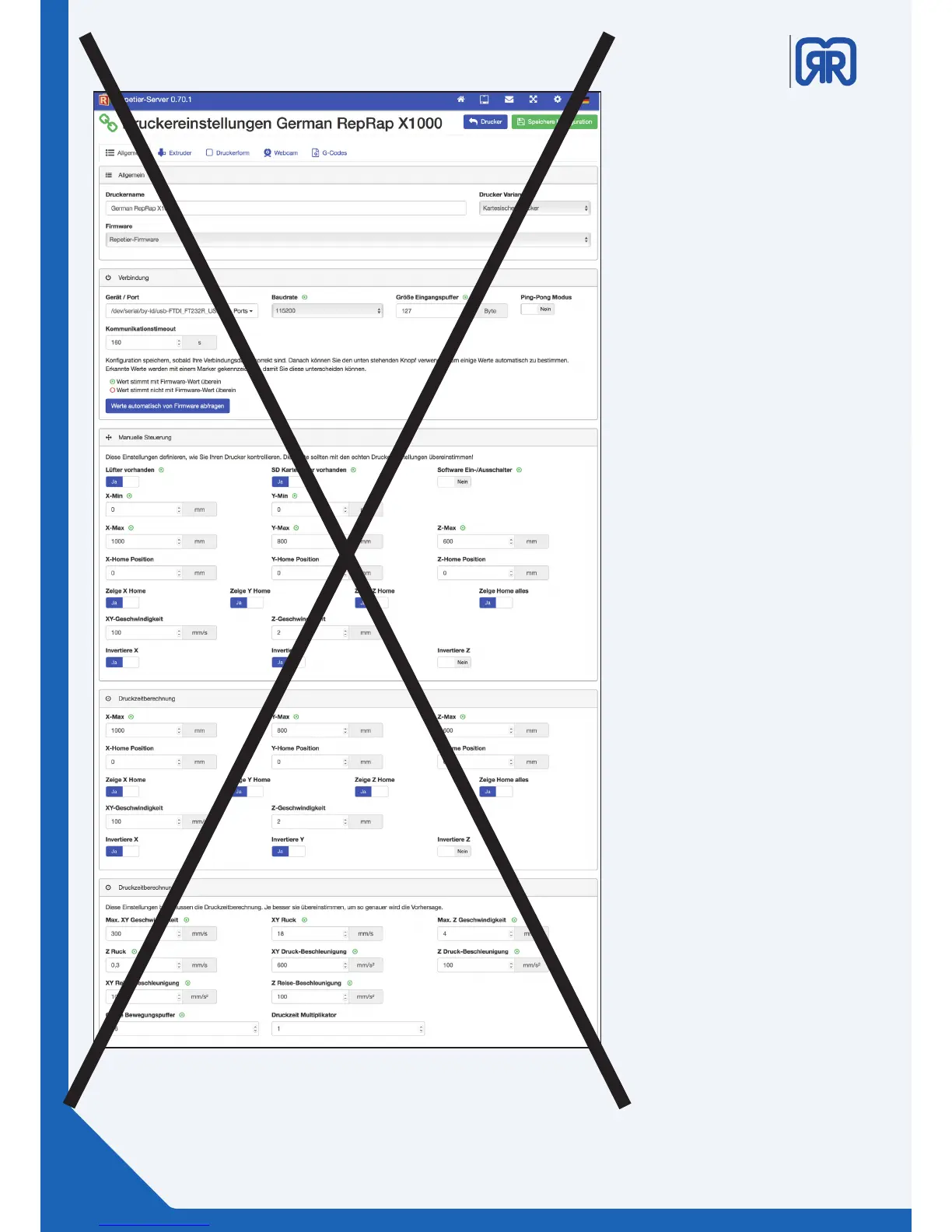
Under the tab
“
V
erbindung”
chose
/dev/serial/by-id/usb-FTID form
the “Gerät
e/Port
”
dropdo
wn
menu.
Also
, ensure that the baud rat
e is
set to 15200 and the
“C
ommunica-
tion-timeout”
is enabled.
General printer settings X500
14/45
13
15
Table of Contents
Main Page
Default Chapter
2
Table of Contents
2
1 General Information
4
Specifications
4
System Requirements
5
Additional Options
5
2 Operating Mode of the X 500
6
Operating Mode
7
Maintenance Mode
7
3 Network and Printer Set up
7
Connection Via Router
7
Setup Routine
8
How to Activate the Printer and Establish a Connection
13
4 Workflow and Operation
15
Simplify 3D
15
Features
15
Quick Start Guide
16
The Interface Layout
18
5 Repetier Server
23
Web Interface
23
Dashboard
24
Device Panel
25
Device Panel - Control
25
Eeprom
28
LOG-Files
29
Firmwareupdate
30
6 Tool Heads and Cosumables
31
Tool Head Wiring
31
DD4 Extruder
31
Material Storage
33
Filament Surveillance (Fs) Set-Up
33
FS Activates While Printing
34
FS Workaround
35
Cooling System
36
Heated Chamber
37
Z-Home Position
37
8 Tipps & Tricks
38
How to Determine the X500S MAC Address
38
How to Update Repetier-Server
38
PVA Solution for Enhanced Adhesion
39
PET-Foil for Printing Bed Coating
39
10 Important Notices
40
Return Shipment/ Original Package
40
11 Safety Notes
41
Power Supply
41
Installation Site
42
Related product manuals
RepRap Prusa i3
40 pages



 To Next Page