3.3 Setup routine
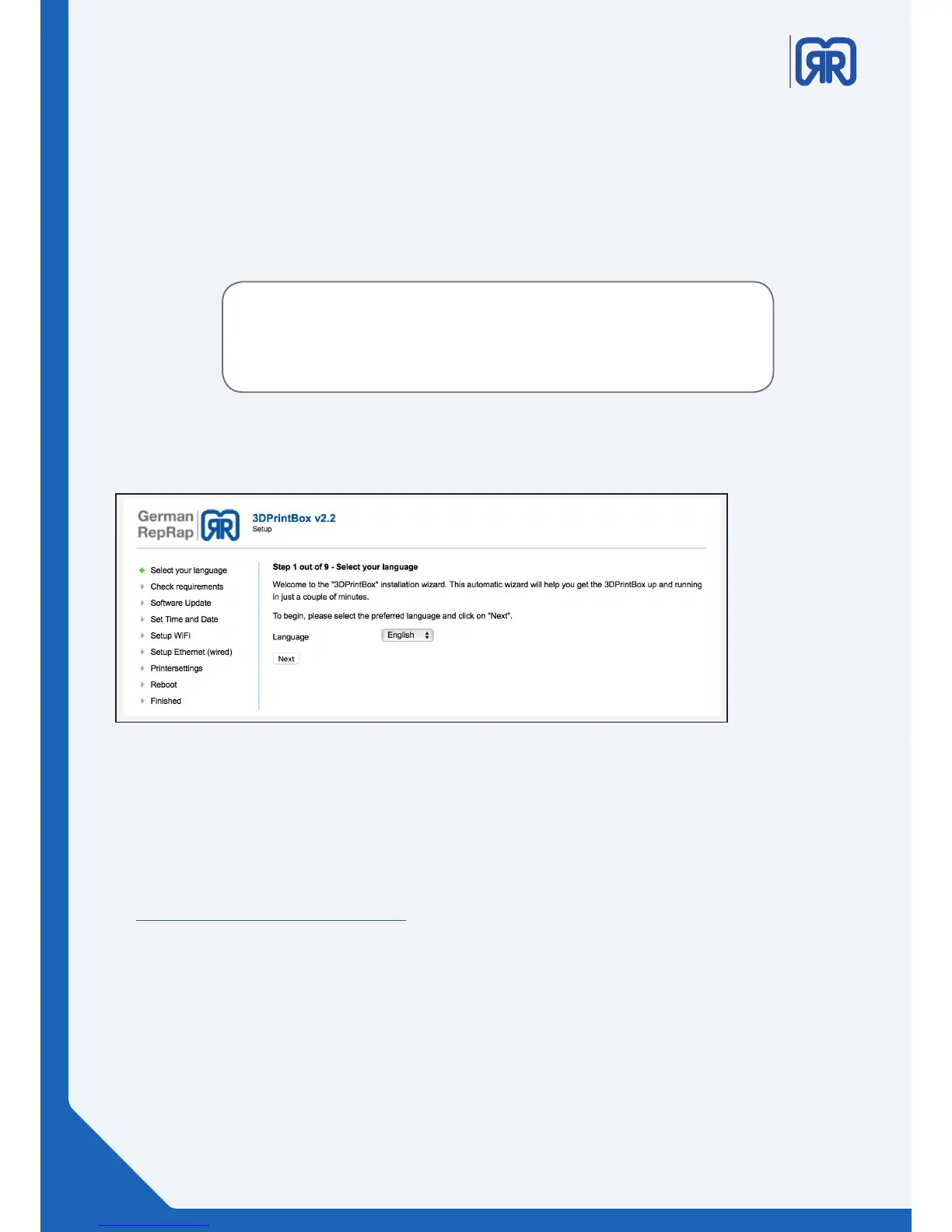
To congure your 3d printer afterwards you must launch the setup routine. Enter the pre-assigned ip
address of your 3d printer into your browser to establish a connection. The rst step of the set up routine
will appear thereafter :
• 192.168.1.1/setup.php
If you already assigned an ip address to your printer and you want to
restart the setup routine, you must use your new ip to establish a connec-
tion XXX.XXX.X.X/setup.php .
Step 1:
In the rst step, you chose the language of the installation assistant
Setup routine step one
Step 2:
Please contact the support if an error message occurs during the second step or if not all bullet points are
checked with the result “OK”.
https://www.germanreprap.com/support/
08/45



 To Next Page