3.4 How to activate the printer and establish a connection
After customizing the network settings and completing the setup routine you are now ready to establish the
connection to the X500 3D printer.
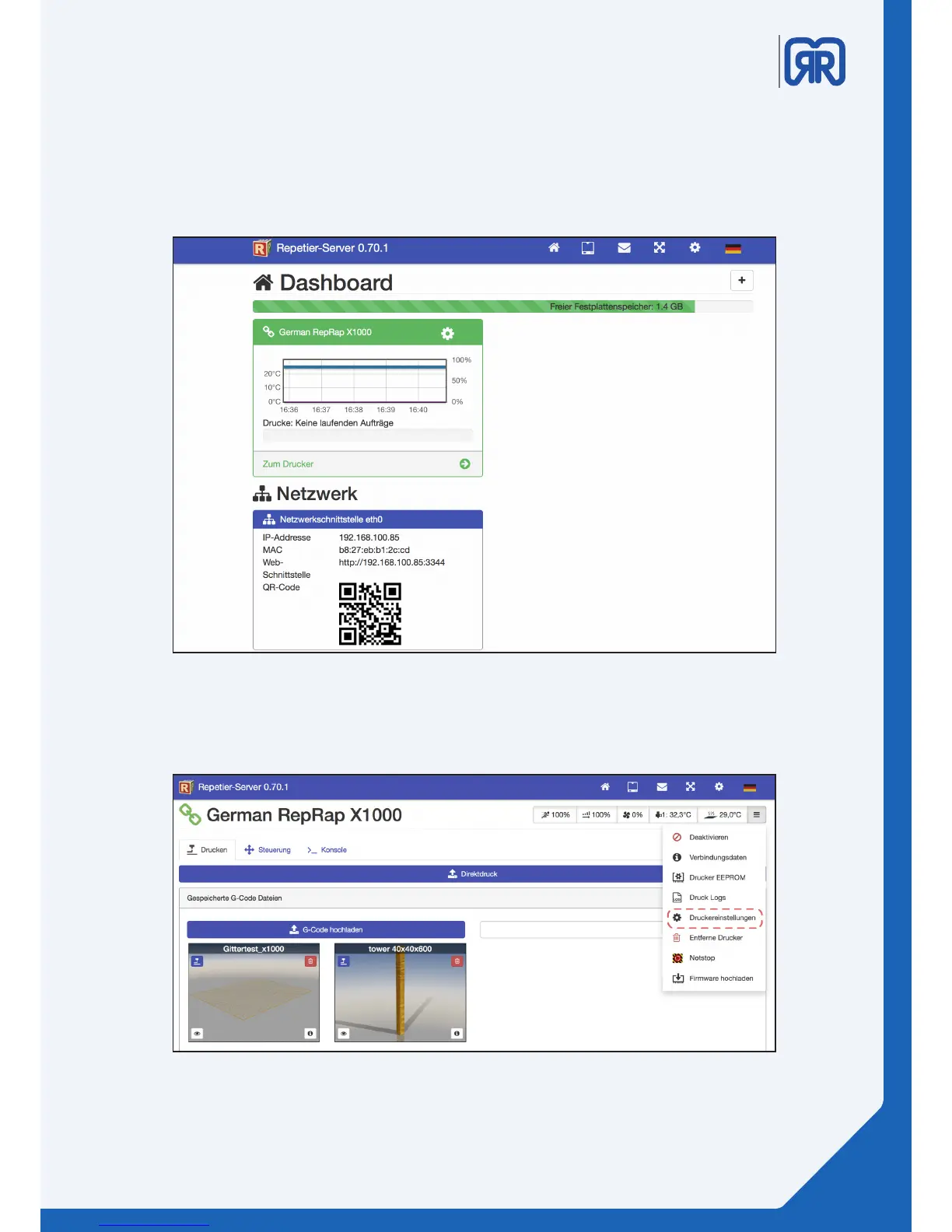
To do this enter the printer´s ip address in your browser (e.g. 192.168.1.2)
You will be presented the start screen (dashboard) of the Repetier-Server.
To ensure that everything has been installed correctly click on your 3D printer and then on the right bar on
“Druckereinstellungen”.
Repetier-Server Dashboard
Printer settings, Repetier-Server
13/45



 To Next Page