Attention:
Don‘t open the main lid while changing the lament, other-
wise the printer will shut down and the current print is lost.
6.4 FS activates while printing
If the fs gets activated while a printjob is currently running, a pause will be executed. The pause is not
executed immediately since the printer still has commands inside the buer(16 lines).
While printing very large objects this might cause an error because the hotends get deactiveted immedi-
ately, please see the next chapter for a workaround.
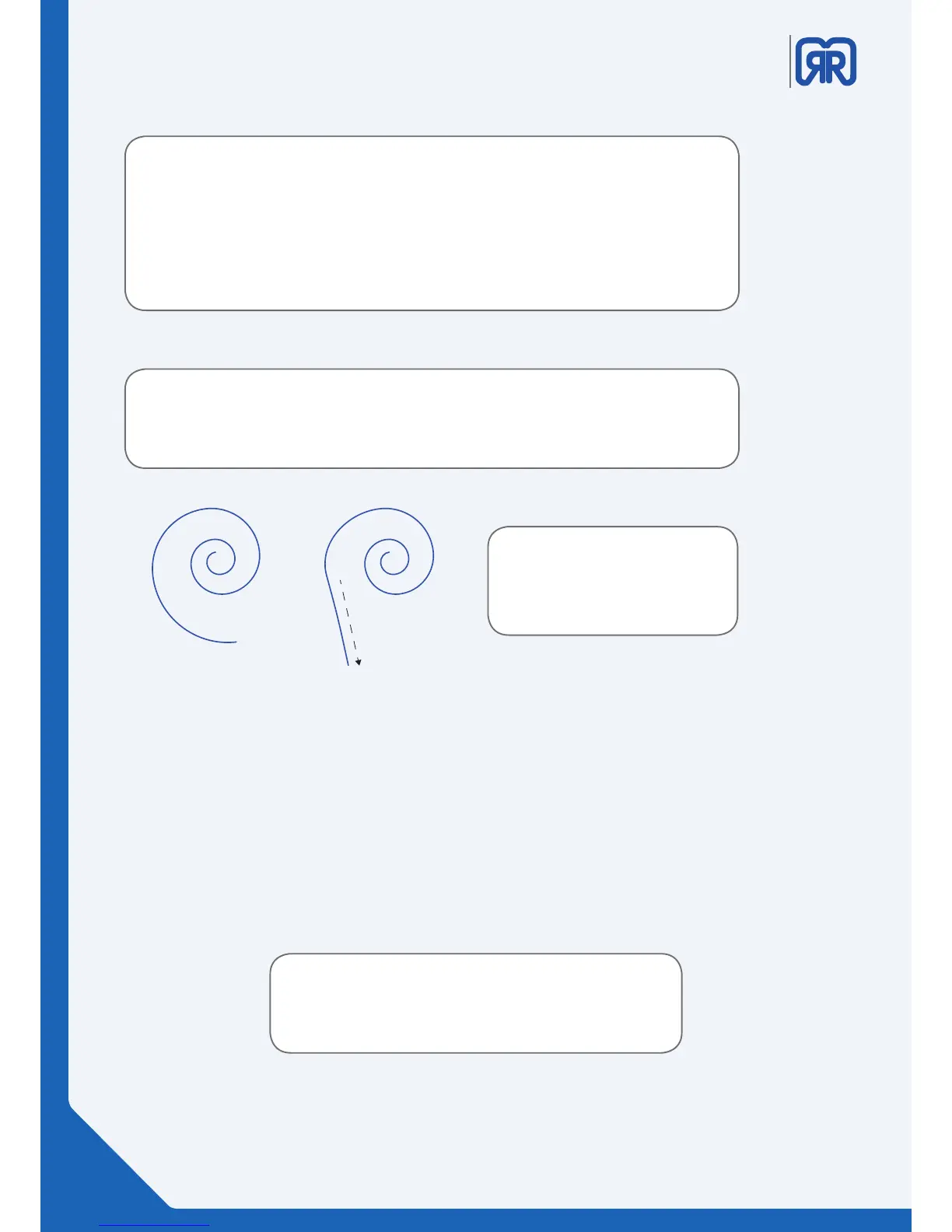
Tip:
It is easier to insert the lament,
when you straighten the end and
cut it o diagonally.
If you want to change form PLA to PTEG lament, the nozzle must be heated up to the
higher material specic temperature. Otherwise problems may occur when changing the
laments.
ATTENTION: If you want to use dierent types of laments consecutively, ush the nozzle
thoroughly before using the next type of lament. Let at least 500 mm material extrude to
ensure that the nozzle will not get clogged.
General tips for the lament change:
Tip:
Make sure that the extruder is not heated up for too long when it does not transport
lament, otherwise the hot end might clog.
34/45



 To Next Page