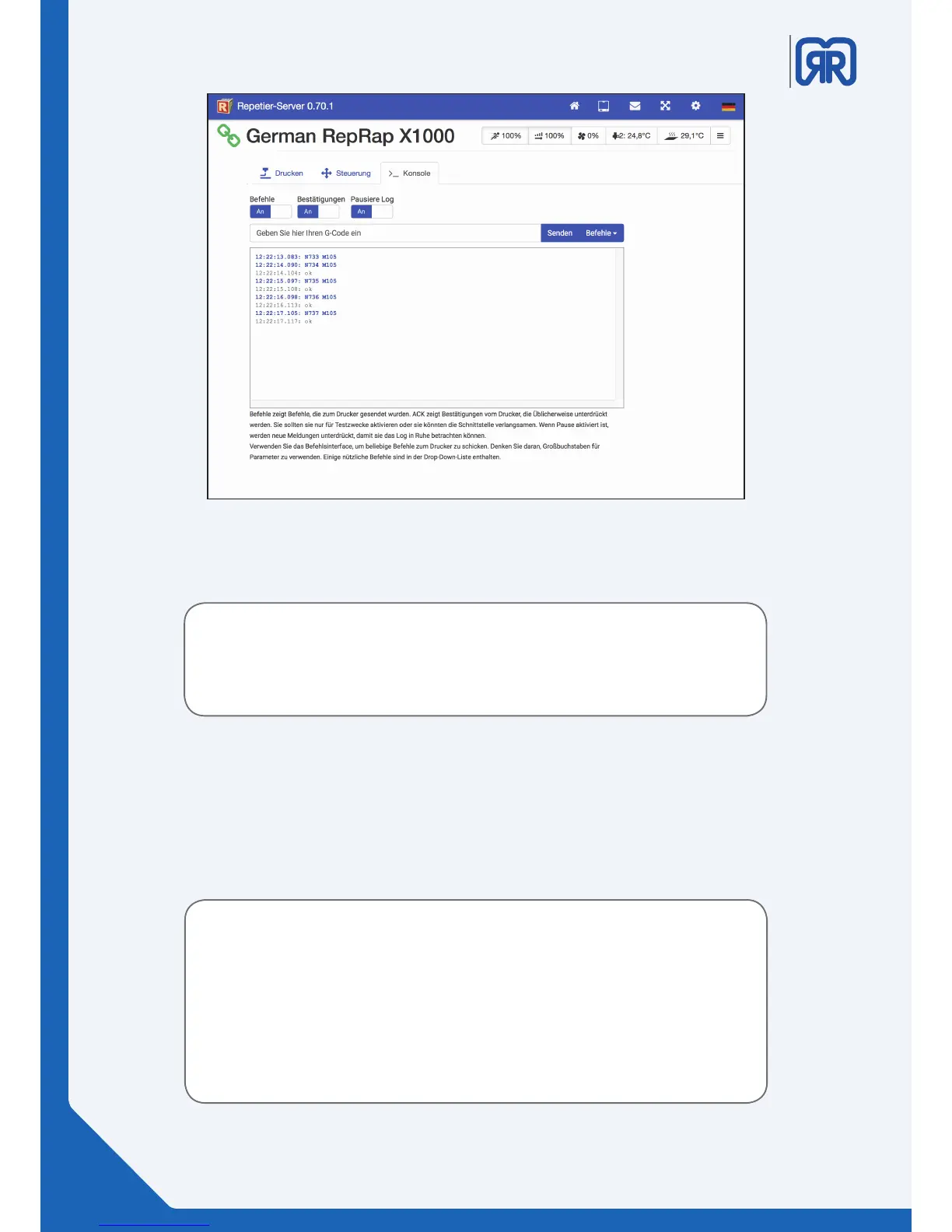
Under the tab “Konsole” you can view logs of all orders and conrmations that are sent to the 3D
printer. To do this just activate the corresponding switch.
This tool is especially useful to nd possible faults of the device. By activating pause
new messages will be suppressed, so that you can read your desired text section in your
leisure.
Console, Repetier-Server
Please note:
I the EEPROM arena you have direct access to the printer´s rmware, therefor care should
be taken when changing values.
You should generally only modify these settings after consulting the support.
Incorrectly registered values can lead to a malfunctioning device or could even damage
the 3D printer.
5.5 EEPROM
You can use the drop-down menu on the right side to reach the EEPROM settings. Here you can nd impor-
tant machine parameters like the size of the print bed.
Changed values will be highlighted in green until they are saved. Incorrectly registered values will be high-
lighted in red. Use the button “speichern” to adopt your changes.
28/45



 To Next Page