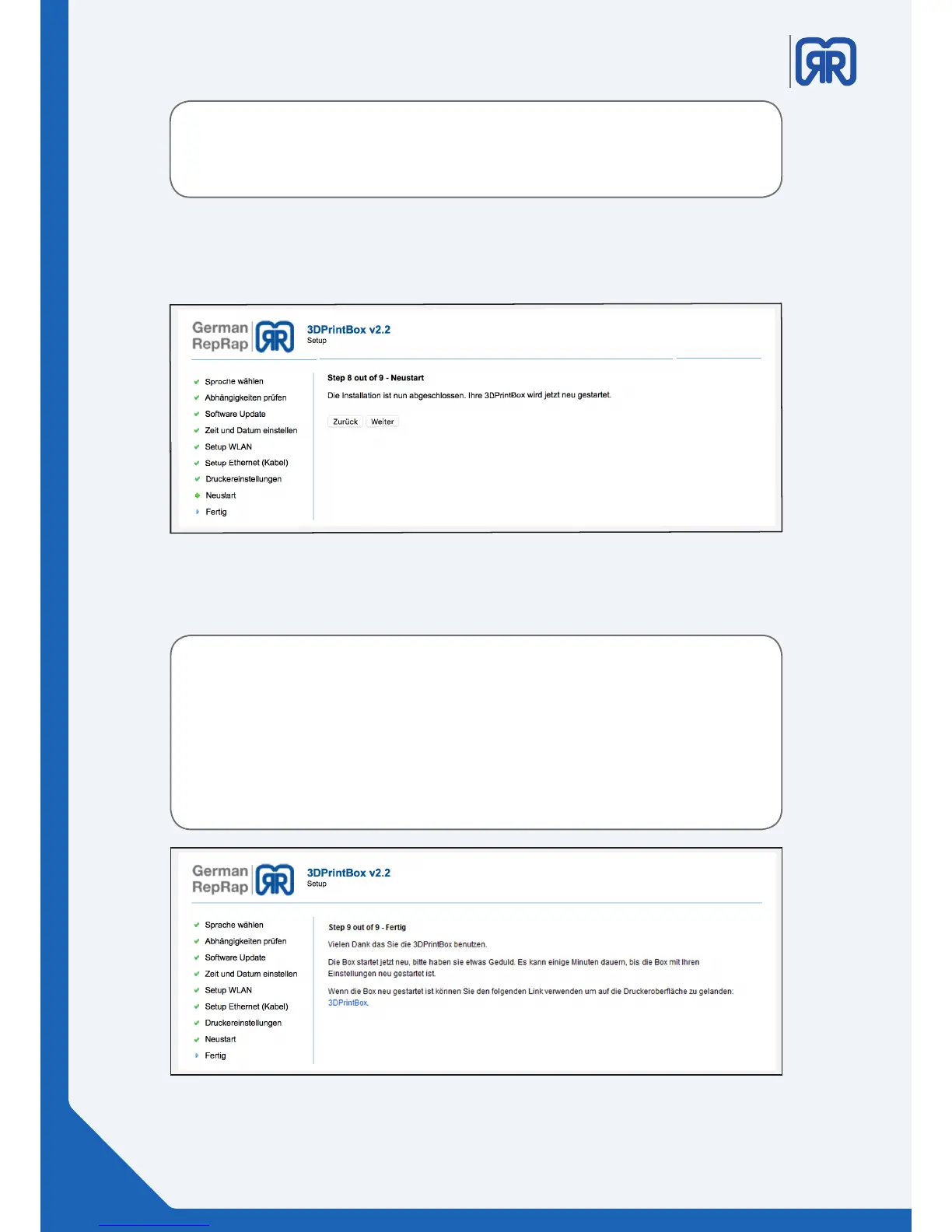
Step 8:
Conrm these settings by clicking on “weiter”. Your print box will reboot afterwards.
Setup routine step eight
After performing a software update with a new image the printer´s display will
remain black. You must restart the setup routine to reactivate the “Grasche
Oberäche”.
Step 9:
Setup routine step nine
Important:
After successfully completing the setup routine, you must restart the device
twice to make sure that all changes have been correctly initialized.
Start the device using the key and wait until it is completely booted. Then shut
it down and repeat the procedure.
12/45



 To Next Page