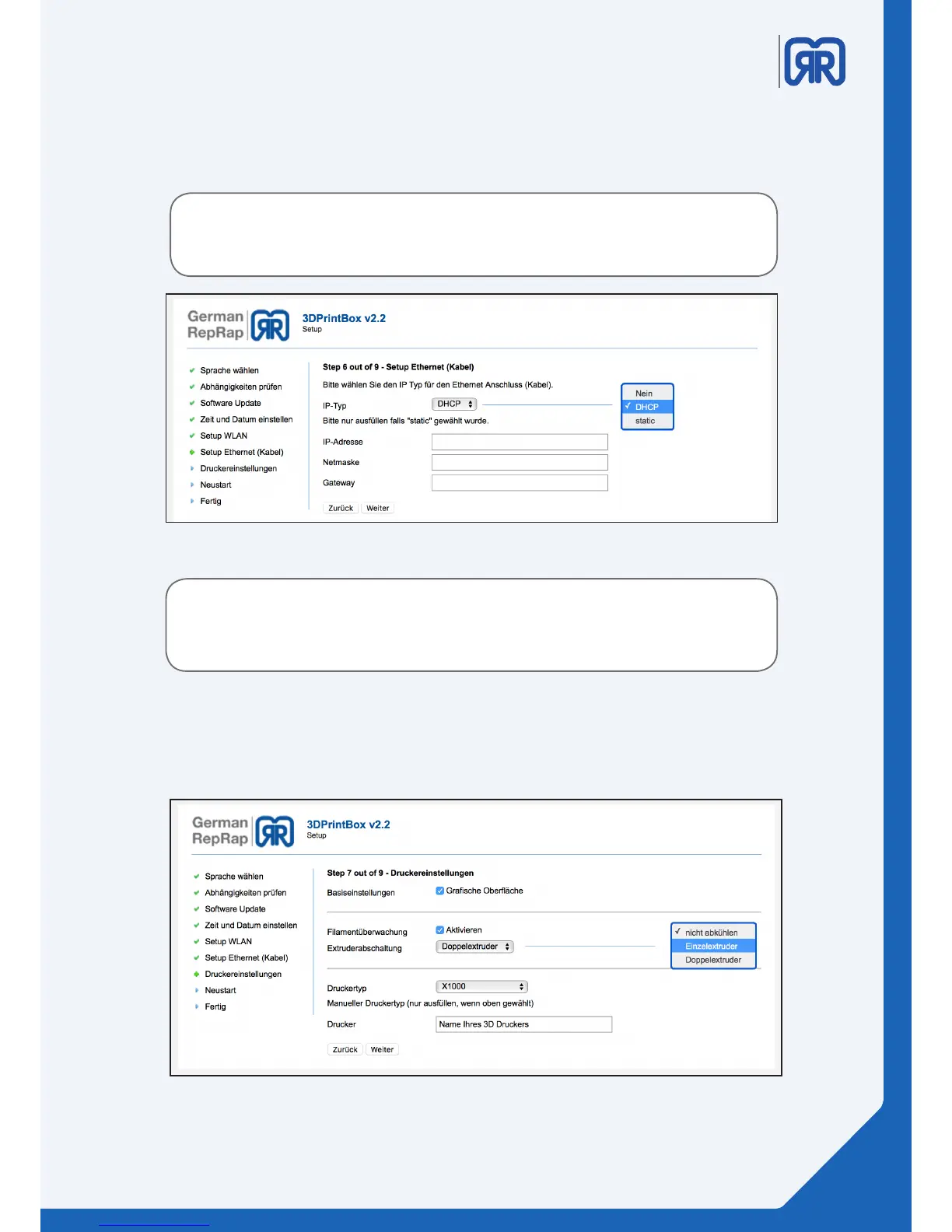
Step 6:
In the sixth step you will dene the settings of your network connection. If you assign a static ip address, the
fallback (192.168.1.2) will be overwritten.
Setup routine step six
Please consult your IT department about your prefered setting.
If you enter incorrect data into this windows it might be impossible to recon-
nect to the printer without the help of our support.
Step 7:
Here you can activate the checkboxes at “Grasche Oberäche” and “Filamentüberwachung”, depending on
your conguration, for single - or double extruder.
Setup routine step seven
11/45



 To Next Page