Step 3:
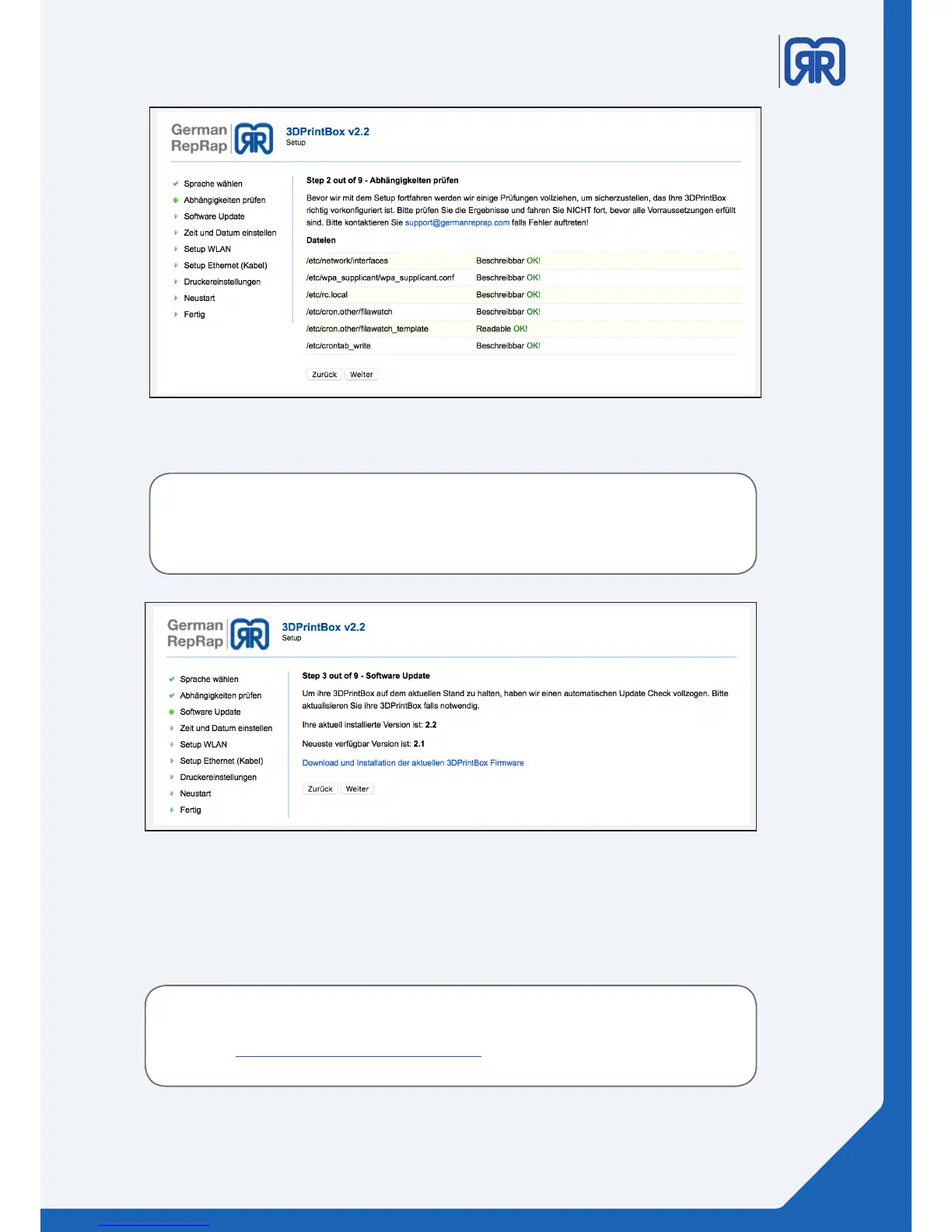
Setup routine step two
Attention!
Please perform software updates only after consulting the support.
Unauthorized updates can damage the device!
Setup routine step three
Step 4:
In the fourth step, you set the time and the date. You can get them set automatically over the internet. If you
do not have an internet connection, you can also set them both manually.
For some devices, there is a real-time module available. For an inquiry
please contact the support via:
https://www.germanreprap.com/support/
09/45



 To Next Page