Printing on Your Machine
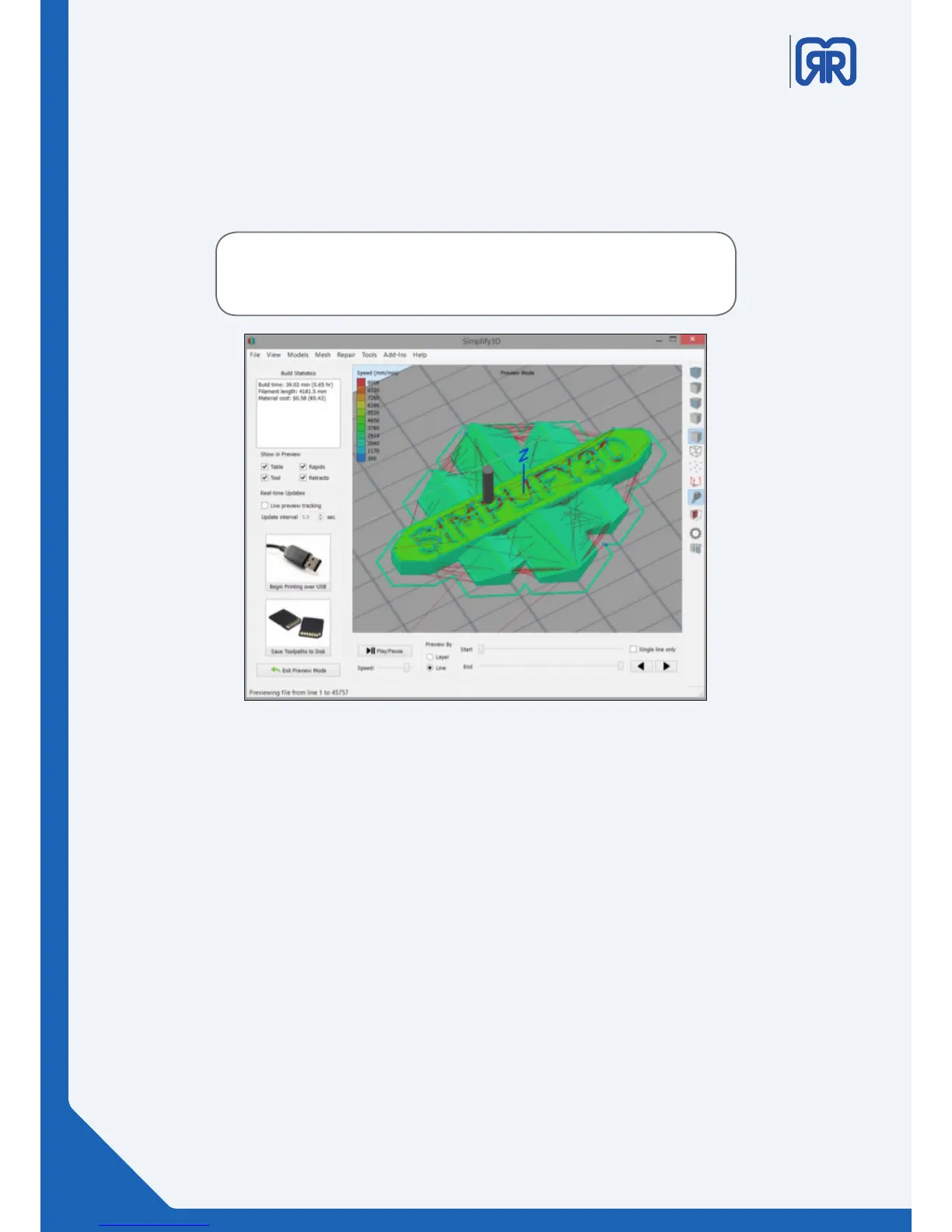
When you are happy with the preview, there are two options to begin your print:
Begin Printing over USB
• If you are using a USB connection, you have the option to view the build sequence real-time on
your monitor by selecting Live Preview Tracking. For additional information on USB communication,
access the Machine Control Panel to view a broad range of information that is transmitted via USB.
Save Toolpaths to Disk
• This saves your print file to a user-defined location, such as a folder on your computer or an SD card.
Congratulations! You have now completed your first 3D print using Simplify3D™ Software. You’ll soon be
ready to explore other options and create many exciting models.
G-Code preview
Play/Pause button animates the preview line by line.
Start and End Slider Bars allow you to move through the preview manually. (Hint: leave the Start button posi-
tioned at left and drag the End button to the right side to see the entire build).
The preview can be illustrated by Line or by Layer by clicking on either selection.
Tip: A useful setting is to select Preview by Layer and also place
a checkmark in Single Layer Only. Together, these selections will
allow you to view a single layer at a time.
22/45



 To Next Page