6.1 Switching the device on
Switch on the device as follows:
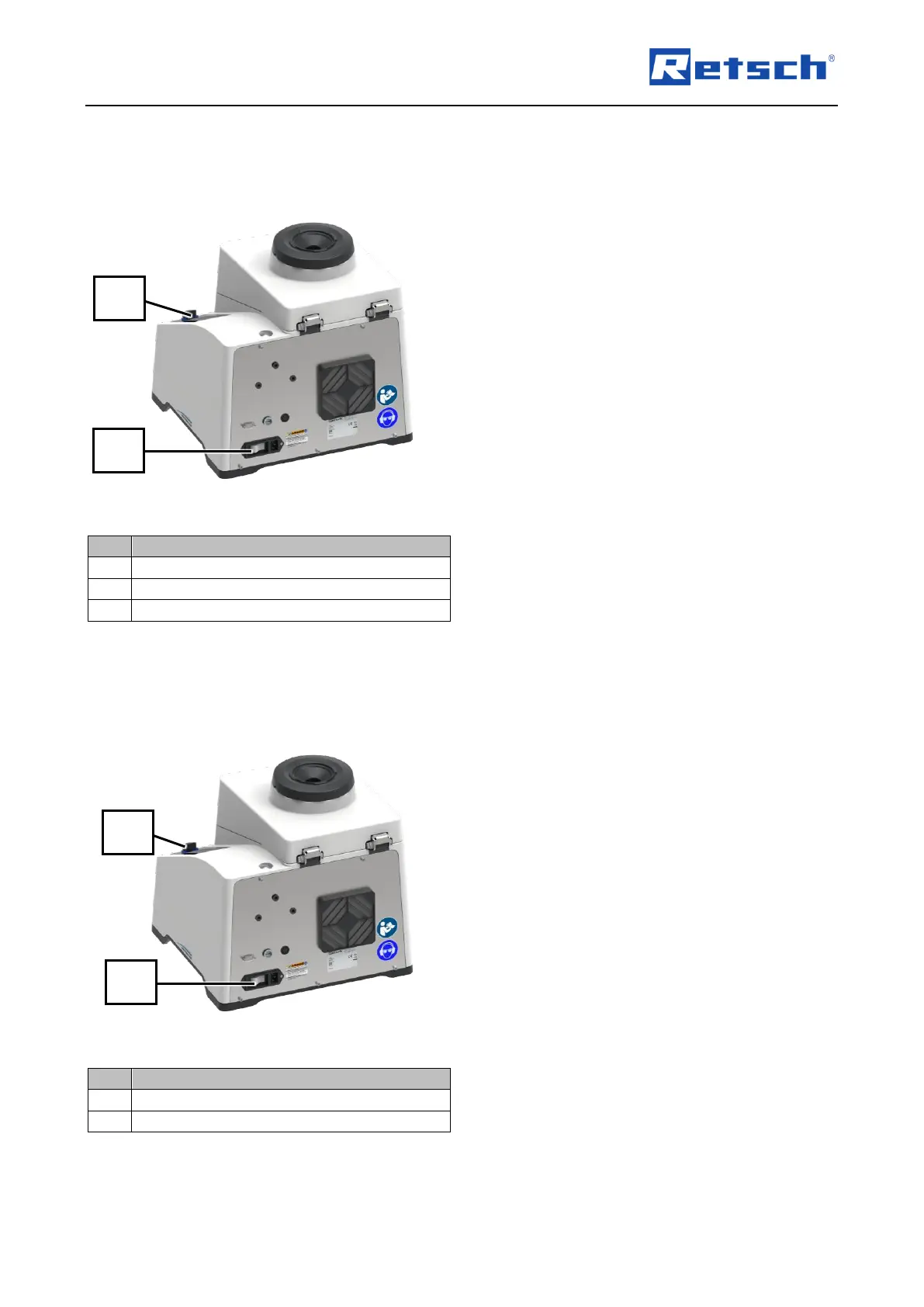
Fig. 10: Switching on the device
1. Check whether the device is correctly
connected to the power supply.
➔ The device is correctly connected to the
power supply.
2. Switch on the device with the main switch
(16) at the rear of the device (Fig. 10).
➔ The touch display (6) is activated and the
background of the control dial (7) briefly
lights up in blue.
➔ The device is ready for use.
6.2 Switching the device off
Switch off the device as follows:
Fig. 11: Switching off the device
1. Switch off the device with the main switch
(16) at the rear of the device.
➔ Touch display (6) goes out.
➔ Device is switched off.



 To Next Page