Controlling the device using the touchscreen display
56
After switching on the device, the button is hidden until the device hood is closed
and locked.
Press the button to start grinding.
After the grinding gear has started, the start sign changes to the stop sign .
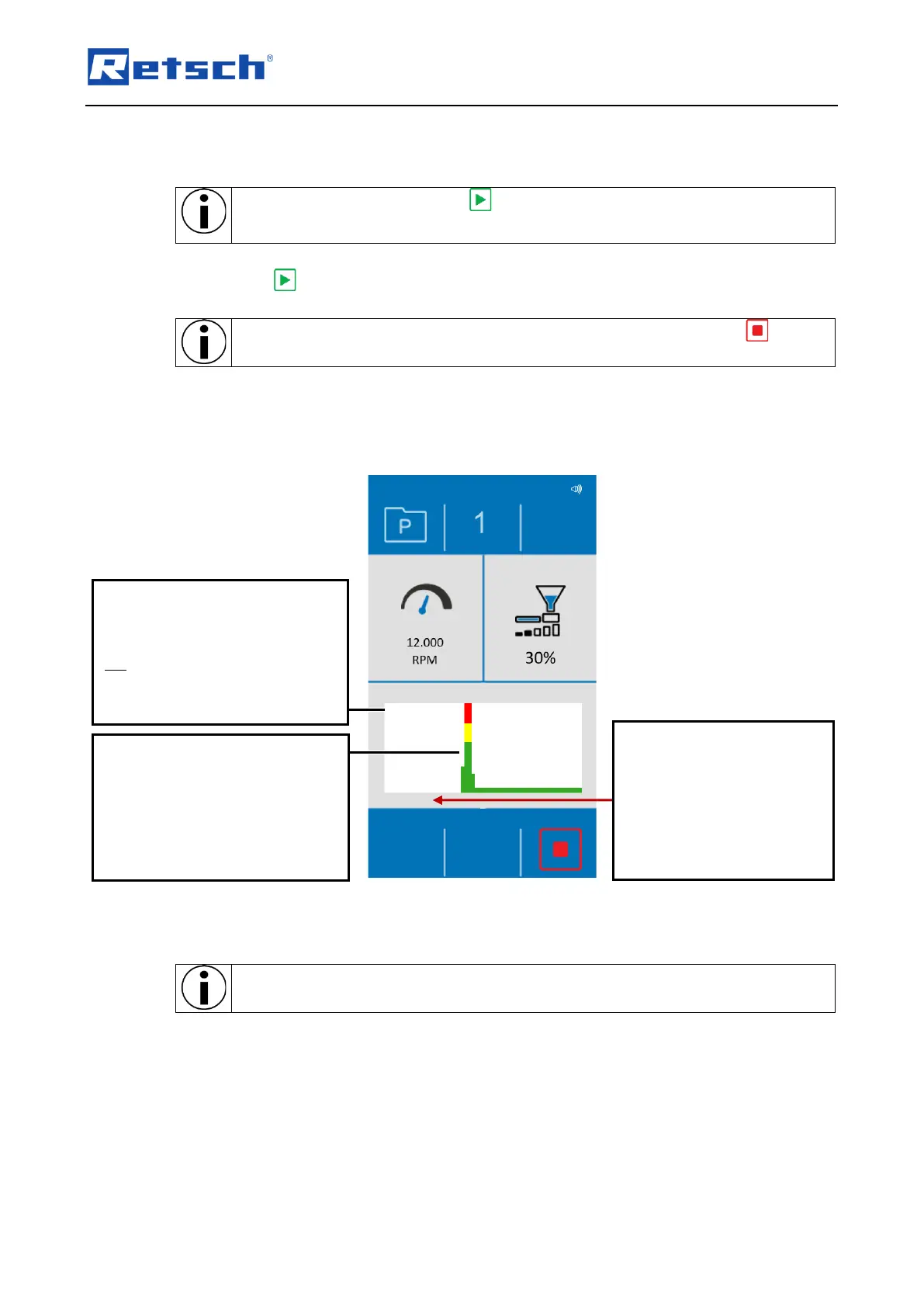
During a grinding process, a performance indicator is shown on the touch display.
The performance indicator on the touch display shows the load on the drive.
When grinding, observe the performance indicator on the touch display to prevent the
sample material from being fed in too quickly.
Fig. 35: Performance indicator
Power peaks are indicated by
coloured bars.
Red indicates a high load, yellow
a medium load and a green bar
indicates a normal load on the
The direction of passage is
from right to left. Currently
measured values are on the
right-hand side. Previously
measured values are on the
left.
Display of the system
temperature measured by the
sensor in the device hood. This is
not the actual temperature of the
sample material.



 To Next Page