Controlling the device using the touchscreen display
48
7 Controlling the device using the touchscreen display
The device is controlled using the touchscreen display in combination with the control dial.
7.1 Menu interface on the touchscreen display
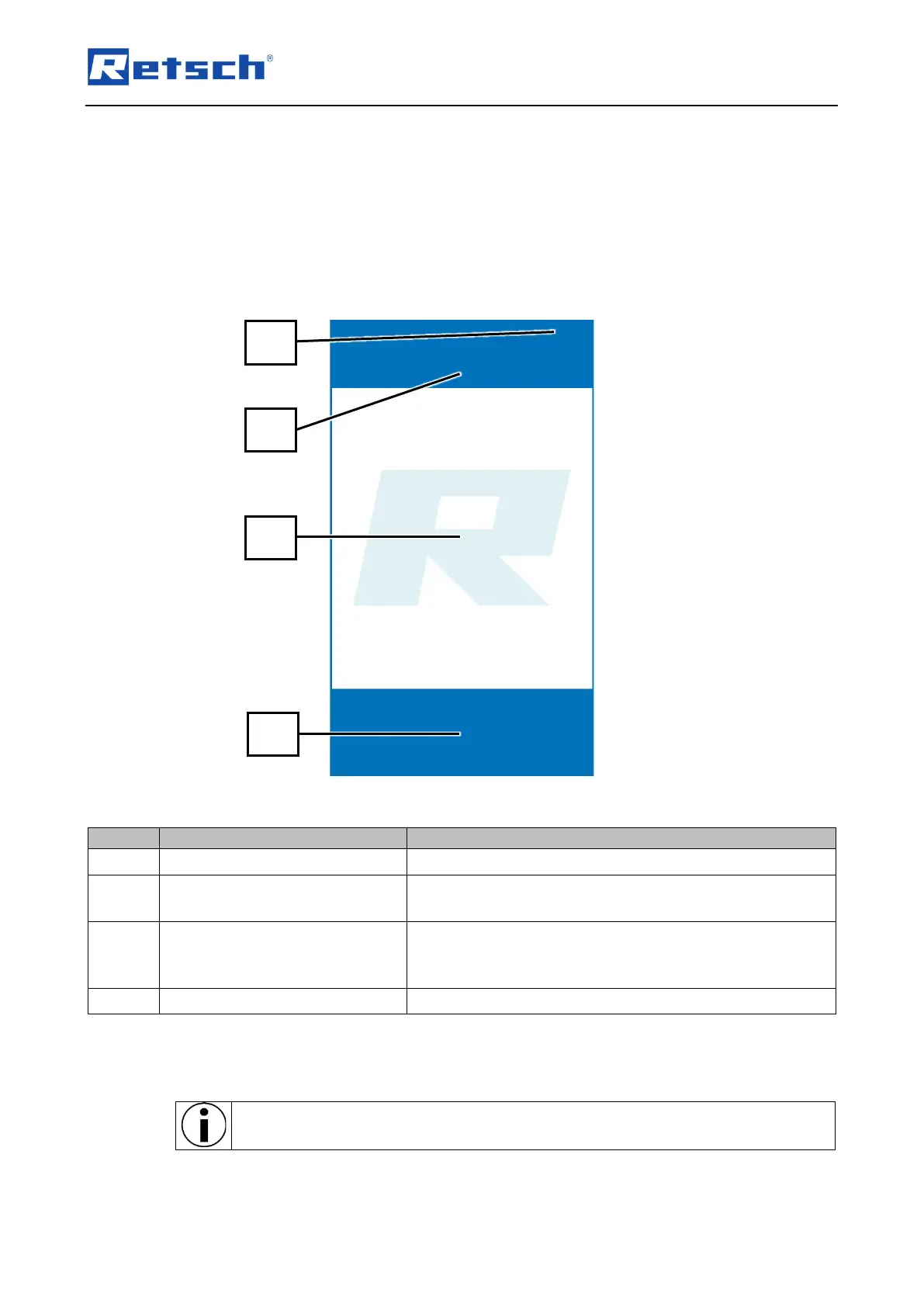
The menu interface of the touch display is divided into the following areas:
Fig. 30: Division of the touch display menu interface
Automatic hood opening on/off – Signalling device on/off.
Selection of the operating modes "Manual" and "Program" as
well as access to the "System settings" menu.
Parameter settings and display
area
Settings and display of grinding parameters the DR 100 feed
unit.
During grinding, the motor power is displayed over time.
Start, stop, open device hood.
Various control elements and functions can be selected via the menu interface of the touch
display.
Only those functions are displayed and active that can be selected for current
operation.



 To Next Page